
AI Lyric Video Maker — turn any song into a lyric video.
Upload your song or paste a link. AI transcribes lyrics from the audio automatically, syncs every line to the beat, generates mood-driven visuals, and lets you preview before you export — free (watermarked), no subscription needed.
How the AI Lyric Video Maker Works
 1
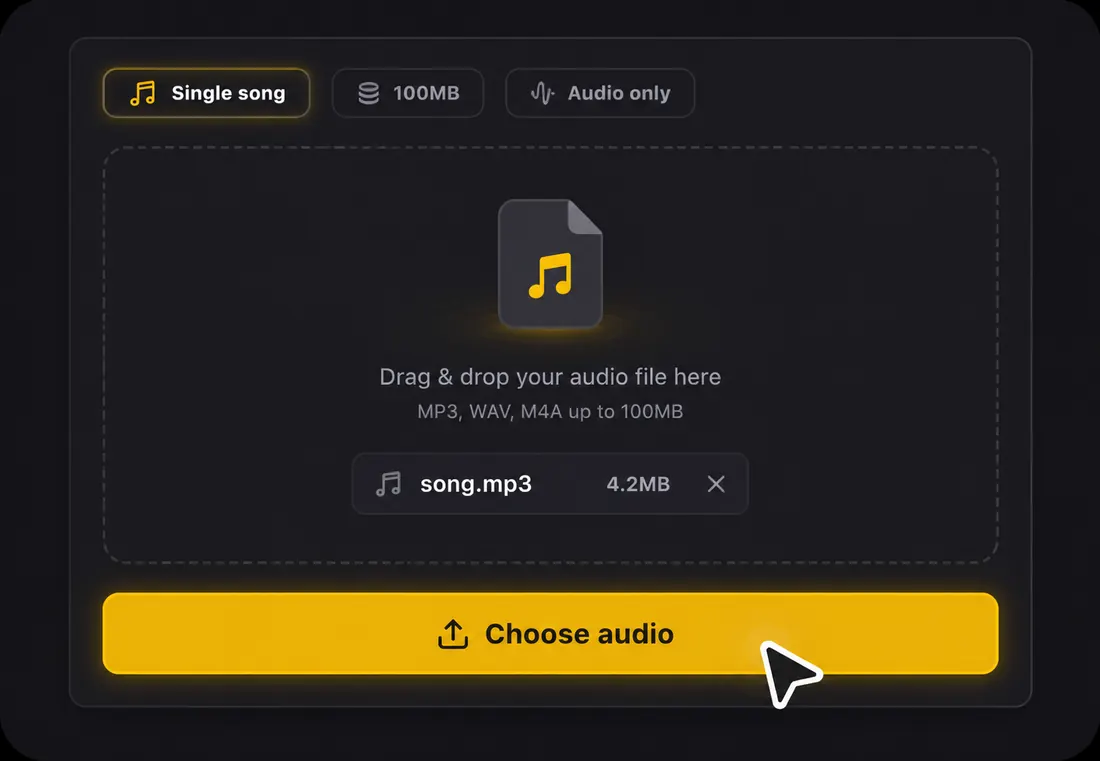
1Step 1: Upload your song
Drop an MP3, WAV, FLAC, AAC, or OGG file, or paste a link. A free account gives you starter credits, and no manual lyric typing is required. LyricVideoMaker starts from your real audio, not a blank timeline.
 2
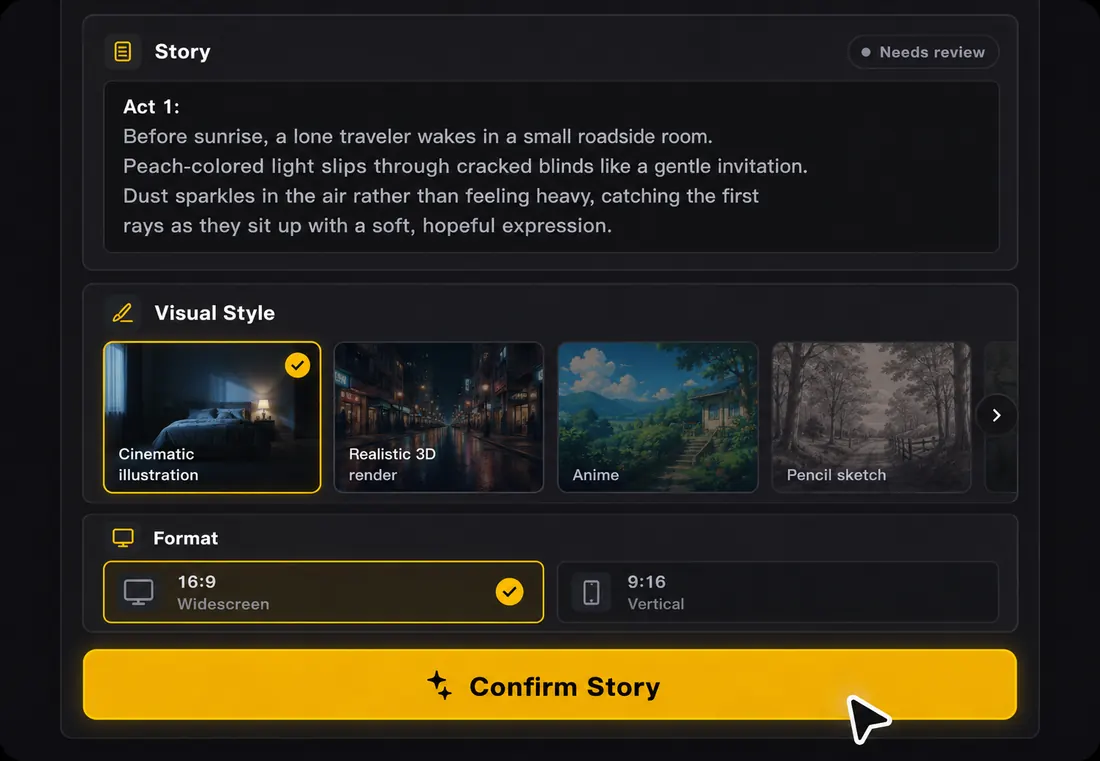
2Step 2: AI transcribes and syncs
AI transcribes lyrics from the audio automatically, detects the beat, and syncs every line to the right moment. It supports 50+ languages, and every lyric line stays editable.
 3
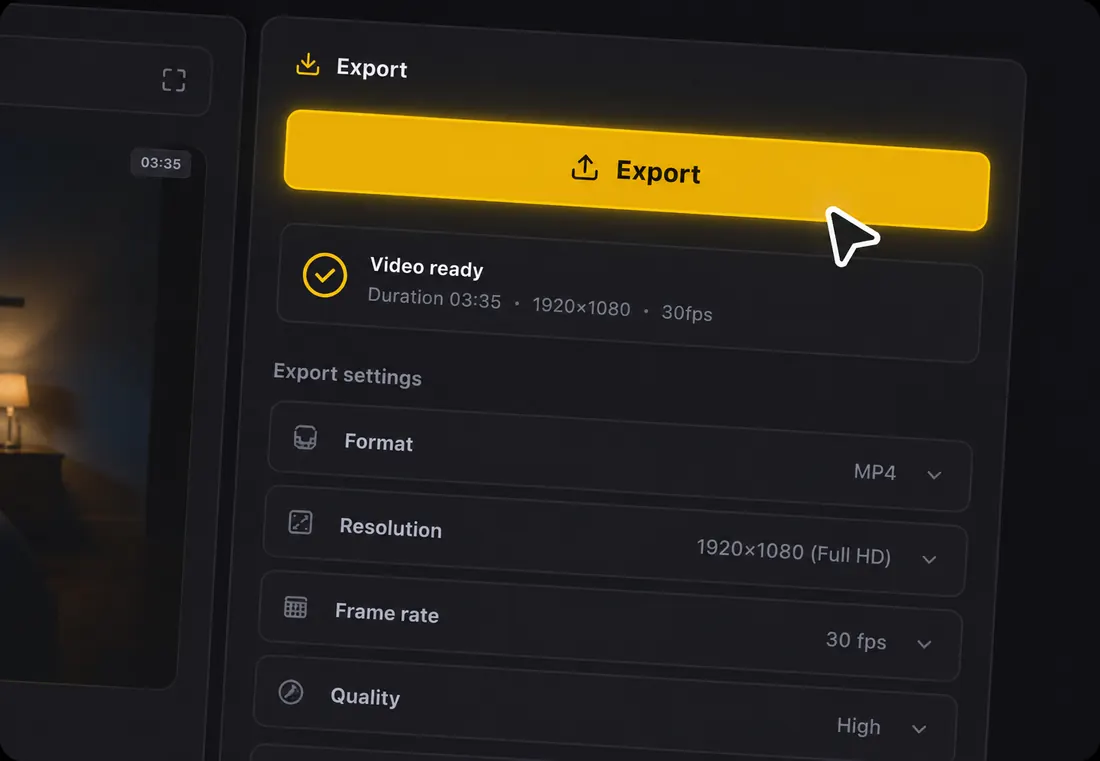
3Step 3: Preview and export
Preview the full lyric video with your own lyrics and chosen style. Export a watermarked version for YouTube, TikTok, Reels, Shorts, or feed posts — free, no subscription required.
The song is done. The video isn't.
You spent weeks on the writing, the recording, the mix. The track finally sounds right.
Now you need something visual — something that matches the energy of the song — so people can actually find it and feel it.
Hiring a video editor costs too much. Learning After Effects takes too long. And generic templates don't match my sound.
So the song sits there. Finished, but invisible.
LyricVideoMaker closes that gap.
Upload your song. AI handles the transcription, the timing, and the first visual draft — in minutes, not days.
You stay in control of the creative direction. Change the words, the style, the mood. Export when it feels right.
A real production tool
Not a one-click gimmick. A lyric video workflow you can trust for a real release.
AI does the heavy lifting
Transcription, sync, and rendering are automatic. Your taste and judgment shape the final cut.
AI auto-transcribes lyrics
Upload audio and let AI prepare editable lyrics automatically.
Beat-synced lyric timing
Every line is synced to the song so the words land with the music.
YouTube, TikTok, Reels export
Create lyric videos for 16:9, 9:16, and 1:1 publishing.
Export a watermarked video free — no subscription
Start with free credits and export a watermarked video without a subscription.
Loved by creators, musicians, and marketers worldwide.

AI Lyric Sync
Upload your song and let AI transcribe every line and lock it to the beat. Edit any lyric and fine-tune any timing — in 50+ languages, in minutes, not days.

The AI Lyric Video Maker
Built for songs, not ads or reels. Start from your lyrics, then make it yours with story prompts, scenes, colors, fonts, and images. No video editing experience required.

Export to Your Favorite Editor
Finish in the tools you already use. Create your lyric video in minutes, then export to Premiere, DaVinci Resolve, or Final Cut Pro for advanced editing.
Made for wherever your music lives
YouTube
Full-length lyric videos in crisp 16:9 HD. Perfect for lyric channels and official audio uploads.
Learn how to make a YouTube lyric video →TikTok
Vertical 9:16 videos with bold, scroll-stopping lyric animations. Optimized for the first 3 seconds.
Try the TikTok lyric video generator →Square and vertical formats for Reels, Stories, and feed posts. Aesthetic styles that match your grid.
See Instagram-ready templates →The fastest way to a finished lyric video
| LyricVideoMaker | Video editors | General AI tools | |
|---|---|---|---|
| Time to finish | ~2 minutes | 2–6 hours | 15–30 minutes |
| Auto lyric detection | ✓ | ✗ manual | ~ subtitles only |
| Beat-accurate sync | ✓ | ✗ by hand | ✗ |
| Lyric-specific styles | ✓ purpose-built | ✗ from scratch | ~ generic captions |
| 50+ languages | ✓ | — | ~ |
| Free, no subscription | ✓ | ~ software cost | ✗ subscription |
Built for one thing — lyric videos — and obsessively good at it.
Creator notes
How creators use the lyric video maker
Artists, editors, and release teams use LyricVideoMaker to turn real songs into synced lyric videos for YouTube, TikTok, Reels, and release campaigns.

Maya R.
Independent singer-songwriter
I uploaded a 3-minute demo and had editable, beat-synced lyrics before I opened my usual video editor. That saved me the whole first pass.

Jonas K.
Music producer
For client previews, the timing matters most. I can show the artist how every line lands with the beat before we spend time polishing visuals.

Alina S.
TikTok music creator
The 9:16 preview helps me check whether the hook reads on a phone. I can export a short vertical version and post it the same day.

Dante V.
YouTube lyric channel editor
I prepare 5 lyric videos a week. Starting with automatic transcription and synced lines keeps me out of manual subtitle timing.

Sora N.
Video editor
When an artist sends a rough track, I use the lyric video maker to get a clean timing base. Then I can spend my time on style and pacing.

Leah M.
Indie label coordinator
For release week, I need YouTube, TikTok, and Reels assets from the same song. Having those formats in one workflow keeps handoff simple.

Niko P.
Electronic musician
My tracks rarely have clean pauses, so manual lyric timing gets messy fast. The beat sync gave me a usable first version in one upload.

Camila T.
Social content lead
We test hooks before a release. A synced lyric clip tells us whether the chorus works on Reels before we book a full edit.

Eli W.
Folk artist
I care more about readable words than flashy effects. Uploading the song first kept the video centered on the lyric and the vocal.

Noor H.
R&B vocalist
The editable lines helped a lot. I fixed two phrases after transcription, previewed the full song, and exported a vertical version for TikTok.

Marco D.
YouTube channel editor
A ten-second preview is easy. Watching the full track with synced lyrics tells me whether the pacing works for a lyrics channel.

Tia B.
Bedroom producer
I used to skip lyric videos because the setup felt too big. Starting from the audio made it feel like part of finishing the song.
FAQ
Everything you need to know before making your first AI lyric video.

Your song already has the story.
Now give it a video.
Create your lyric video now:
Upload Your SongExport a watermarked video free. No subscription. No credit card required.