VEED alternative — AI lyric video maker, free

VEED Alternative for Lyric Videos — Start From the Song

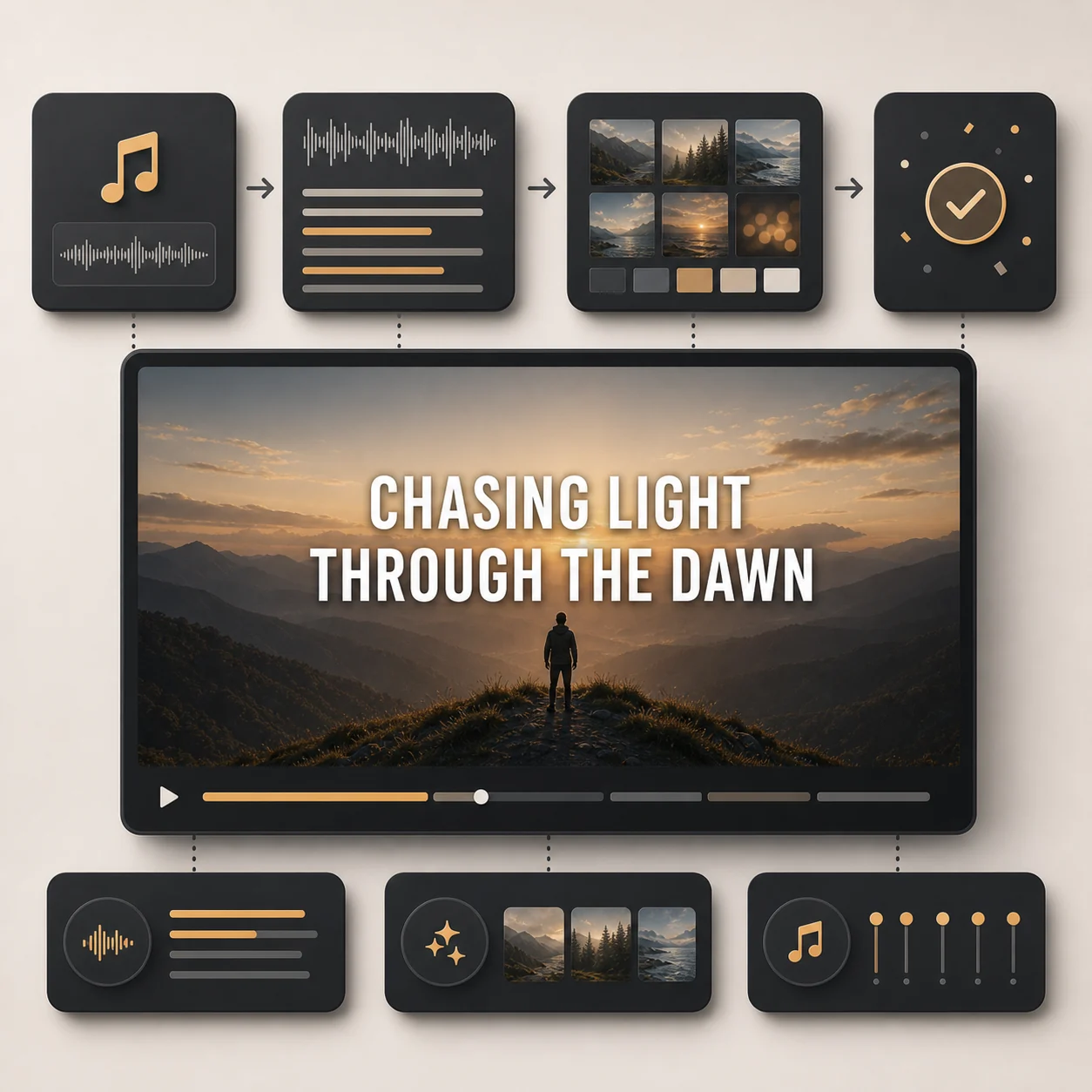
VEED is a general video editor — great for subtitles and talking heads, but lyric videos still mean manual text placement and timeline work. LyricVideoMaker starts from the song: upload audio, AI auto-transcribes lyrics, syncs every line to the beat, and generates visuals. Export a watermarked video free — no subscription needed.

Step 1

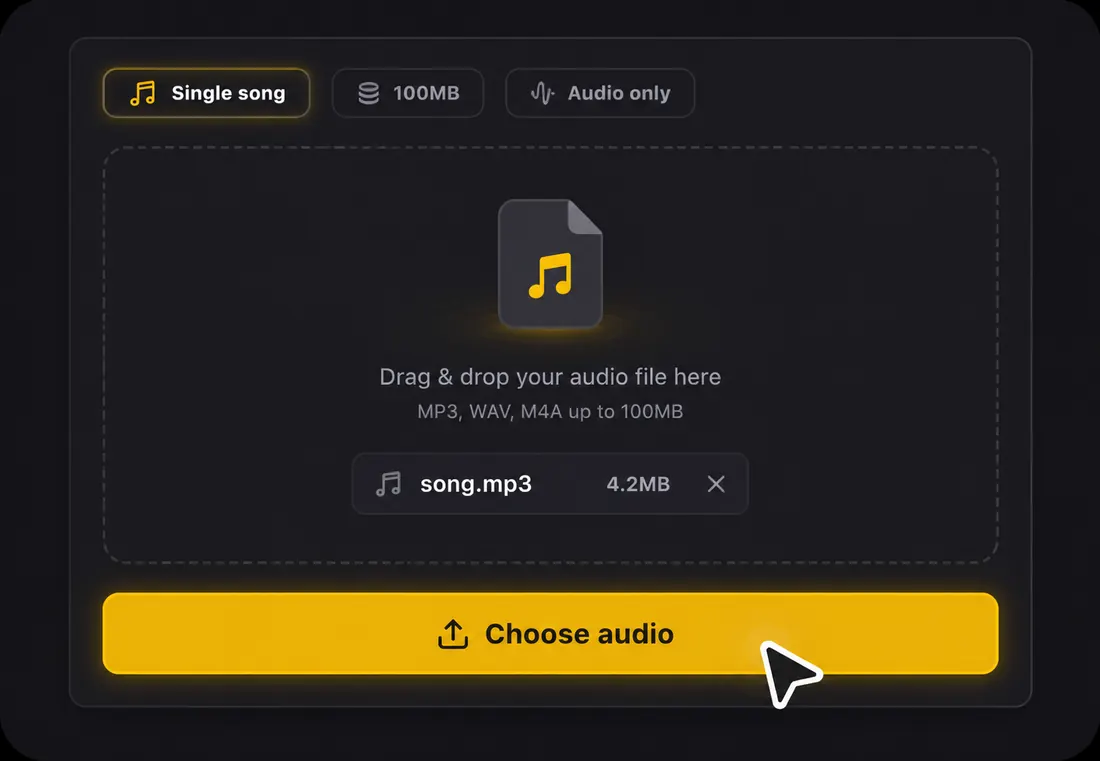
Upload your song

Choose one audio file to start your lyric video.

Single song100MBAudio only

Drag & drop your audio file here

or click the button below to browse

Supports MP3, WAV, FLAC, AAC, OGG, M4AMax 100MB

AI auto-transcribes lyrics
No timeline or text placement
16:9, 9:16, and 1:1 export
Export a watermarked video free — no subscription or credit card

VEED vs LyricVideoMaker for Lyric Videos

VEED is useful when you need a general editor. LyricVideoMaker is faster when the job is turning a song into a lyric video.

DetailLyricVideoMakerVEED
Starting pointUpload a song and let AI build the lyric video flowOpen a video editing timeline and assemble text, timing, and visuals
LyricsAI transcribes lyrics from audio automaticallyLyrics usually need to be prepared, pasted, and arranged
Music timingLines sync to the beat with editable reviewTiming depends on timeline edits and manual adjustments
When VEED is betterUse LyricVideoMaker for song-first lyric videosUse VEED for talking-head edits, subtitles, and general social videos

The difference is workflow shape: VEED gives you editing tools; LyricVideoMaker turns the song itself into the project.

Try LyricVideoMaker Free

How This VEED Alternative Makes Lyric Videos

Upload your song1

Step 1: Upload your song

Drop an MP3, WAV, FLAC, AAC, OGG, or M4A file (up to 100MB). A free account gives you starter credits, and no manual lyric typing is required. Unlike VEED, there's no blank timeline — the song drives the workflow from the start.
AI transcribes and syncs2

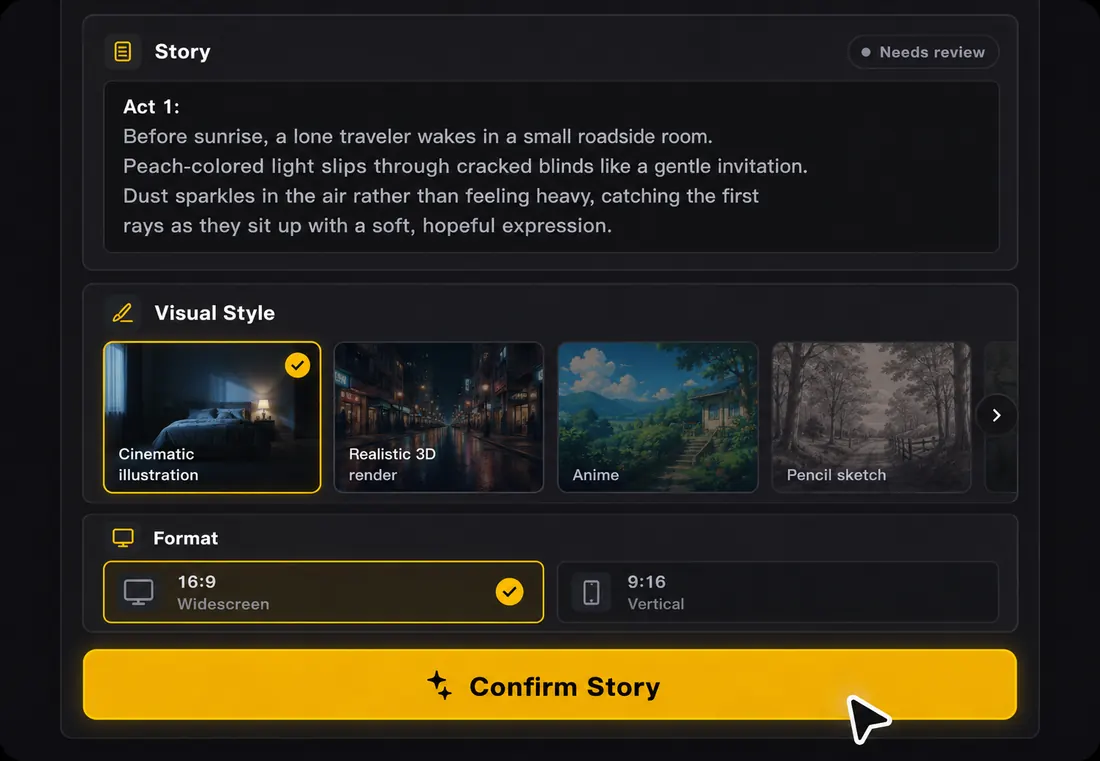
Step 2: AI transcribes and syncs

AI transcribes lyrics from the audio automatically and syncs every line to the beat — in 50+ languages. Click any line to edit. No dragging text boxes, no adjusting timestamps frame by frame. AI also generates visuals matched to the song's mood.

Preview and export3

Step 3: Preview and export

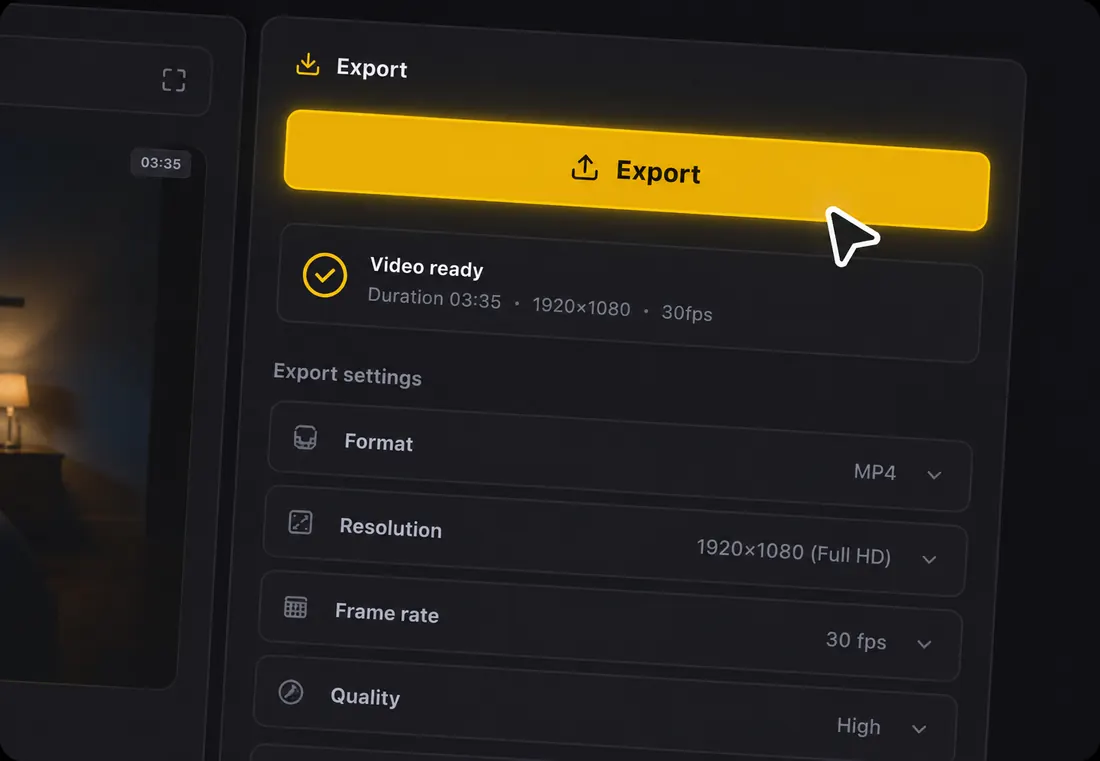
Watch the full lyric video before publishing. Confirm lyrics are accurate and timing feels right, then export in 16:9 for YouTube, 9:16 for TikTok, Reels, and Shorts, or 1:1 for feed posts. Free to export (watermarked), no subscription required.

Why Make Lyric Videos on LyricVideoMaker Instead of a Timeline Editor

VEED is a capable general editor, but making a lyric video in VEED means typing lyrics, placing text, syncing timestamps, and building on a timeline. LyricVideoMaker eliminates all of that — upload a song and get a finished lyric video.

Song in, lyric video out — no timeline

VEED gives you a timeline and text tools. LyricVideoMaker gives you a finished lyric video from a song upload — lyrics transcribed, synced, and visualized automatically.

Song in, lyric video out — no timeline

Song-first project setup

The upload starts with audio analysis, lyrics, timing, and visuals instead of asking you to assemble a blank timeline.

Review instead of reconstruct

You review synced lyric lines and visual direction instead of recreating the song section by section with text boxes.

Release assets stay aligned

Full-song videos and short clips can share the same lyric timing and visual direction, so release content feels consistent.

What is a VEED alternative for lyric videos?

A VEED alternative for lyric videos is a song-first generator for creators who do not want to build a lyric video inside a broad online editor. Upload the audio, let AI transcribe and sync lyrics, review the text, generate mood-matched scenes, and export MP4 versions for the platforms that matter.

  • Input is a supported audio file up to 100MB.
  • It focuses on sung lyrics and beat timing rather than general caption editing.
  • Output includes widescreen, vertical, and square lyric-video formats.
  • VEED remains useful for general social editing; this workflow is narrower and faster for songs.

VEED alternative for lyric videos specs at a glance

Accepted input

Audio upload only: MP3, WAV, FLAC, AAC, OGG, or M4A, up to 100MB per file.

Lyrics

AI transcribes vocals automatically in 50+ languages, then lets you edit every line before export.

Sync

Beat-aware line timing keeps lyrics readable and musical instead of simply dropping captions on a fixed grid.

Visuals

Storyboard planning and AI scene-image generation create backgrounds around the mood of the song.

Exports

MP4 with original audio in 16:9, 9:16, or 1:1 for YouTube, Shorts, TikTok, Reels, and feeds.

Start

Free credits are available at the start, so you can preview the workflow before spending more time on a release.

VEED caption workflow vs lyric-video workflow

VEED is strong for online editing and captions. Lyric videos need music-specific timing, repeated-hook handling, and visuals that support sung words.

Decision pointPractical guidance
Primary jobVEED handles many video tasks; LyricVideoMaker focuses on songs.
Caption logicSpeech captions follow spoken timing; lyric timing follows melody, phrasing, and beat.
Repeated hooksLyric workflows must keep repeated sections consistent across the song.
Visual layerGenerated scenes can respond to mood instead of relying only on stock assets.
Best VEED useTalking-head clips, subtitles, screen recordings, and general social edits.
Best LyricVideoMaker useMusic releases where synced lyrics are the core visual.

Best practices when choosing a VEED alternative

Use these checks before you render, especially when the same project needs more than one platform format.

Choose by project type: spoken video belongs in an editor, songs benefit from lyric automation.
Test transcription on the chorus and any fast verse before judging the whole tool.
Check line breaks, because lyric readability depends on phrasing more than sentence grammar.
Use the same style across vertical and widescreen exports to keep campaign assets connected.
Keep dense verses visually calm and let hooks carry more motion.
Use VEED after export only if you need broader social-editing additions.
Compare total manual work, not the size of the editing toolbar.

Why caption tools are not the same as lyric tools

A VEED alternative for lyric videos uses an audio-first lyric generator instead of a broad caption editor. The choices that matter happen before you render — here are the principles worth keeping.

1

Captions follow speech, lyrics follow the beat

Caption tools time text to spoken words. Lyric videos need timing that respects the music's beat and gives singers the line before they need it — a different problem entirely.

2

Lyrics are structure, not decoration

The words are the structure the viewer follows, not a caption added last. Always transcribe first, align to the beat second, and design the scene third.

3

AI does the heavy lifting, you keep the taste

AI handles transcription, timing, and scene generation. Whether the style fits, a line break should change, or you need a vertical, square, or widescreen export stays your call.

4

The scene serves the lyric

Viewers should never choose between reading the line and watching the scene. Keep contrast strong, lines short, and motion restrained so the visuals support the words.

5

Review in three passes

Watch once for words to catch transcription errors, once for rhythm to catch lines that arrive early or late, and once for platform fit so it still reads in a phone feed.

6

One source, every format

A single project becomes a 16:9 full version, a 9:16 vertical, and a 1:1 square without retyping lyrics or rebuilding timing — which is what makes a release feel planned.

7

Build it while the song is fresh

Make the lyric video while the song is still in your ear: you will hear awkward line breaks faster, catch misheard words sooner, and judge where the energy should rise or stay quiet.

VEED alternative for lyric videos checklist before export

A quick pre-export review catches most quality problems while they are still cheap to fix.

CheckWhat to verify
Audio readinessAccepted formats are MP3, WAV, FLAC, AAC, OGG, and M4A; keep the file under 100MB.
Language reviewThe system auto-detects 50+ languages, but bilingual hooks and names deserve a manual pass.
Timing reviewBeat sync gives a strong baseline; nudge any line that lands early or late against the vocal.
Scene reviewGenerated images should match the mood without making text hard to read.
Export reviewCheck 16:9, 9:16, and 1:1 separately because readable text size changes by format.

VEED Alternative FAQ

Yes. As a VEED alternative, LyricVideoMaker is free — free credits to start, export included (watermarked), no subscription or credit card.

VEED Alternative — Use Cases

When the project is a lyric video, skip the general editor and start from the song.

YouTube full-length lyric video

YouTube full-length lyric video

Export the entire track as a 16:9 lyric video — no timeline assembly required.

TikTok and Reels clips

TikTok and Reels clips

Cut the hook or chorus into a 9:16 vertical lyric video without rebuilding a timeline.

Artist single releases

Artist single releases

Get a lyric video from the final mix in minutes — no editor, no designer, no timeline.

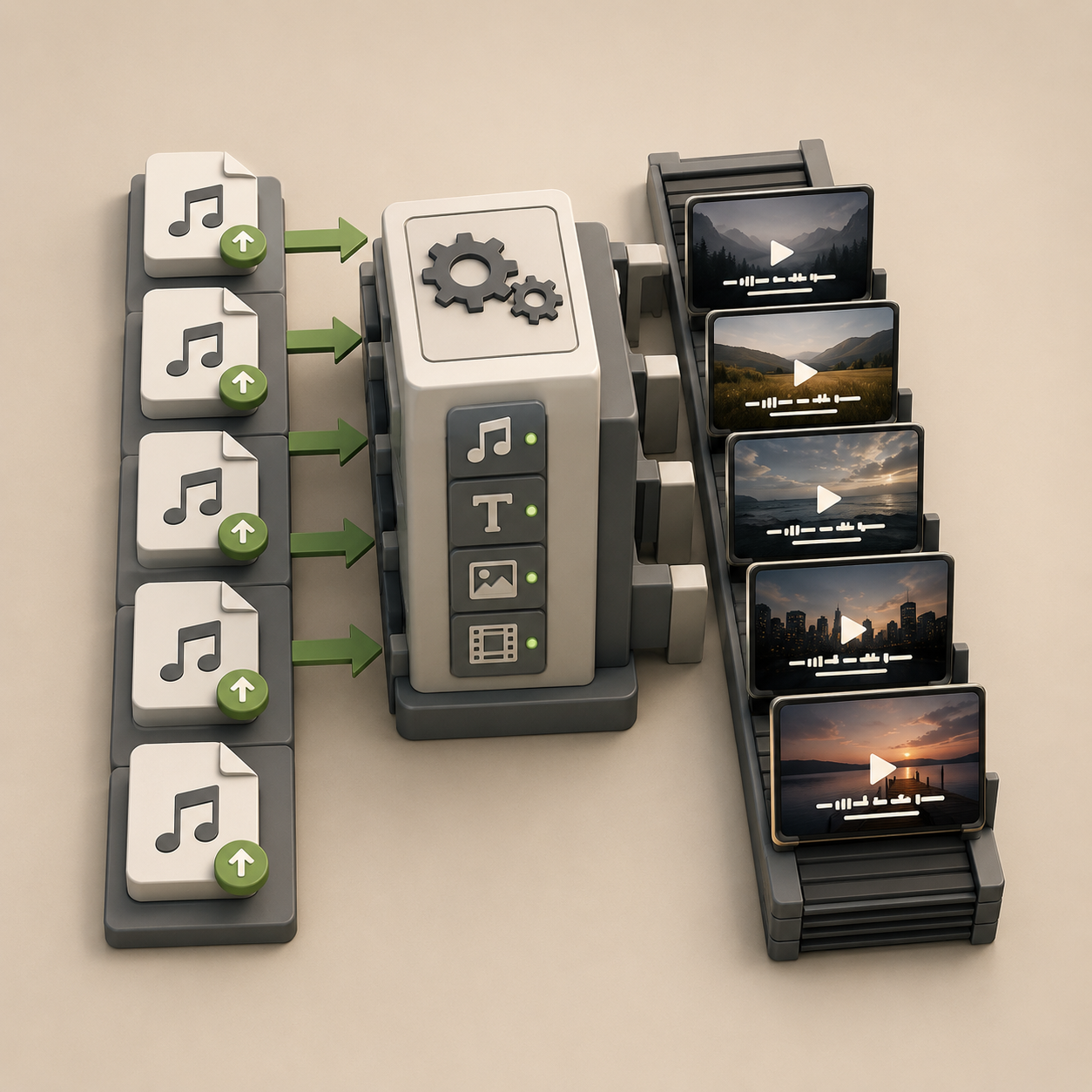
Lyric channels and batch content

Lyric channels and batch content

Upload songs one after another and get finished lyric videos — faster than building each one in VEED's editor.

Skip the timeline. Start from the song.

Upload your track, let AI handle lyrics and visuals, and export a finished lyric video — free (watermarked), no subscription needed.

Try LyricVideoMaker Free

Free · No subscription · No credit card