
 1
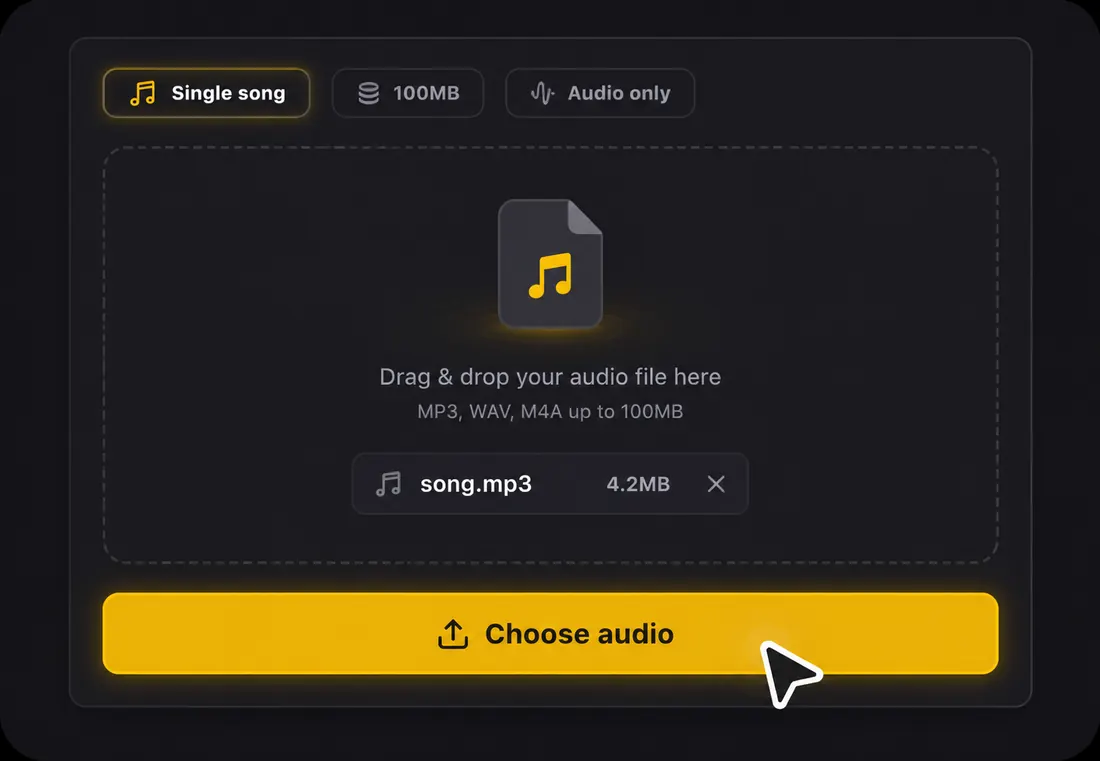
1Step 1: Open Agent and upload audio
Sign in, choose Lyrics text, and upload MP3, WAV, FLAC, AAC, OGG or M4A audio up to 100MB. If you have the lyrics, paste them and choose to use your text with the recording.
Automatic lyrics transcription from uploaded audio
Upload song audio in Agent for AI lyrics transcription, or supply your own lyrics to align with the recording. Sign in and confirm the 20-credit task first. Copy the result or download TXT, LRC and SRT without extra credits or a subscription; making a video is optional.
1Sign in, choose Lyrics text, and upload MP3, WAV, FLAC, AAC, OGG or M4A audio up to 100MB. If you have the lyrics, paste them and choose to use your text with the recording.
 2
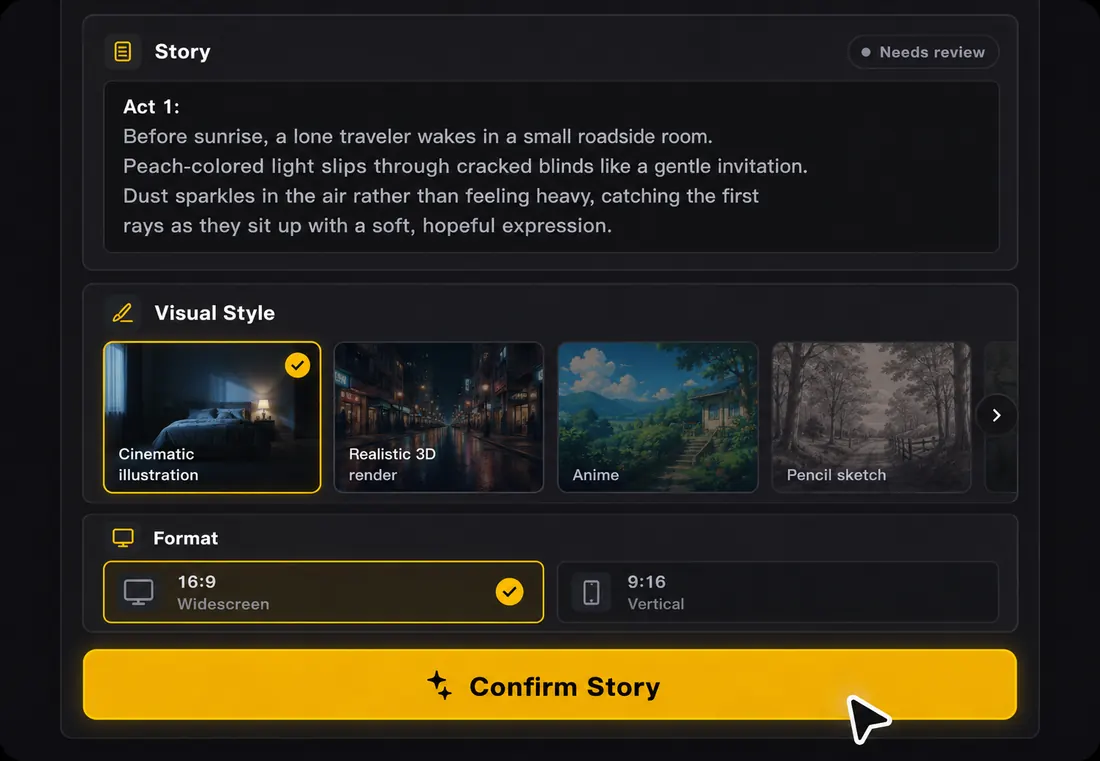
2Review the selected audio and lyric source, then confirm the 20-credit task. AI transcribes the vocals or aligns your supplied lyrics. Accuracy varies with the recording, so review names, fast passages and layered vocals.
 3
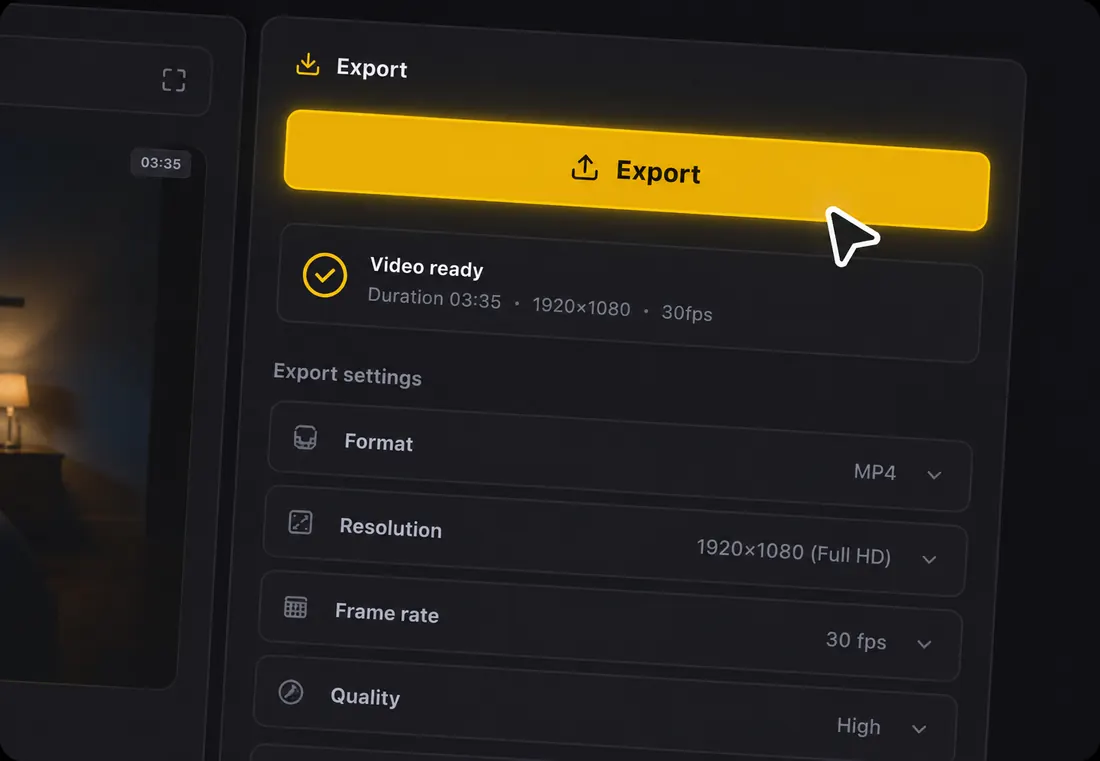
3Read the full lyrics in Agent, copy all text, or download TXT, LRC or SRT. Existing results download without extra credits or a subscription. Open the editor to correct wording and timing before downloading again; no video render is required.
Choose the file that fits your next step after AI transcribes and syncs the song.
Clean lyrics, line by line. Use TXT for descriptions, posts, docs, lyric sheets, and quick edits.
Timestamped lyrics for music players, karaoke-style previews, streaming workflows, and synced lyric displays.
Subtitle-ready lyrics for video editors, YouTube captions, Reels, Shorts, and translation workflows.
Transcribing lyrics by ear means replaying the same line ten times, guessing slang, and rebuilding timing later. LyricVideoMaker gives you a song-first workflow: transcript, timing, export, and lyric video preview in one place.
The completed result includes lyric text and line timestamps. Download it in Agent, or open the same project in the editor to review words, timing and optional video settings without uploading the song again.
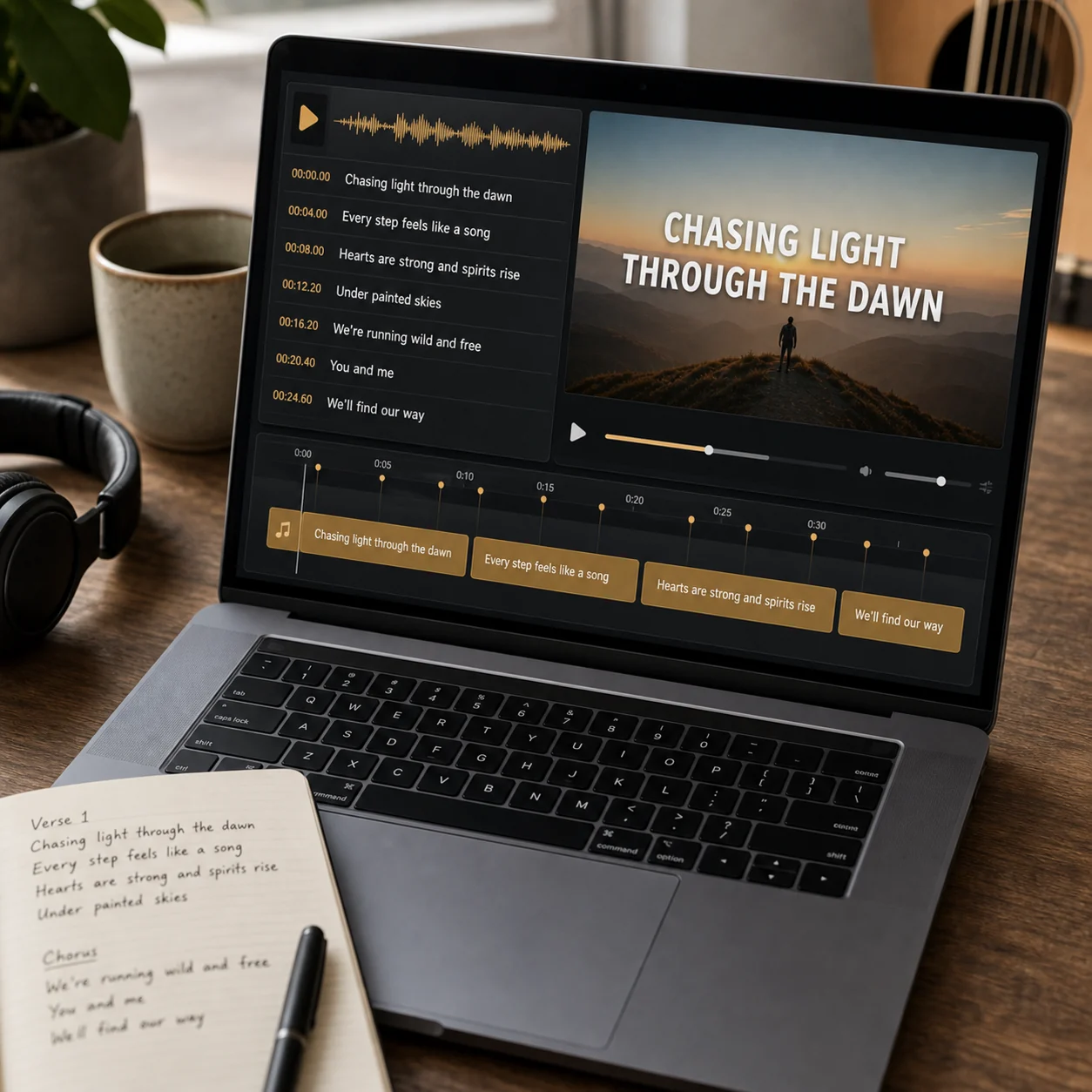
Get readable lyric lines shaped for songs, not a generic speech transcript. Hooks, repeated choruses, ad-libs, and fast sections stay easy to review.
Upload a supported song audio file. This transcription entry does not accept YouTube links or other video URLs.
Download TXT, LRC or SRT first. If you also want visuals, open the editor and review the video settings and any export cost before continuing.
Automatic lyrics transcription extracts editable song lyrics from an audio file and adds timing so the text can become captions, LRC, SRT, or a lyric video. The stable path starts from uploaded audio, detects the language, transcribes vocals, and gives you line-level control before you reuse the result.
Accepted input
Audio upload: MP3, WAV, FLAC, AAC, OGG or M4A, up to 100MB per file.
Lyrics
Automatic vocal transcription, or alignment of lyrics you supply alongside the recording.
Timing
Line timestamps follow the project audio. For a trimmed song, exported timestamps start from the trimmed clip.
Review
Read the full transcript in Agent; open the editor to correct wording and word timing.
Exports
TXT for plain text, LRC for line timestamps, and SRT for subtitle start/end times.
Cost
Sign-in required. A new transcription or supplied-lyrics alignment uses 20 credits; downloading existing results uses no extra credits.
Transcribed lyrics become more useful when the output format matches the next job. Plain text, timed lyric files, and subtitle files solve different problems.
| Decision point | Practical guidance |
|---|---|
| TXT | Best for descriptions, publishing notes, lyric sheets, and quick proofreading. |
| LRC | Best for music-player style synced lyrics where line timestamps matter. |
| SRT | Best for subtitle workflows in video editors and caption review. |
| Lyric video draft | Best when the timing is already good enough to preview with visuals. |
| Manual cleanup | Best for artist names, stylized spelling, mixed-language hooks, and background vocals. |
| Archive copy | Keep a clean text copy even if the final video uses styled line breaks. |
Review the words and timing before downloading, especially for repeated choruses and mixed-language sections.
Automatic lyrics transcription extracts words and timing from song audio. Review these details before reusing the text in captions, lyric sheets or video.
Music has held notes, overlaps, and rhythm that ordinary dictation mishandles. Song transcription detects the language, cleans lines, and produces timestamps you can reuse — or export as TXT, LRC, or SRT.
The original wording, spelling and script matter. If you provide lyrics, choose that source before alignment and check the resulting timing against the recording.
AI handles transcription or alignment. You review uncertain words and timings; optional video settings remain a separate choice.
Viewers should never choose between reading the line and watching the scene. Keep contrast strong, lines short, and motion restrained so the visuals support the words.
Watch once for words to catch transcription errors, once for rhythm to catch lines that arrive early or late, and once for platform fit so it still reads in a phone feed.
Download the same reviewed lyrics as TXT, LRC or SRT without another transcription or additional download credits.
Make the lyric video while the song is still in your ear: you will hear awkward line breaks faster, catch misheard words sooner, and judge where the energy should rise or stay quiet.
A quick pre-export review catches most quality problems while they are still cheap to fix.
| Check | What to verify |
|---|---|
| Audio readiness | Accepted formats are MP3, WAV, FLAC, AAC, OGG, and M4A; keep the file under 100MB. |
| Language review | Check names, spelling and writing system. Language detection does not guarantee accurate mixed-language lyrics. |
| Timing review | Listen to the song and adjust words that appear early or late in the editor before downloading timed files. |
| Lyric source | Confirm whether the result came from automatic transcription or the lyrics you supplied. |
| Export format | Choose TXT for words only, LRC for a compatible music player, or SRT for subtitle software. Timed exports require valid timestamps. |
Use automatic lyrics transcription anywhere you need clean words, synced timing, or a bridge into a lyric video.
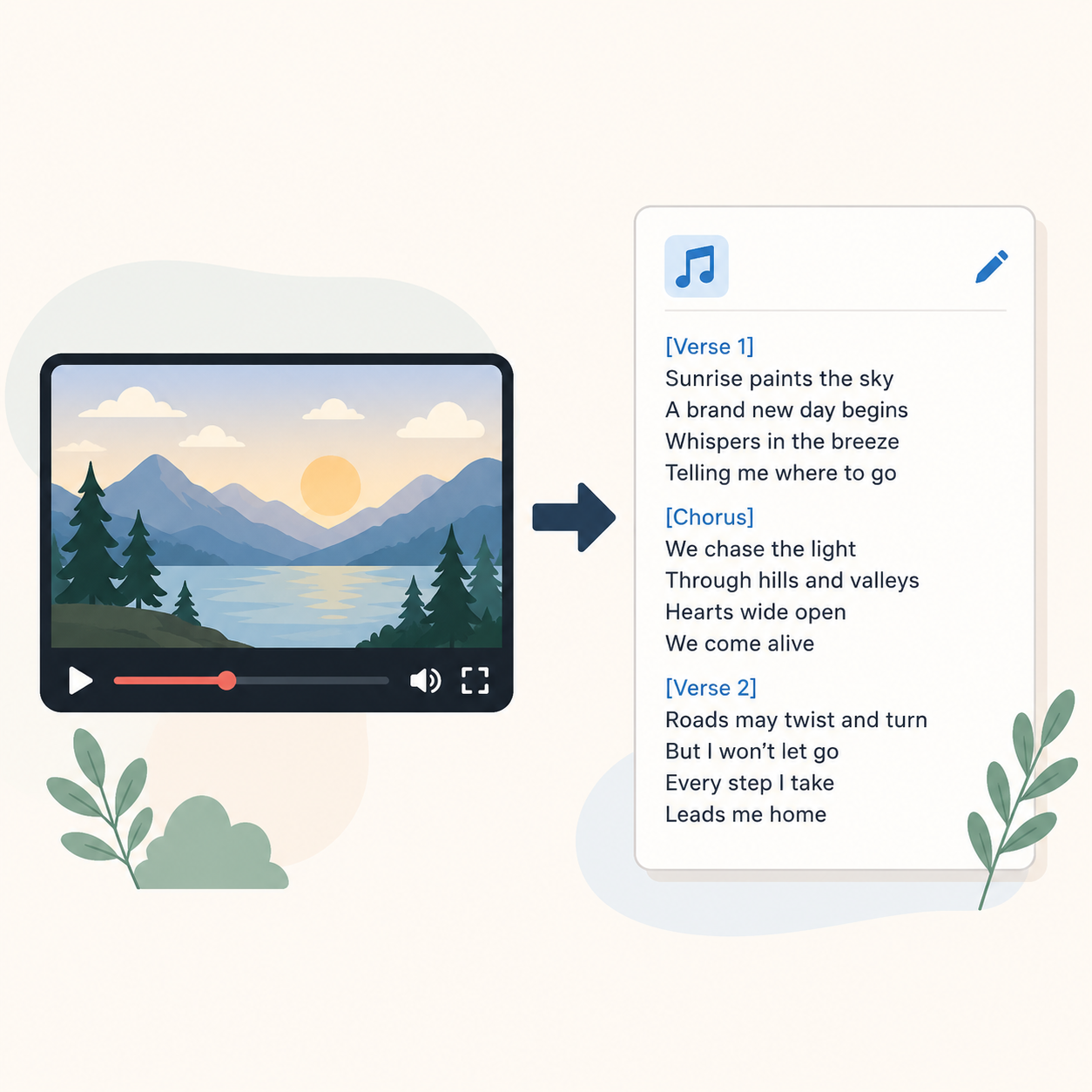
Upload a song audio file and turn the vocal track into editable lyrics for captions, descriptions, or reuse.
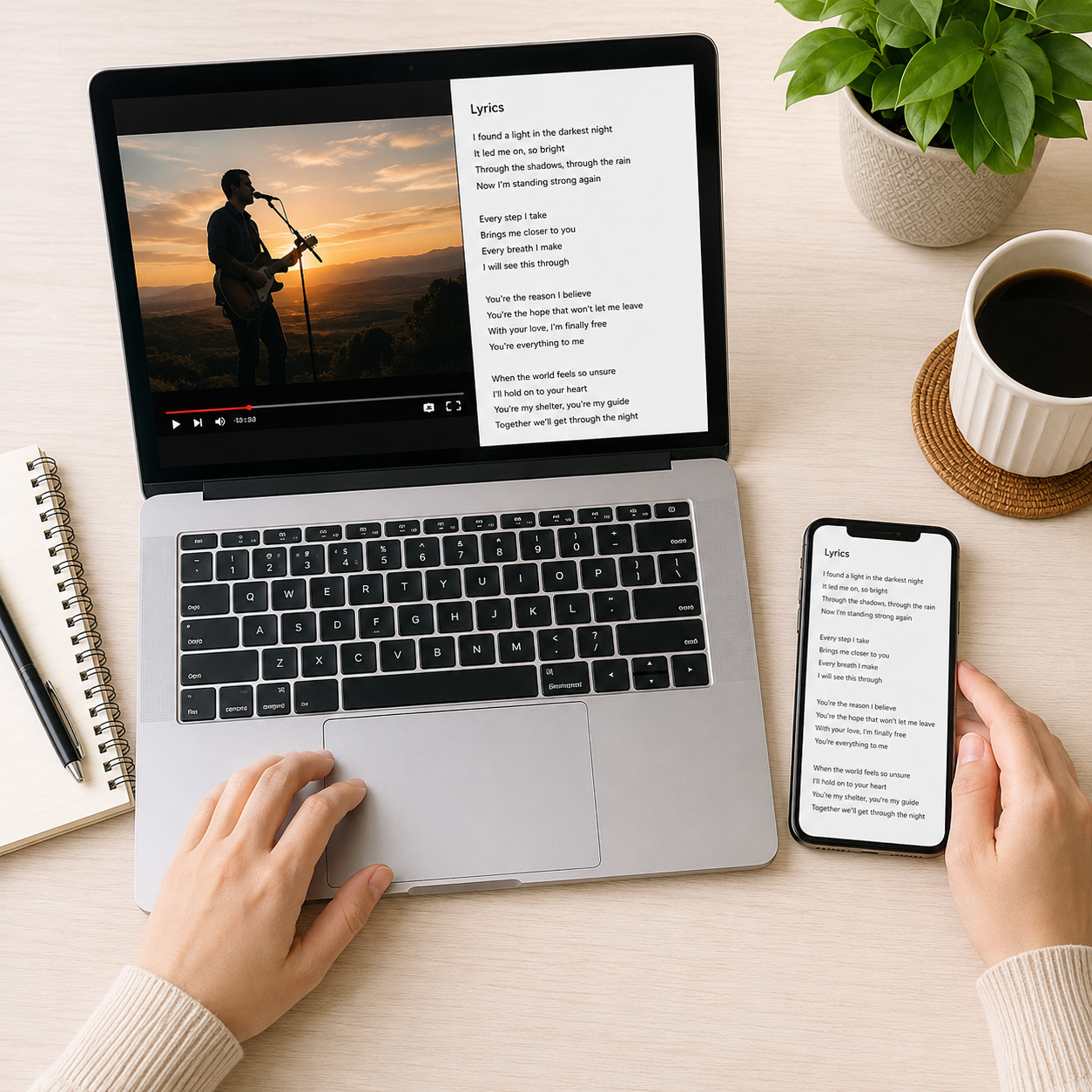
For lyrics from a YouTube video, start with an audio file you are allowed to upload. This tool does not extract audio or lyrics from a pasted video link.
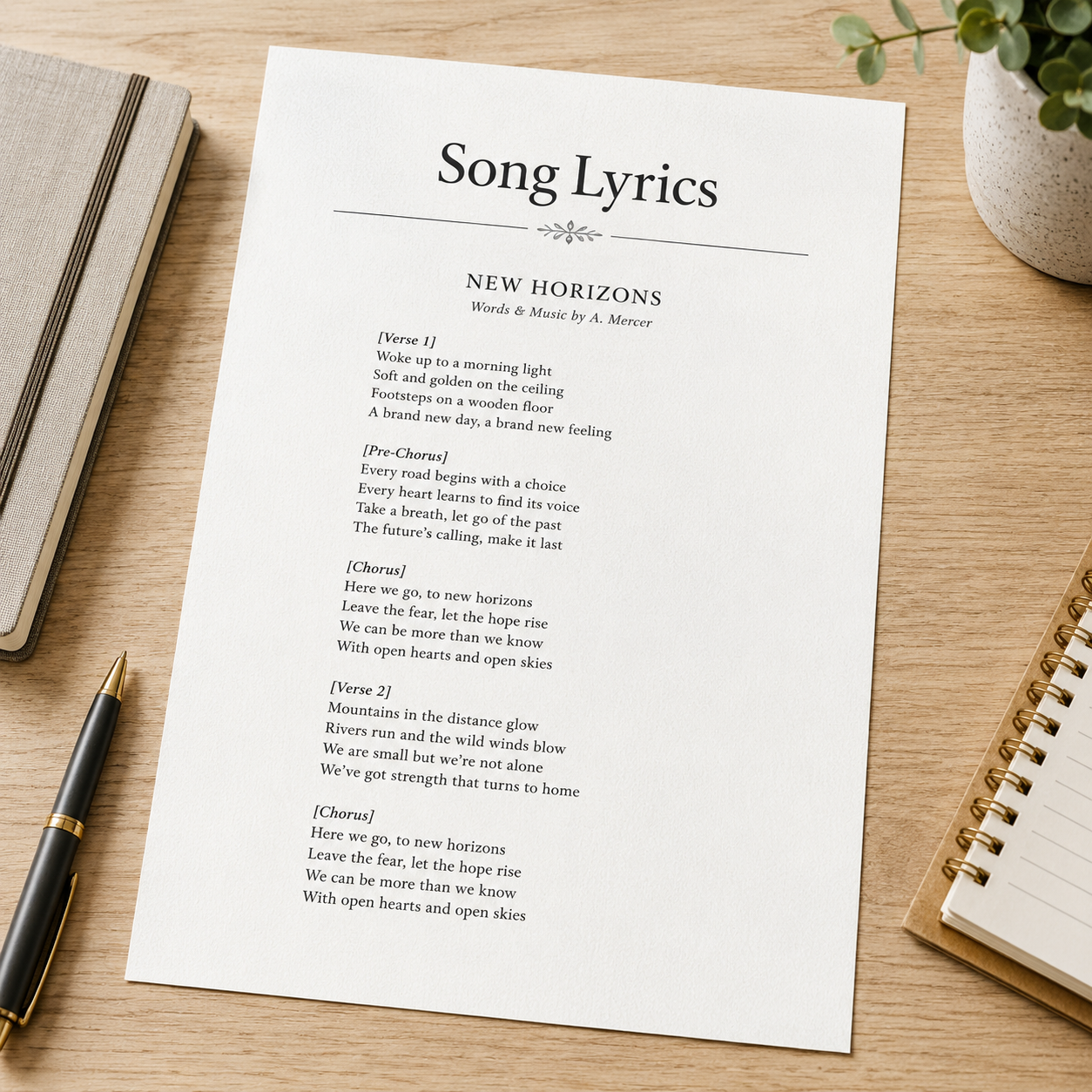
Export TXT for press kits, collaborators, translators, labels, and publishing notes.
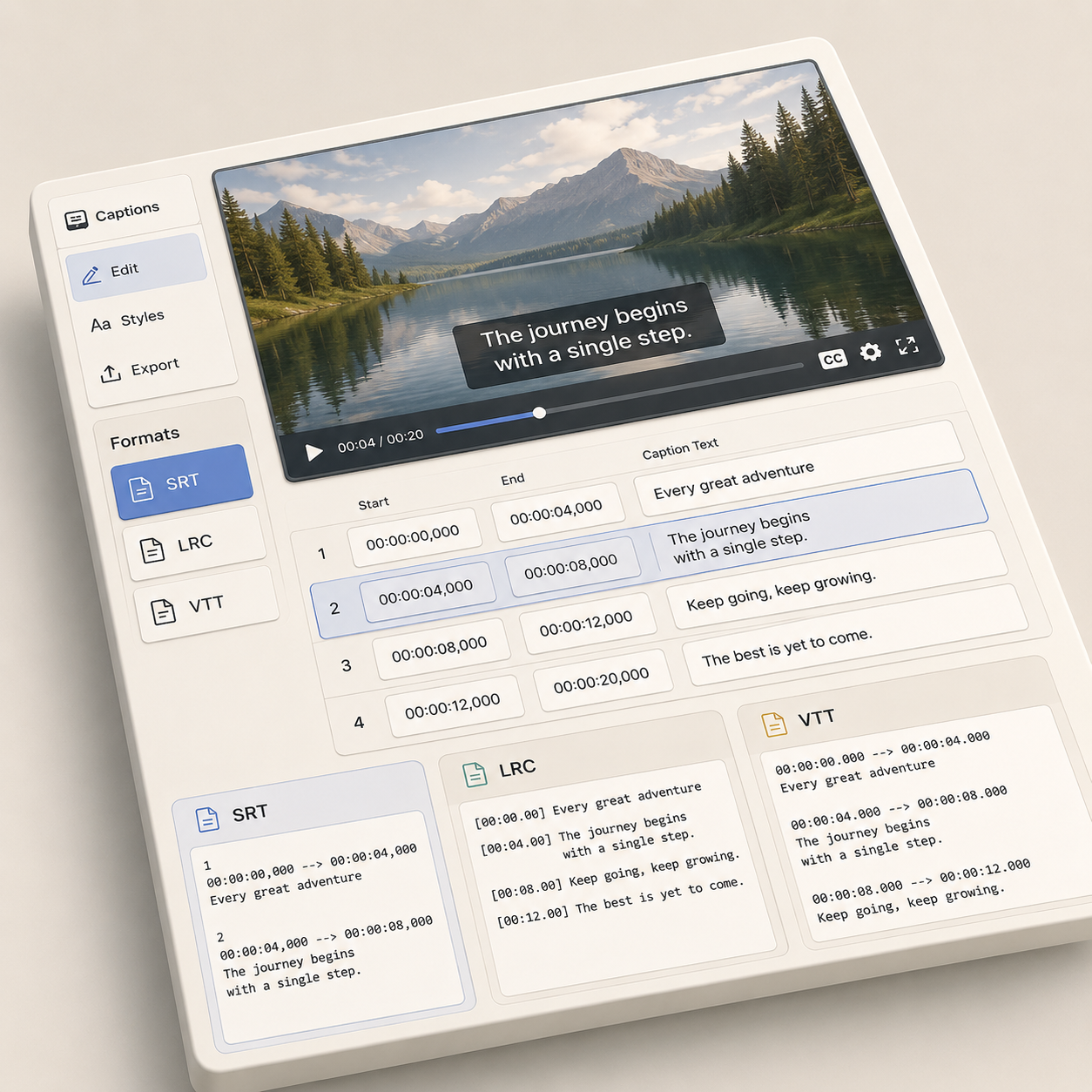
Export LRC or SRT when you need timed lyrics for music players, YouTube captions, or video editors.
Sign in and upload your song in Agent. Confirm 20 credits for transcription or supplied-lyrics alignment, then copy or download the result without extra download credits. Want a lyric video later? Try our lyric video maker.
Upload in Agent for LyricsNeed visuals too? Open the project in the editor after reviewing your lyrics.