How to make a lyric video — 4 real methods compared
How to Make a Lyric Video — 4 Methods Compared (2026 Guide)
The fastest way is to upload your song or paste a link, let AI transcribe lyrics from the audio automatically, sync every line to the beat, preview the full video, and export a watermarked video free, no subscription needed. This guide compares that AI workflow with Canva, After Effects, and hiring a freelancer so you can pick the right path before you spend hours editing.
Export a watermarked video free — no subscription or credit card
How to Make a Lyric Video: Which Method Should You Choose?
There are four practical ways to create a lyric video in 2026. The right choice depends on whether you need speed, manual design control, advanced motion graphics, or a hands-off custom result.
Quick answer
If you need a good-looking lyric video this week, start with an AI lyric video maker. LyricVideoMaker turns your audio into a synced lyric video by transcribing the song automatically, matching each line to the beat, generating visuals from the song's mood, and letting you preview before export. Canva is useful when you want manual template control, After Effects is best for advanced custom motion, and a freelancer makes sense when budget matters less than handing off the work. A simple rule: use AI first when you need speed, use Canva when you want a light template edit, use After Effects when the video itself is a major campaign asset, and hire out when you want custom work without managing the timeline yourself.
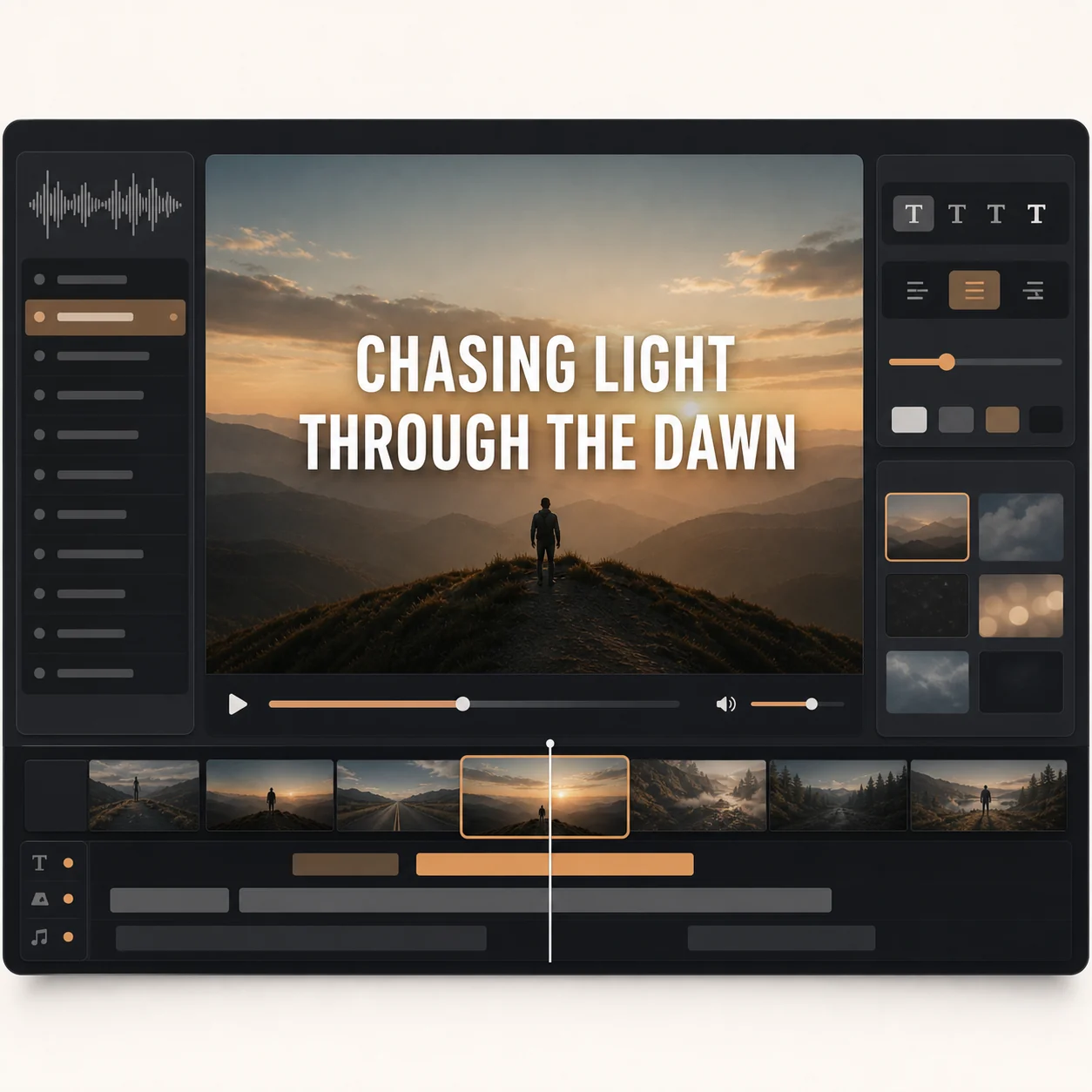
This is the most direct answer to how to make a lyric video today: upload the audio, let AI do the slow work, then review the result. LyricVideoMaker is built around the parts that usually take the longest: lyric transcription, line timing, beat sync, visual direction, and export formatting. Instead of typing lyrics into a timeline, you start from the song itself. The AI transcribes lyrics from the audio automatically, supports 50+ languages, syncs every line to the beat, and creates visuals that follow the mood of the track. You can still edit lyrics, adjust the result, preview the full video, and export for YouTube, TikTok, Reels, Shorts, or feed posts. It is free to start, no subscription needed, and no credit card is required to try the workflow. Use this method when the song is ready but the video is not, when you need several versions for different channels, or when you want to see whether a lyric video direction works before paying for custom motion graphics. It is also the safest first pass for independent artists because it turns the unknowns into something visible: line breaks, lyric timing, screen readability, and overall mood.
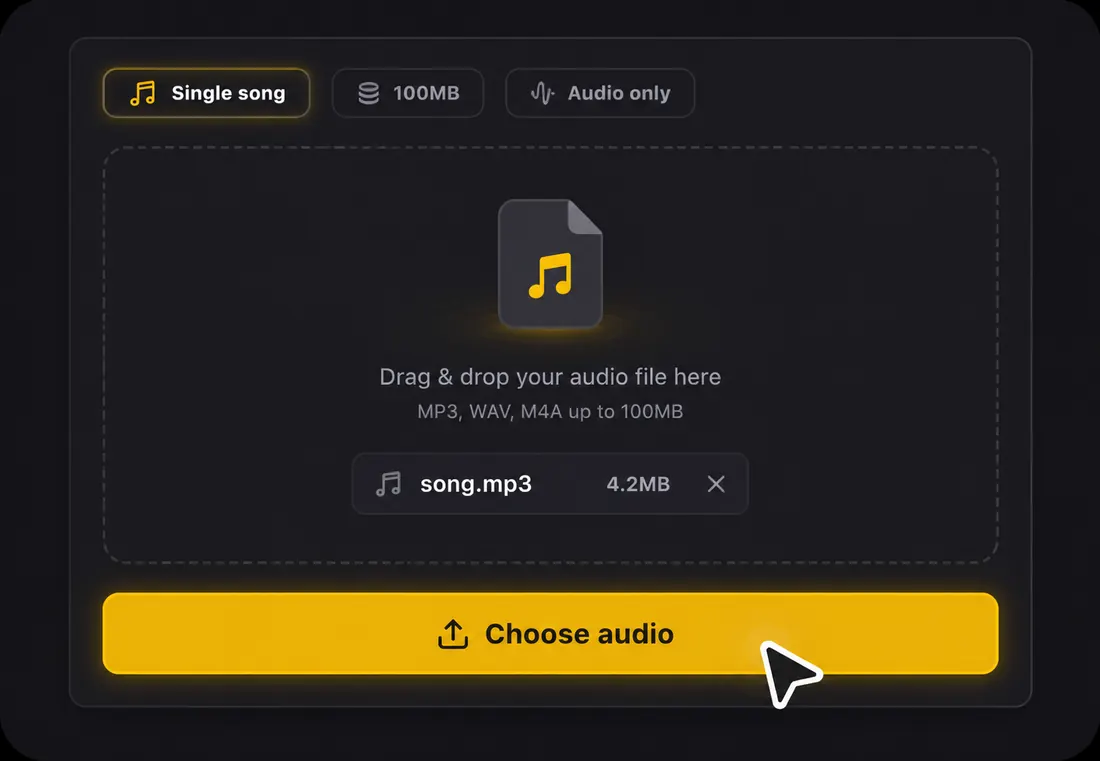
Upload an MP3, WAV, FLAC, AAC, or OGG file, or paste a link when you want to start from an online source.
Let AI auto-transcribe the lyrics, sync each line to the beat, and generate visuals that fit the song's mood.
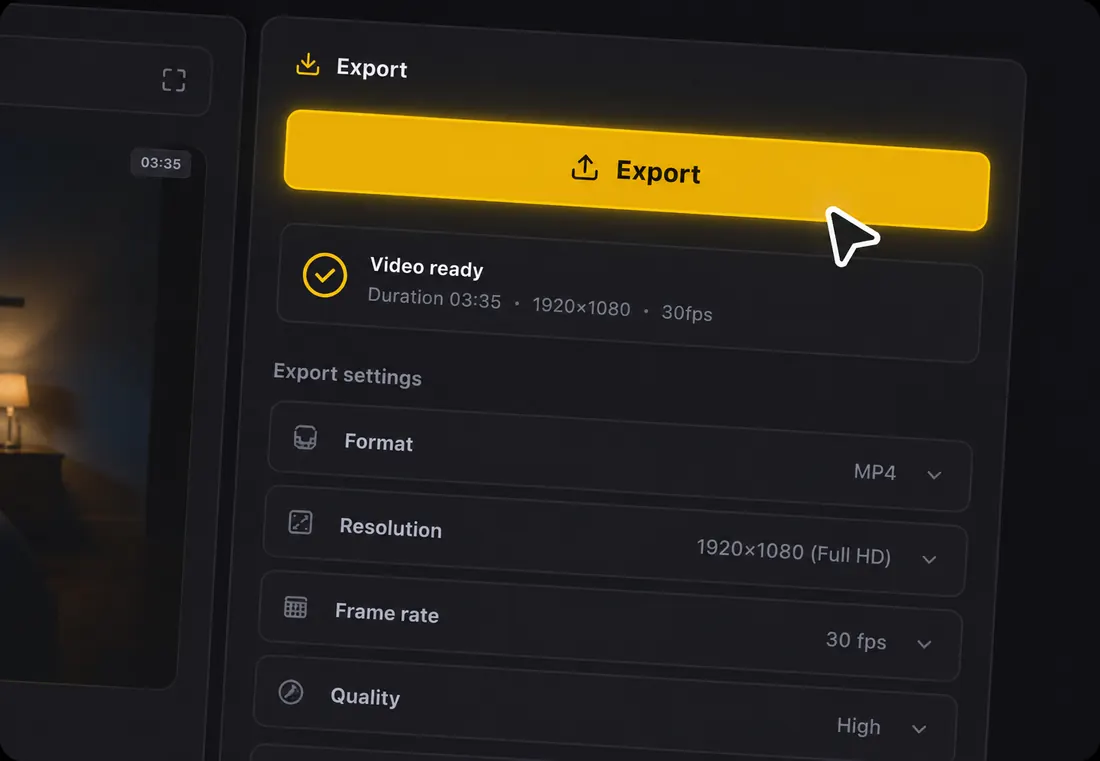
Preview the whole lyric video, edit any lyric line if needed, then export in 16:9, 9:16, or 1:1.
Best for artists, creators, and music marketers who want the fastest reliable way to make a lyric video without manual timing.
Time: 1-2 hours | Cost: free tier or paid plan | Skill: basic
Canva can work if your lyric video needs a simple branded look and you are comfortable doing the assembly yourself. You choose a video template, add a background, import your song, paste lyric lines into text boxes, and animate those text layers. The tradeoff is time. Canva does not remove the core lyric-video chores: you still need to know the words, split them into readable lines, place them on the right moments, and keep the design consistent from verse to chorus. This method is fine for a one-off social clip or a lyric quote video. For a full song with accurate timing, it becomes a lot of manual work. Choose Canva when the design system matters more than automation, such as a branded announcement clip, a short chorus teaser, or a simple visualizer that only uses a few lyric lines. Avoid starting here if you do not already have clean lyrics, because the manual typing and timing can become the whole project.
Pick a video template or blank canvas, then set the format for YouTube, TikTok, Reels, Shorts, or feed posts.
Import the audio, paste lyric lines into text layers, and duplicate scenes until the full song is covered.
Manually adjust timing, animation, fonts, and backgrounds before exporting the finished video.
Best for creators who want template control and do not mind typing, pasting, and timing lyrics by hand.
After Effects gives you the most control, but it is not the fastest way to create a lyric video. You can design custom type animation, camera movement, particles, kinetic typography, transitions, and layered visual effects. That control is valuable when the video needs to feel like a bespoke campaign asset, but the workflow is technical. You still need lyrics, timing marks, composition setup, animation decisions, render settings, and revisions. If you are asking how do I make lyric videos quickly, After Effects is usually too heavy for the first version. If you already know motion design and the track deserves a highly custom release asset, it can be the strongest craft option. A practical workflow is to use AI first for transcription and timing reference, then bring the polished lyric plan into After Effects for custom animation. That keeps the creative control while reducing the chance that your expensive motion session gets stuck on basic lyric prep.
Prepare the song, lyric text, project size, fonts, color system, and visual references before animation starts.
Place lyric lines on a timeline, animate each section, and adjust timing until the words land with the music.
Render the video, check readability on phone screens, then create separate exports for each platform.
Best for labels, agencies, and motion designers who need custom cinematic animation and have production time.
4
Method 4: Hire a freelancer
Time: 2-7 days | Cost: $50-$500 | Skill: none
Hiring a freelancer can be the right move when you want a custom lyric video but do not want to edit it yourself. You brief the creator, send your audio and lyrics, share examples, agree on the price and revision terms, then wait for drafts. This can produce a strong result, especially if the freelancer understands your genre and visual taste. The cost is less predictable than using a tool, and the timeline depends on communication, availability, and revision rounds. It is not ideal when you need to test multiple hooks today or make several lyric clips for release week. It is useful when the goal is a polished custom video and the budget is already planned. The best freelancer projects start with a clear reference, a locked song version, confirmed lyrics, platform targets, and a revision limit. If any of those pieces are missing, generate an AI draft first so the brief becomes visual instead of abstract.
Write a clear brief with song files, lyrics, platform format, visual references, deadline, and revision expectations.
Review portfolios on Fiverr, Upwork, or a private creator network before agreeing on price and delivery terms.
Give feedback on drafts, check lyric accuracy and timing, then approve the final export.
Best for hands-off custom work when you have budget, references, and time for feedback rounds.
Lyric Video Method Comparison
Decision
AI maker
Canva
After Effects
Freelancer
Time
About 2 minutes
1-2 hours
4+ hours
2-7 days
Cost
Free credits to start
Free tier or paid plan
Paid software
$50-$500+
Lyrics typed for you
Yes, AI transcribes from audio
No, manual input
No, manual input
Usually you provide them
Auto-sync
Yes, synced to the beat
Manual timing
Manual timing
Depends on the freelancer
Revisions
Instant preview and edits
DIY edits
DIY edits
Per revision round
Skill needed
None
Basic design
Advanced motion design
None
Bottom line: if your goal is a great-looking lyric video this week, start with the AI method. It is free to try, the worst case is losing a few minutes, and the best case is getting a finished video without typing lyrics or dragging text on a timeline.
1Keep one or two lyric lines on screen at a time. A full paragraph may look efficient while editing, but it makes the video harder to watch on phones.
2Match the font to the genre. Softer serif styles can fit ballads, while bold sans-serif type often reads better for rap, pop, rock, and dance tracks.
3Let the chorus look different from the verses. A stronger color, tighter crop, or more energetic visual moment helps viewers feel the song structure.
4Sync transitions to the beat, not only to the lyric. The video feels more musical when text movement follows the rhythm of the track.
5Keep instrumental sections visually alive. Use motion, mood visuals, or subtle camera movement so the screen does not feel empty when no words are sung.
6Test the preview on a phone before you publish. If the lyrics are readable on a small screen, they will usually work on desktop too.
7Keep your style consistent across releases. Repeating a type style, color mood, or format makes your lyric videos feel like part of the same artist world.
How the AI Lyric Video Method Works
1
Step 1: Upload your song
Drop an MP3, WAV, FLAC, AAC, or OGG file, or paste a link. A free account gives you starter credits, and no manual lyric typing is required. This gives you a quick first draft before you decide whether you need Canva, After Effects, or a freelancer.
2
Step 2: AI transcribes and syncs
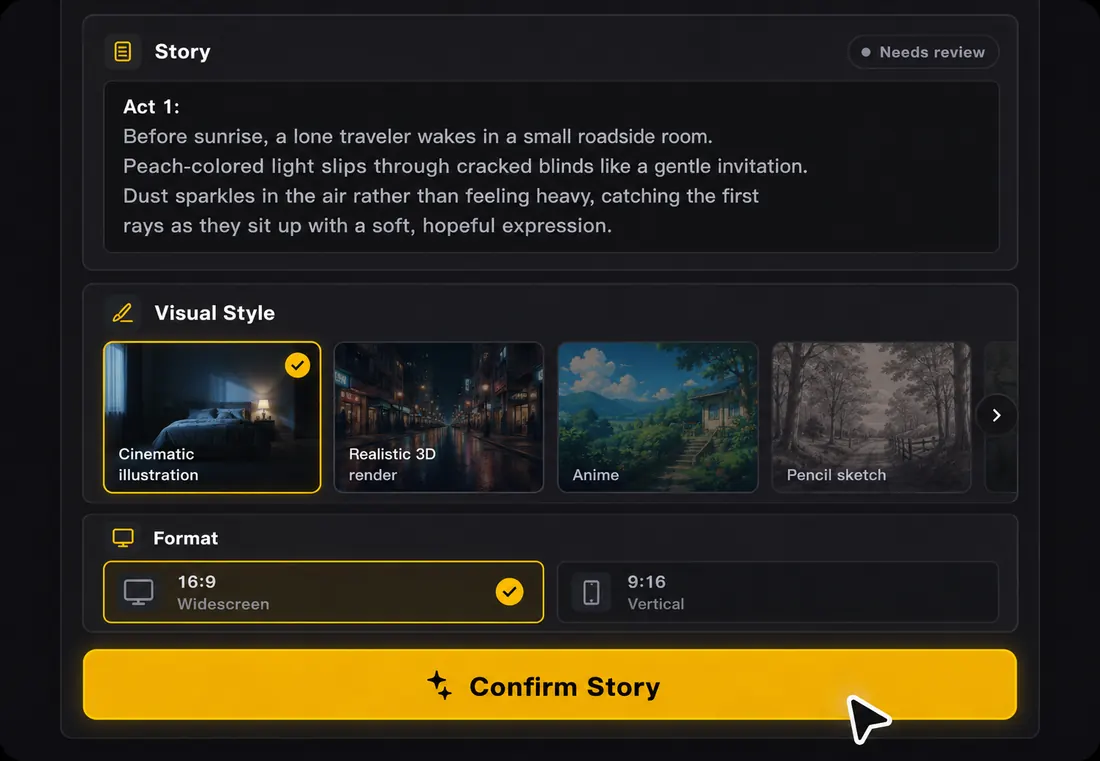
AI transcribes lyrics from the audio automatically and syncs every line to the beat in 50+ languages. Click any line to edit the words or timing. The system also reads the song's mood and creates visuals that feel connected to the track.
3
Step 3: Preview and export
Watch the full lyric video before publishing. Export in 16:9 for YouTube, 9:16 for TikTok, Reels, and Shorts, or 1:1 for feed posts. You can export a watermarked video free, no subscription required.
Why Make Lyric Videos on LyricVideoMaker
Manual lyric videos ask you to solve transcription, timing, visual style, and export format one by one. LyricVideoMaker starts from the audio and gives you a previewable video fast, so you can make a decision before spending hours in a design tool.
The first draft is fast enough to judge
A lyric video does not become useful after the export. It becomes useful when you can see whether the timing, text size, and visual mood fit the song. LyricVideoMaker gives you that review moment quickly.
Designed around songs
Generic video editors start with a blank canvas. LyricVideoMaker starts with the track, so the workflow follows the music instead of forcing you to build every scene from scratch.
Easy to check before release
Preview the full video, scan the lyrics, and make edits while the song is still fresh in your mind. That is useful for release weeks, single promos, and last-minute content.
A smarter first step
Even if you later polish in Canva, After Effects, or with a freelancer, an AI draft helps you understand timing, line breaks, and visual direction before committing more time or money.
How to Make a Lyric Video — FAQ
Yes. Sign up, get free credits, create a lyric video, preview it, and export a watermarked video — no subscription required and no credit card needed.
With LyricVideoMaker, about 2 minutes for a first AI-generated video. In Canva, plan for about 1-2 hours. In After Effects, expect 4+ hours for a first custom version. A freelancer usually takes 2-7 days.
Upload the audio to LyricVideoMaker. The AI transcribes lyrics from the audio automatically, syncs them to the beat, and lets you click any line to edit if needed.
For speed and automation, use an AI lyric video maker. LyricVideoMaker exports 16:9 for YouTube and 9:16 for TikTok, Reels, and Shorts from the same song workflow. That matters because the best lyric video maker is not only the one with good visuals; it is the one that helps you turn one track into the formats you actually need for release week.
No. After Effects is powerful for advanced custom motion, but it is not required. If you need a polished lyric video quickly, an AI workflow is usually the better first step. You can always use the AI version as a draft, reference, or finished export, then decide later whether the song needs a more expensive custom animation pass.
Yes. Your exports are yours to use for releases, social posts, channels, and campaigns. Free exports include a watermark — export with paid credits for a watermark-free version. Make sure you have the rights to the music and lyrics you upload.
The workflow is the same for any track: upload the song, let AI transcribe and beat-sync the lyrics, choose a visual style, preview, and export. You only need the audio file, not the songwriting credits.
Your song already knows the timing. Let AI turn it into a lyric video.
Open the lyric video maker, upload your track, let AI transcribe and sync the lyrics, preview the result, and export a finished, watermarked lyric video free, no subscription needed.