
 1
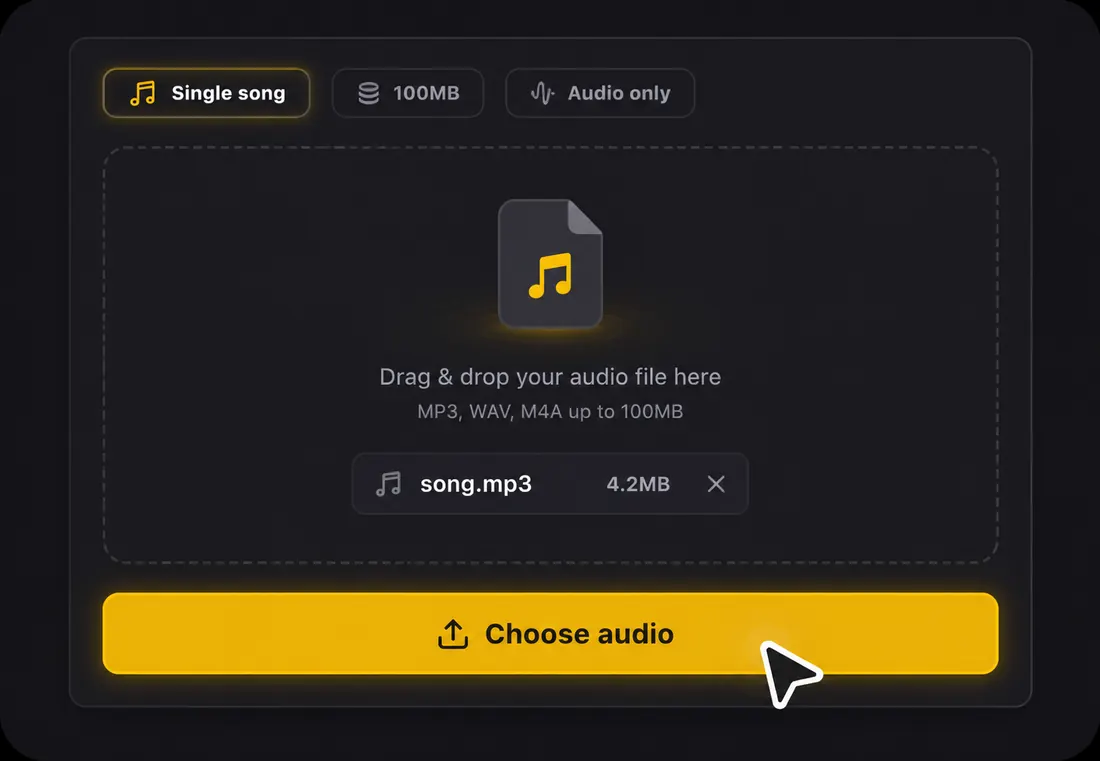
1Step 1: Upload your song
Drop an MP3, WAV, or FLAC. A free account gives you starter credits.
Free lyric video maker online — make it, preview it, export watermarked
Upload a song — lyrics are transcribed and synced automatically. Preview the full lyric video and export a watermarked video free, no subscription needed.
1Drop an MP3, WAV, or FLAC. A free account gives you starter credits.
 2
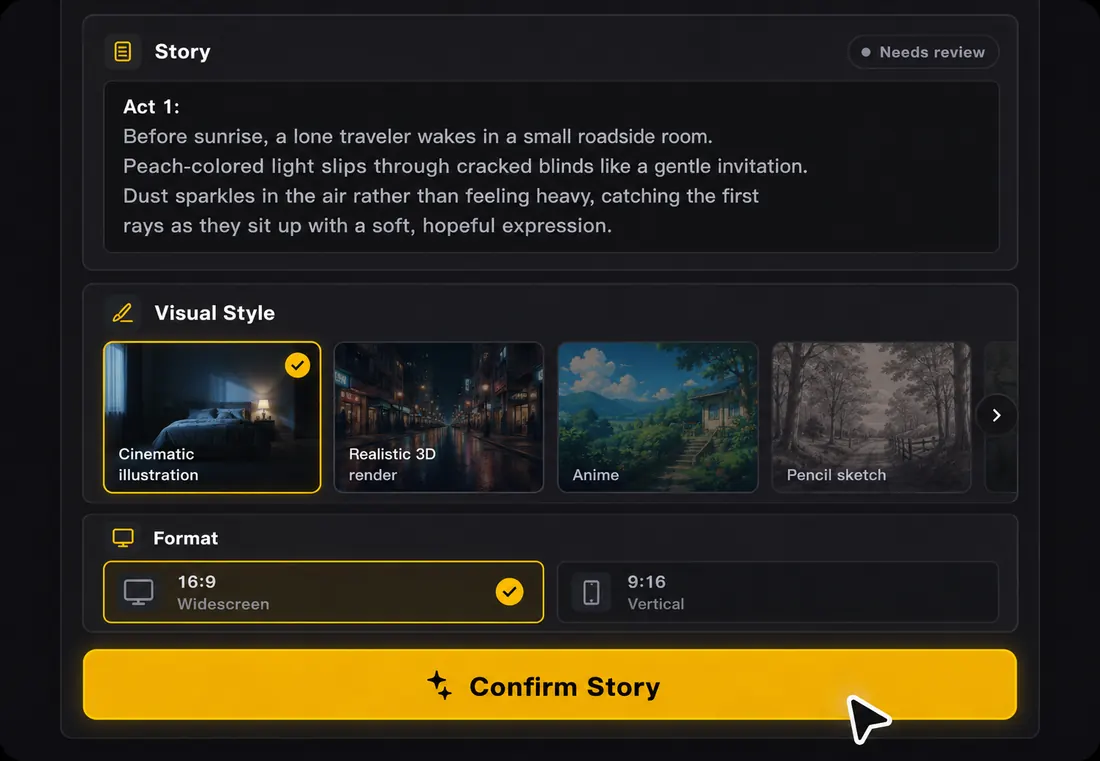
2The AI transcribes and syncs every line to the beat. Click any line to edit. Have a lyrics file? You can paste it instead.
 3
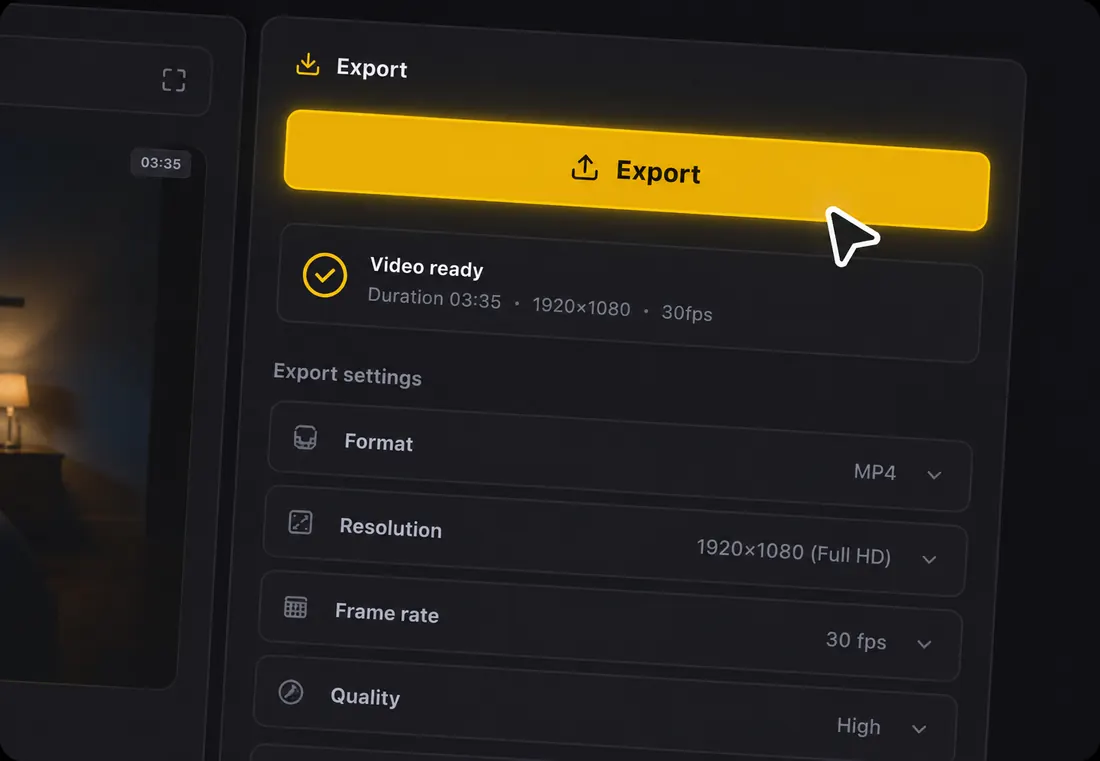
3Watch the full lyric video preview and export when you are ready — no subscription required.
One song, every format — export for whichever platform your audience is on.
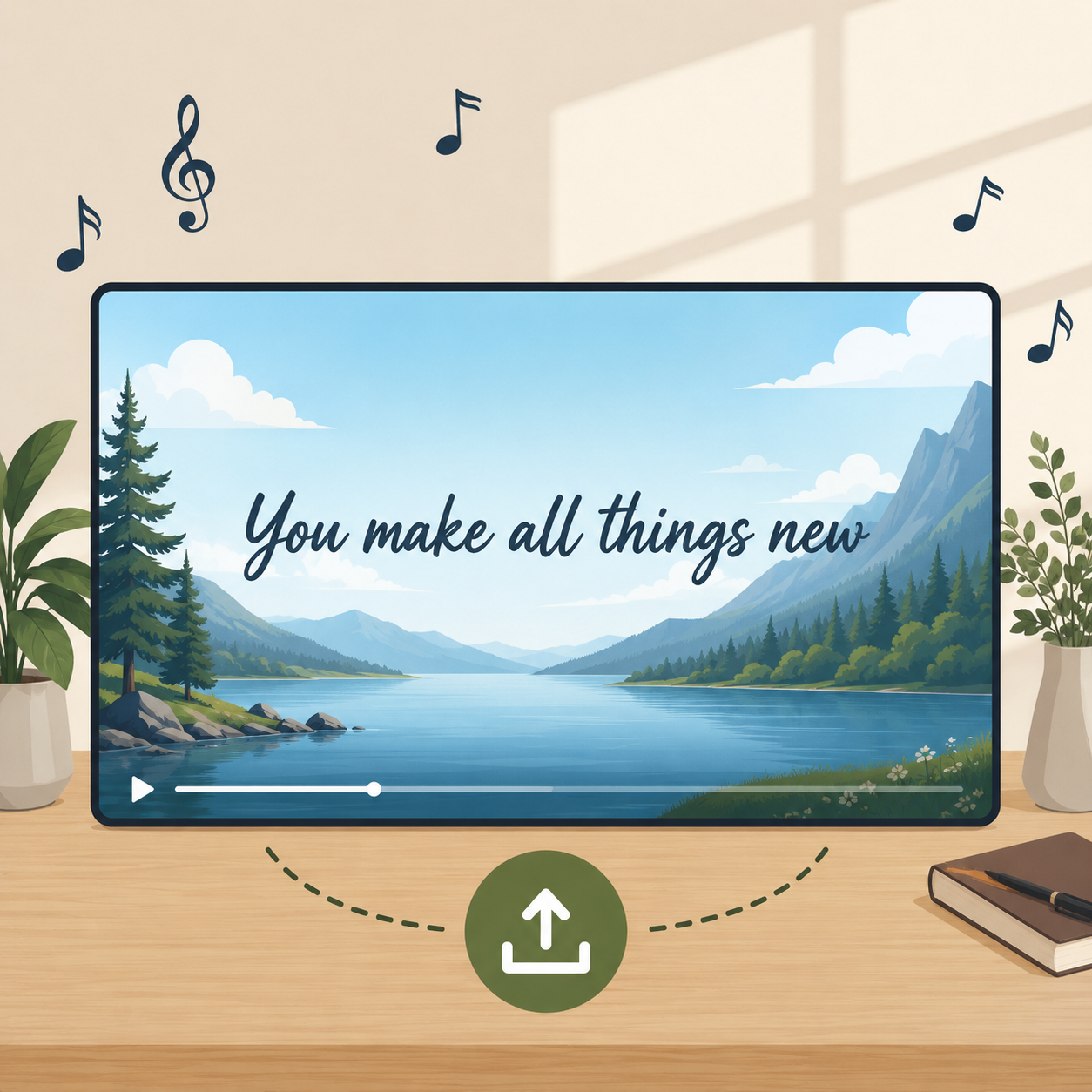
Full-length, 16:9 HD — ready to upload and monetize, with a watermark on the free plan.

Vertical 9:16 with trend-ready styles for short-form hooks.
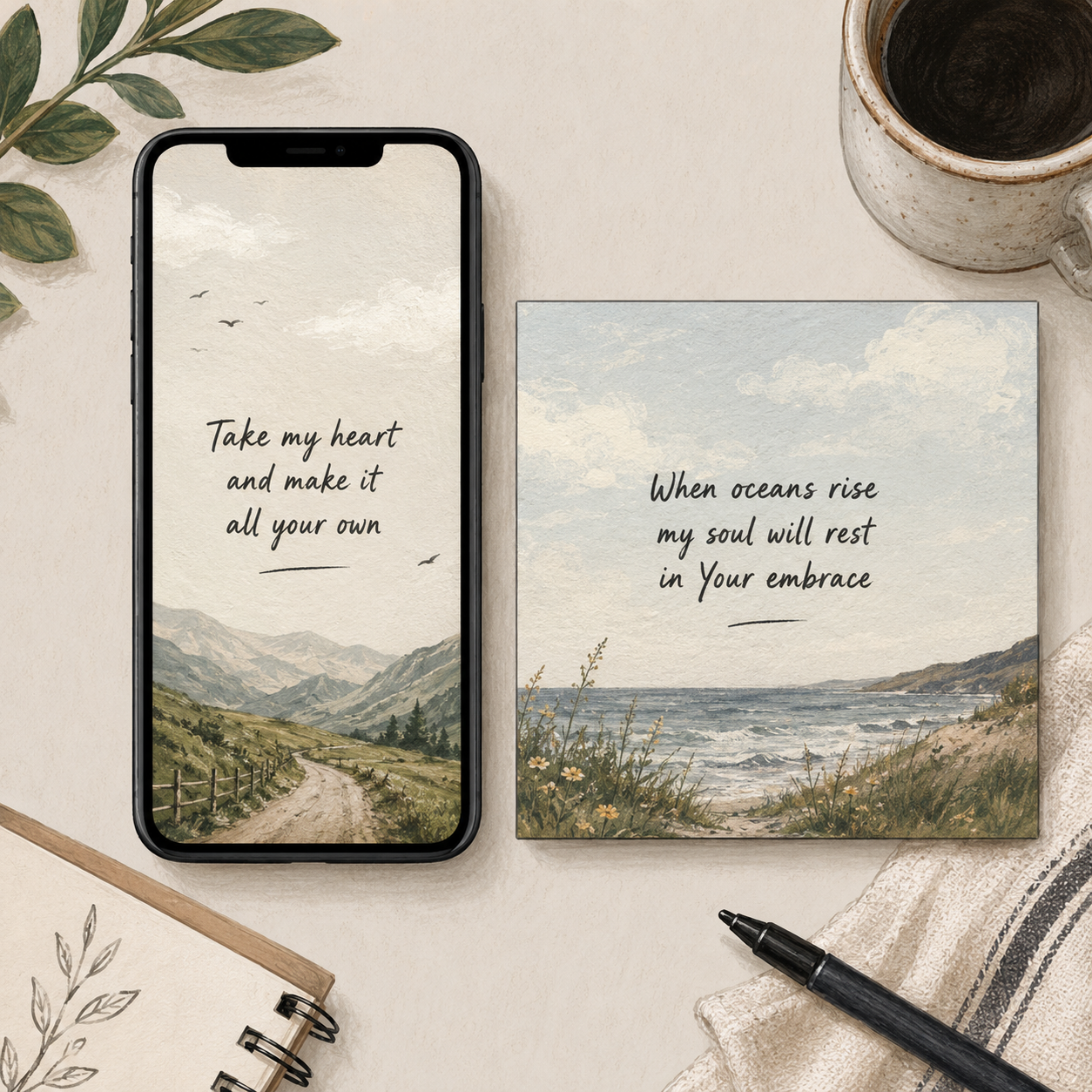
9:16 and 1:1 formats for Reels and feed posts.
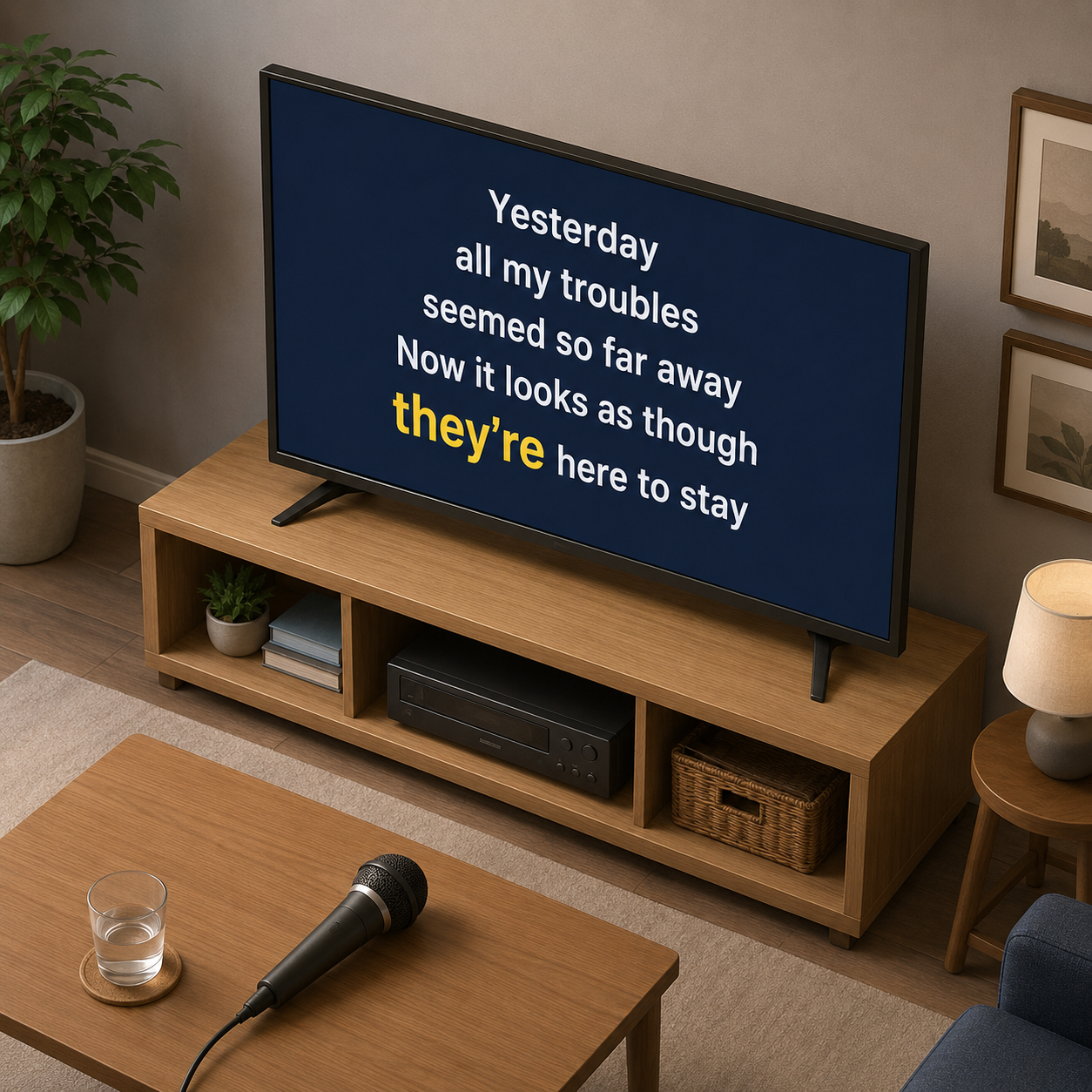
Word-by-word highlighted lyrics synced to the beat.
A free lyric video maker turns your song audio into a complete lyric video without forcing you to build a timeline first. Upload an audio file, let AI transcribe and sync the lyrics, review the lines, choose a visual direction, preview the result, and export an MP4 in the format your release needs.
Accepted input
Audio upload only: MP3, WAV, FLAC, AAC, OGG, or M4A, up to 100MB per file.
Lyrics
AI transcribes vocals automatically in 50+ languages, then lets you edit every line before export.
Sync
Beat-aware line timing keeps lyrics readable and musical instead of simply dropping captions on a fixed grid.
Visuals
Storyboard planning and AI scene-image generation create backgrounds around the mood of the song.
Exports
MP4 with original audio in 16:9, 9:16, or 1:1 for YouTube, Shorts, TikTok, Reels, and feeds.
Start
Free credits are available at the start, so you can preview the workflow before spending more time on a release.
Free tools are not all free in the same way. For a release asset, the practical question is whether the free path gives you enough control to make something you would actually publish.
| Decision point | Practical guidance |
|---|---|
| Typing lyrics | A useful free maker should transcribe from the audio, because manual typing is where most projects stall. |
| Preview depth | You need to watch the whole video, not only a teaser, before deciding whether the style fits the song. |
| Format choice | A release usually needs at least a YouTube version and a vertical cut, so 16:9 and 9:16 both matter. |
| Edit access | Free should still let you correct misheard words and awkward line breaks before rendering. |
| Upgrade pressure | The best free workflow lets the result prove itself before asking you to spend more time or credits. |
| Reuse | If you like the style, you should be able to repeat it across the next single without rebuilding from zero. |
Use these checks before you render, especially when the same project needs more than one platform format.
A free lyric video maker turns your song audio into a complete lyric video without building a timeline first. The choices that matter happen before you render — here are the principles worth keeping.
Free credits with no card and no trial countdown let you preview the whole video, switch styles, and fix a misheard word before you commit — the first version is genuinely yours to export.
The words are the structure the viewer follows, not a caption added last. Always transcribe first, align to the beat second, and design the scene third.
AI handles transcription, timing, and scene generation. Whether the style fits, a line break should change, or you need a vertical, square, or widescreen export stays your call.
Viewers should never choose between reading the line and watching the scene. Keep contrast strong, lines short, and motion restrained so the visuals support the words.
Watch once for words to catch transcription errors, once for rhythm to catch lines that arrive early or late, and once for platform fit so it still reads in a phone feed.
A single project becomes a 16:9 full version, a 9:16 vertical, and a 1:1 square without retyping lyrics or rebuilding timing — which is what makes a release feel planned.
Make the lyric video while the song is still in your ear: you will hear awkward line breaks faster, catch misheard words sooner, and judge where the energy should rise or stay quiet.
A quick pre-export review catches most quality problems while they are still cheap to fix.
| Check | What to verify |
|---|---|
| Audio readiness | Accepted formats are MP3, WAV, FLAC, AAC, OGG, and M4A; keep the file under 100MB. |
| Language review | The system auto-detects 50+ languages, but bilingual hooks and names deserve a manual pass. |
| Timing review | Beat sync gives a strong baseline; nudge any line that lands early or late against the vocal. |
| Scene review | Generated images should match the mood without making text hard to read. |
| Export review | Check 16:9, 9:16, and 1:1 separately because readable text size changes by format. |
Make your first lyric video now in the lyric video maker — and see if we live up to it.
Make a Free Lyric VideoNeed more videos or all styles? → View Pro plans