
Beat-accurate auto-sync
Every lyric line is timed to the millisecond using audio analysis — not just speech detection. The AI reads your song's BPM and energy, so lyrics land on the beat, not just near it.
AI lyric video generator — upload a song, get a synced lyric video
Generate a fully synced lyric video from any song — AI transcribes the lyrics, times them to the beat, and adds mood-driven visuals. Preview, then export.
Most lyric video generators still make you type lyrics and drag text on a timeline. LyricVideoMaker is built for music: it reads your audio and treats the lyrics as the centerpiece, not an afterthought.
Transcription, beat sync, and visuals happen automatically from your audio. You review and adjust — you never build from a blank timeline.
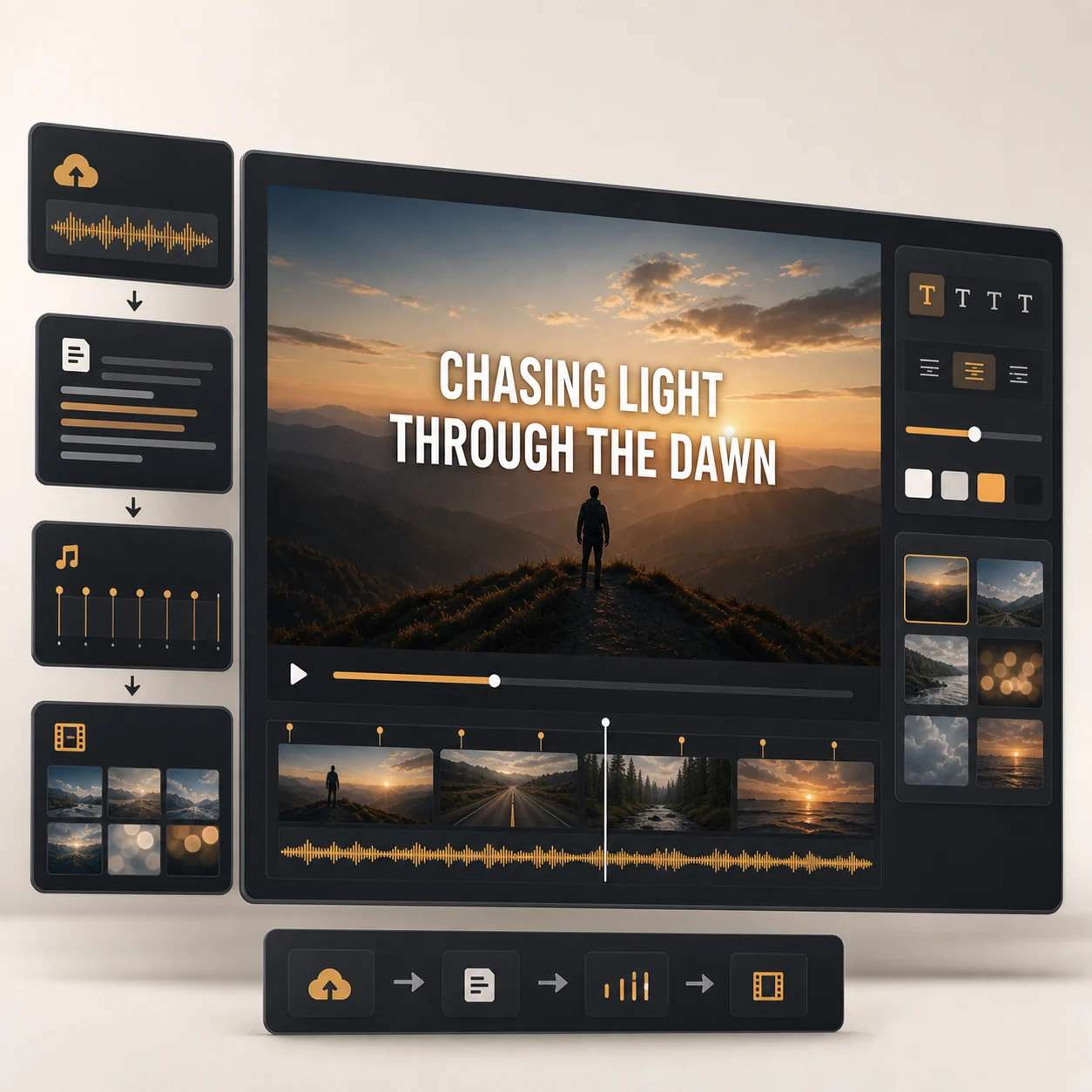
Every lyric line is timed to the millisecond using audio analysis — not just speech detection. The AI reads your song's BPM and energy, so lyrics land on the beat, not just near it.
Transcription runs at 95%+ accuracy across 50+ languages. See every line with its timestamp before generating — click to edit words, merge lines, or adjust timing.
These aren't caption presets. Each template animates lyrics as the visual centerpiece — with motion that reacts to your song's tempo and mood.
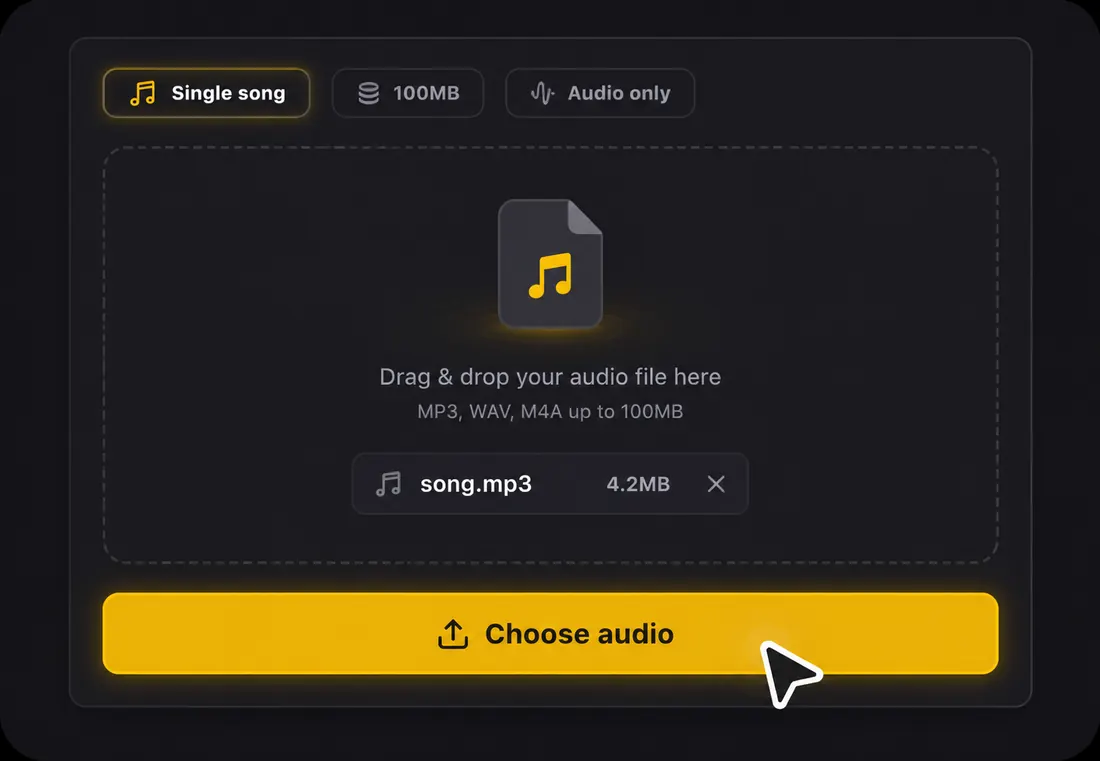 1
1Drag in an audio file — MP3, WAV, FLAC, AAC, or OGG — or paste a link. A free account gives you starter credits, and no manual lyric typing is required.
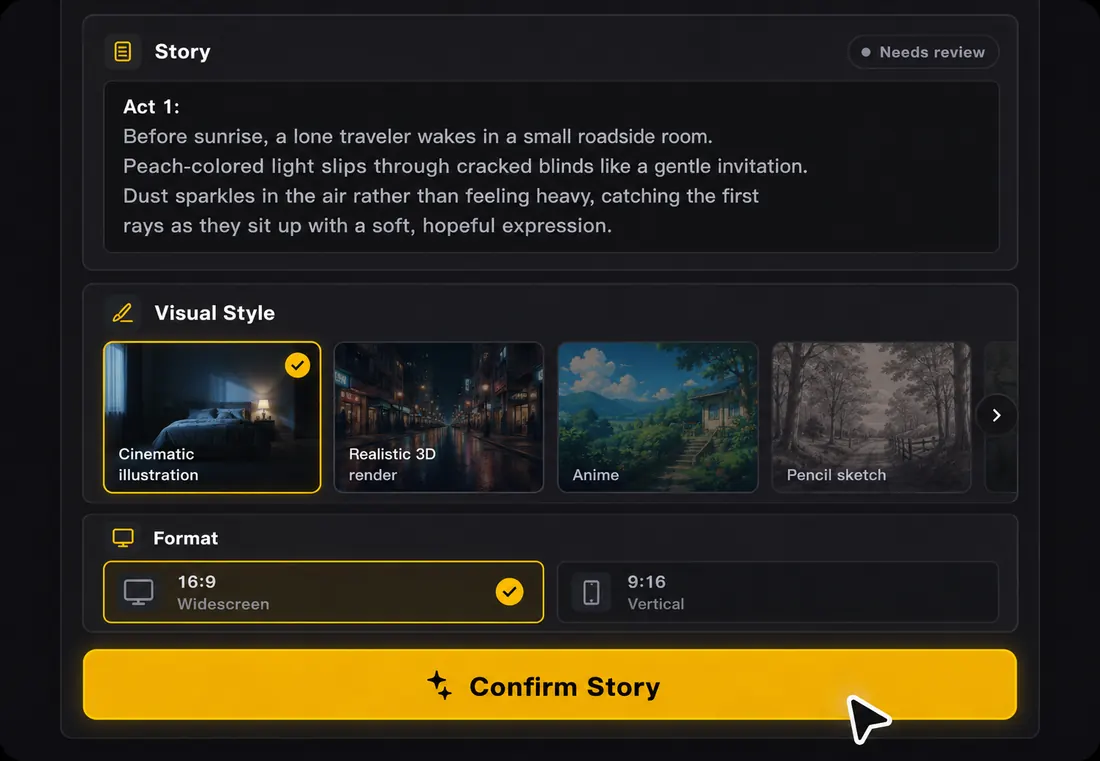 2
2AI transcribes and syncs every line in about 30 seconds. Edit any line you want, then preview templates with your actual lyrics until one fits the song.
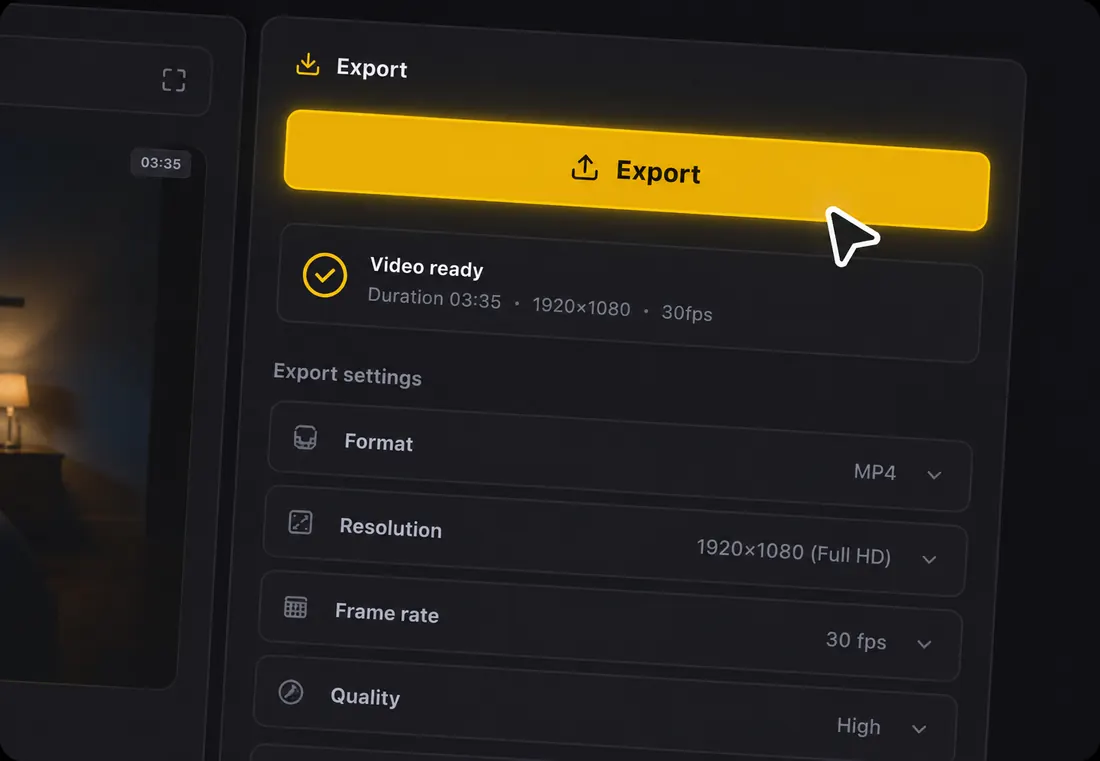 3
3Watch the full lyric video before publishing, then export in HD — 16:9 for YouTube, 9:16 for TikTok, Reels, and Shorts, or 1:1 for feed posts. No subscription required.
An AI lyric video generator turns a song into a finished video where the lyrics are the visual centerpiece — animated, styled, and synced to the music. Instead of typing words into a timeline, you upload the audio and the generator transcribes the lyrics, times each line to the beat, and builds matching visuals automatically.
Automatic does not mean locked. The generator handles the slow, repetitive work, and you keep control of the details that make a release feel finished.
| Done automatically by the AI | In your control |
|---|---|
| Transcribing the lyrics from your audio | Fixing any misheard word |
| Aligning every line to the beat | Nudging the timing of a line |
| Detecting song structure and instrumental gaps | Showing a title card or visualizer in those gaps |
| Generating mood-matched visual scenes | Switching the visual style |
| Sizing and placing the lyrics for each format | Adjusting fonts, colors, and backgrounds |
The generator reads your song's mood, energy, and genre and leans the visual direction to match — so a ballad and a rap hook never get the same look.
| Genre | Visual direction the AI leans toward |
|---|---|
| Acoustic / singer-songwriter | Clean type, generous spacing, gentle motion |
| Pop / dance | Bold type, bright color, beat-reactive movement |
| Hip-hop / trap | Tight, high-contrast layouts with punchy timing |
| EDM / electronic | High-energy motion that hits on the drop |
| Ballad / cinematic | Slower pacing, moody color, atmospheric visuals |
Input formats
MP3, WAV, FLAC, AAC, OGG, M4A (up to 100MB)
Output
MP4 video with your original audio
Aspect ratios
16:9 for YouTube, 9:16 for TikTok/Reels/Shorts, 1:1 for feed
Languages
50+ languages, auto-detected from the vocal
Lyrics
Auto-transcribed and editable line by line
Getting started
Free credits on signup, no credit card
A few habits separate a lyric video that holds attention from one viewers swipe past:
There are four common ways to make a lyric video. The generator wins on speed and on doing the lyric work for you.
| Method | Time | Skill needed | Lyrics typed for you |
|---|---|---|---|
| AI lyric video generator | About 2 minutes | None | Yes, from your audio |
| Canva or a template editor | 1–2 hours | Basic design | No, manual input |
| After Effects | 4+ hours | Advanced motion | No, manual input |
| Hiring a freelancer | 2–7 days | None | Usually you provide them |
Because the generator turns the unknowns into something you can see — line breaks, timing, readability, and overall mood — it is the safest first pass even when you plan to polish the video elsewhere. You get a watchable draft in minutes, at almost no cost, and only invest in a heavier production if the song truly needs it.
It is also built for the realities of a release: one upload exports a full-length YouTube version, a vertical hook for short-form, and a square cut for feed posts, all sharing the same lyrics and visual direction. That makes it practical not just for a single video, but for keeping a whole release week supplied with on-brand content.
One song becomes multiple lyric video assets — from full YouTube releases to short-form clips for every platform.
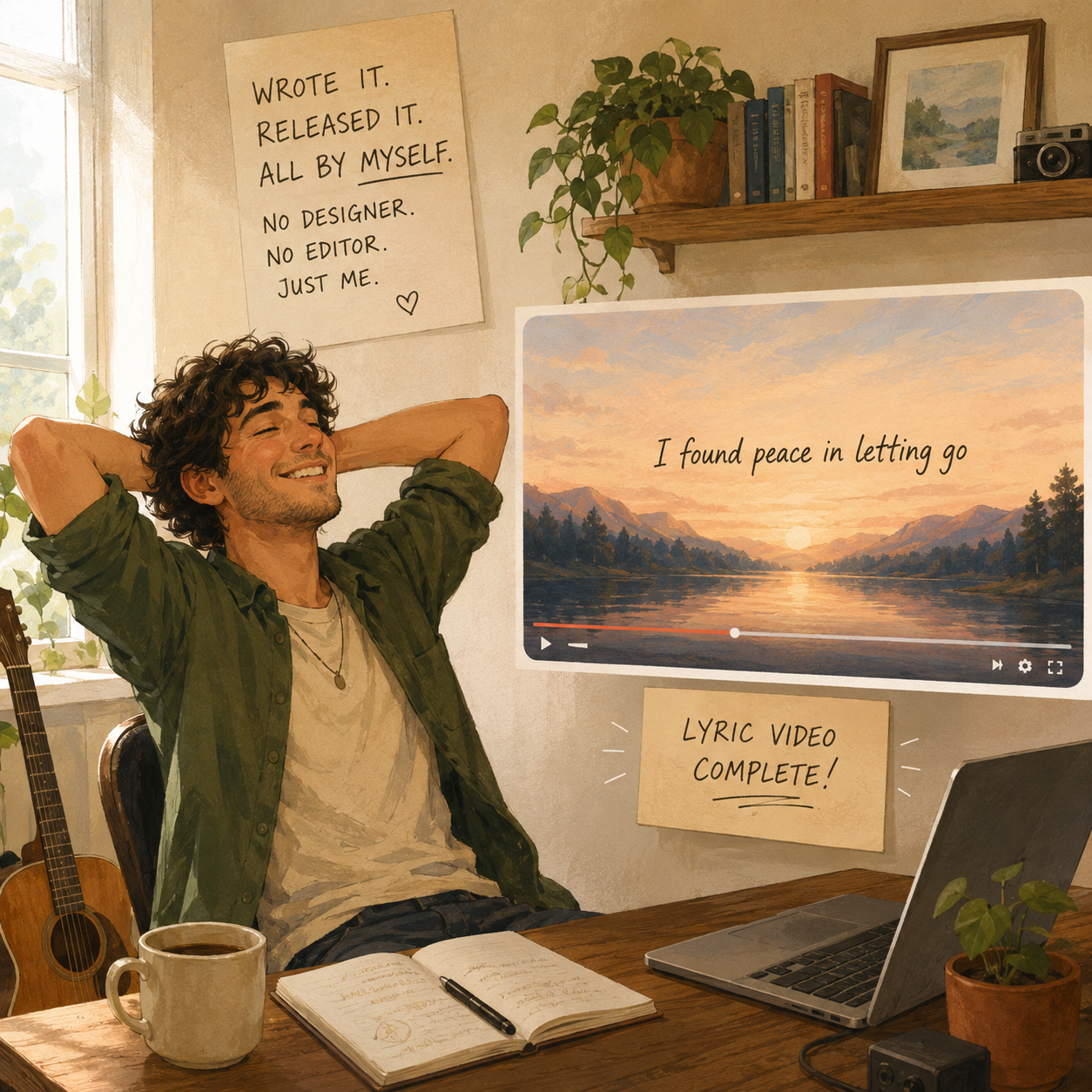
Generate a lyric video for your single without a designer, editor, or music video budget.
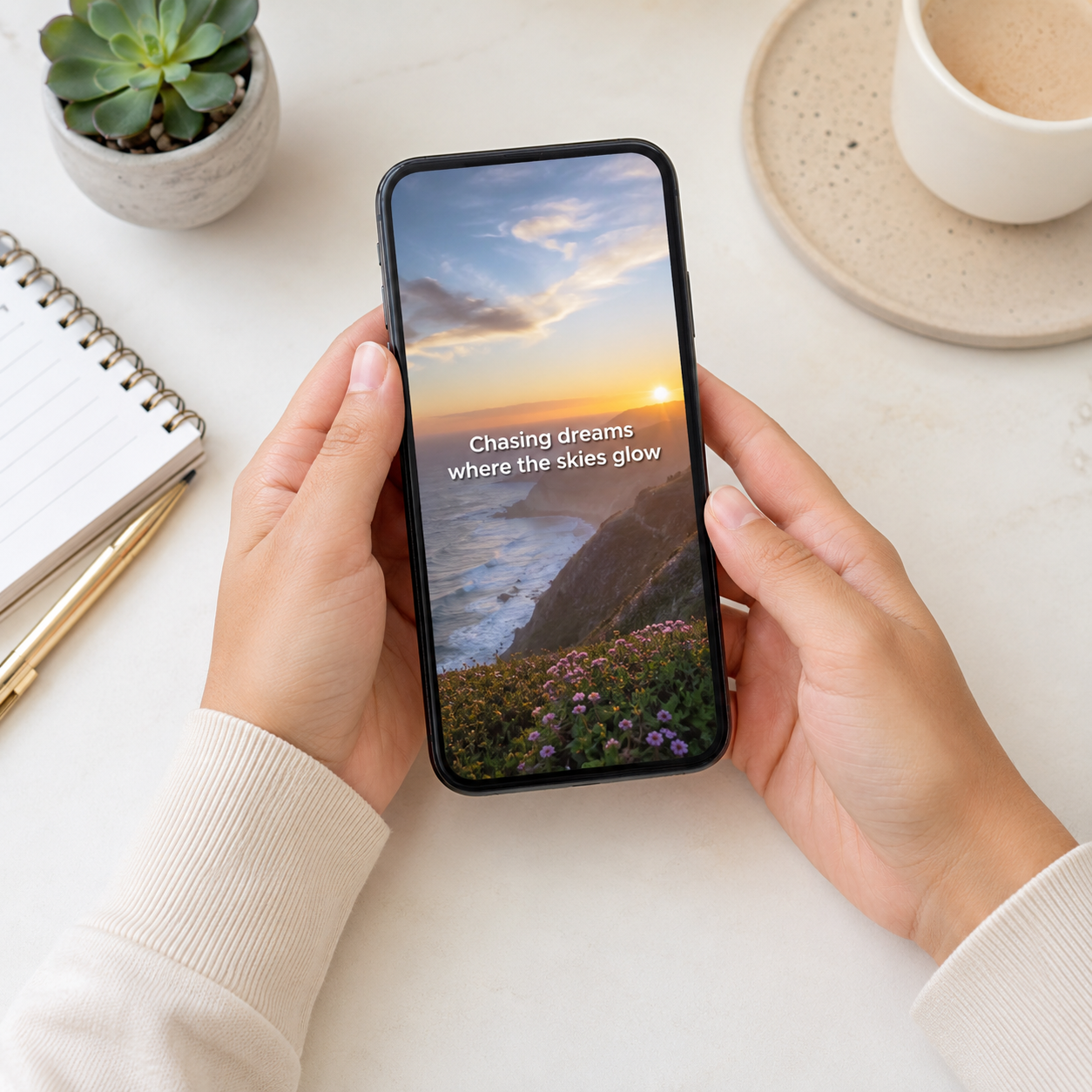
Generate a vertical lyric video from the hook or chorus that stops the scroll.
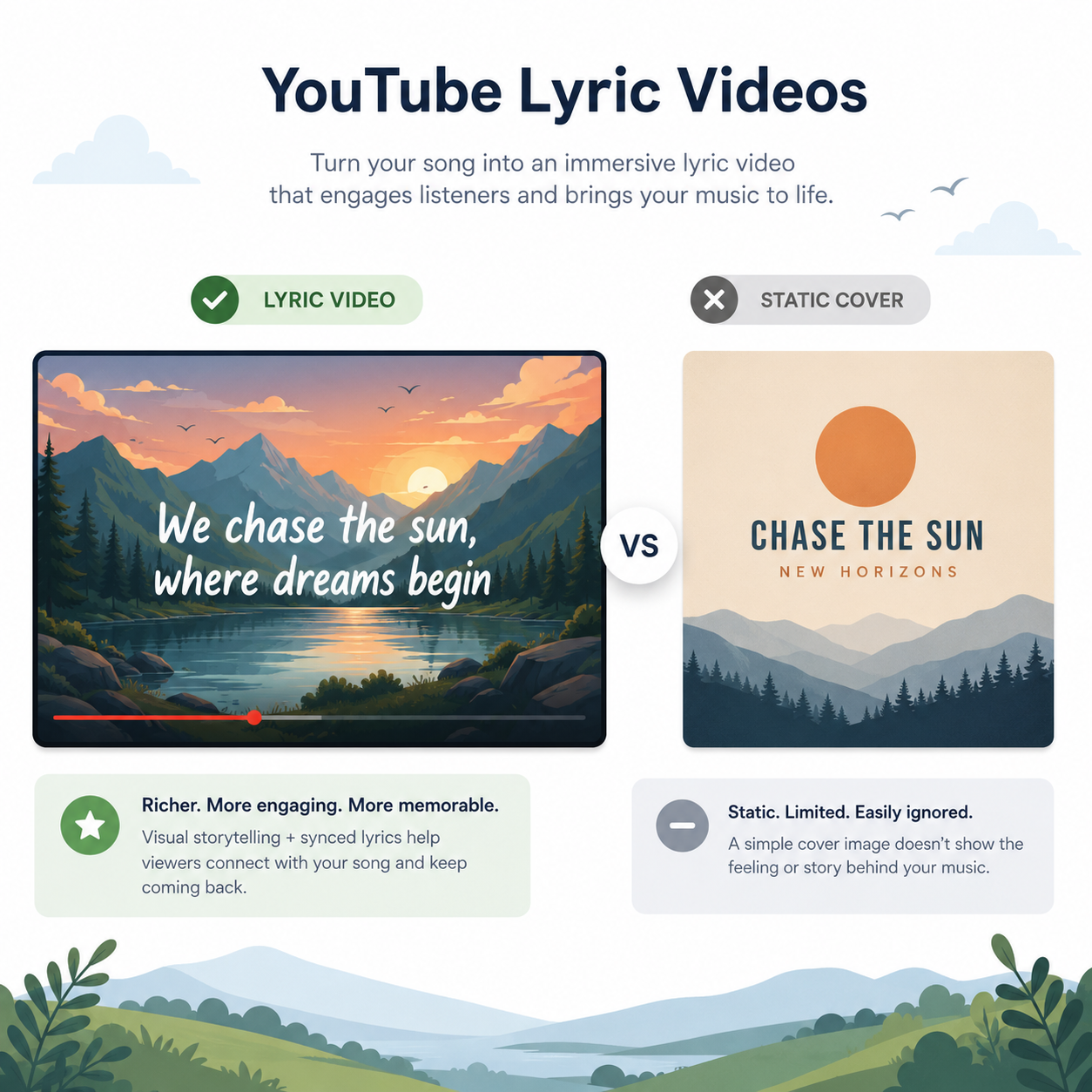
Generate a full-length 16:9 lyric video that gives your audio upload more context than a static cover.
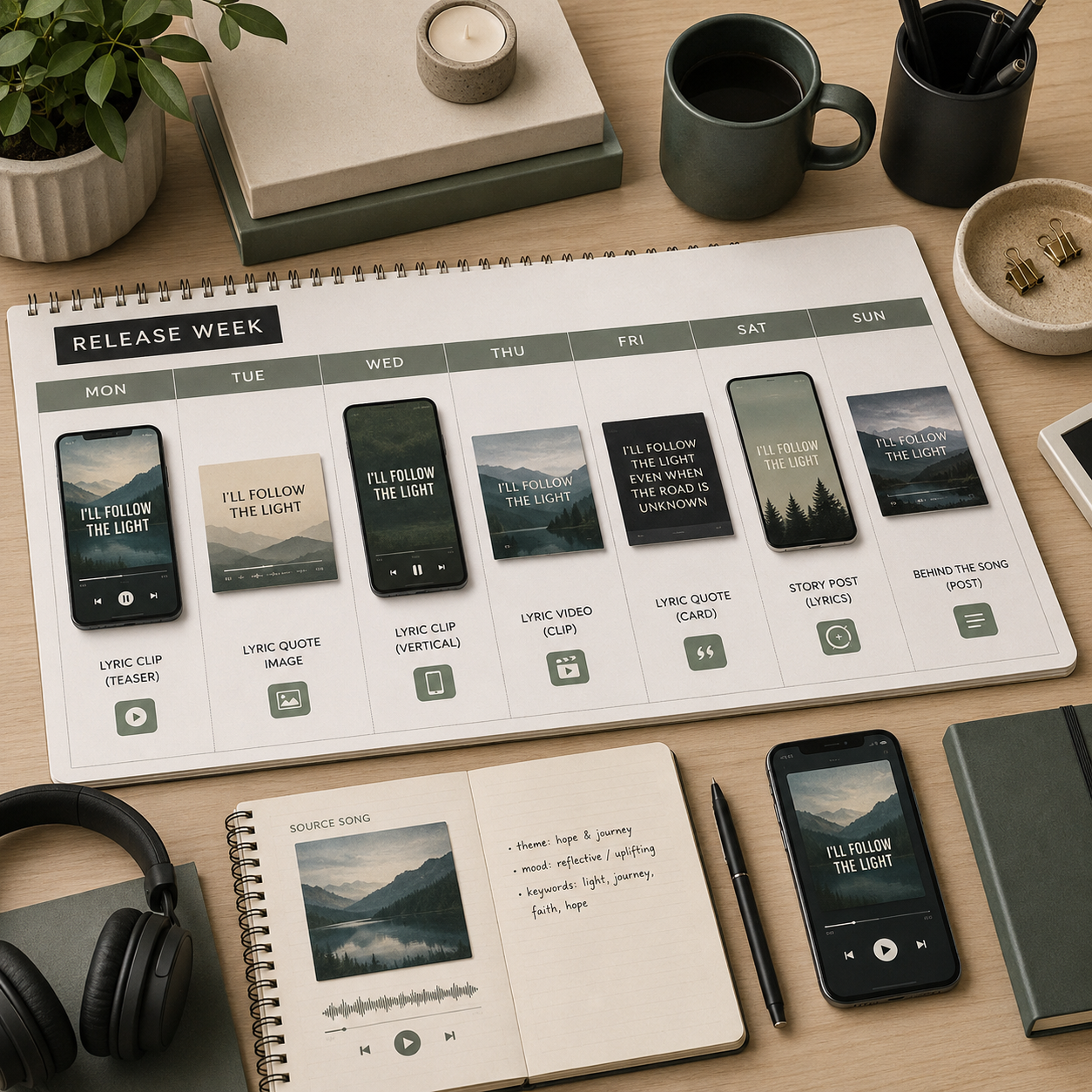
Generate multiple lyric clips from one single — fresh content for every day of release week.
Upload your track, let AI handle the lyrics and visuals, and export a finished lyric video — no subscription needed.
Generate My Lyric VideoFree preview · No subscription · No credit card