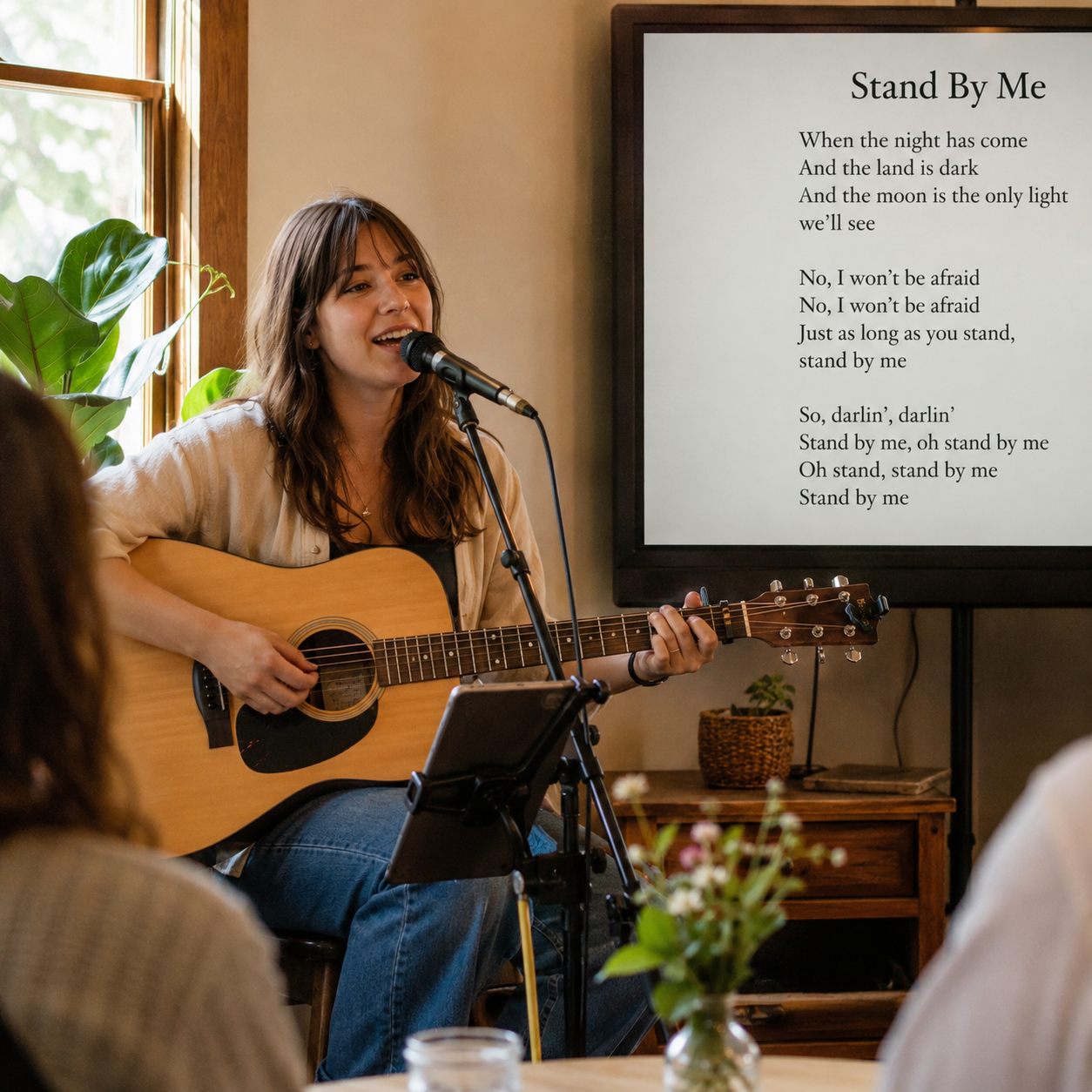
Karaoke video maker — AI-powered, free to export (watermarked)

Karaoke Video Maker — Create Sing-Along Lyric Videos

Upload your song audio. AI auto-transcribes the lyrics and syncs every line to the beat so viewers can sing along. Preview the karaoke-style lyric video, then export — free (watermarked), no subscription needed.

Step 1

Upload your song

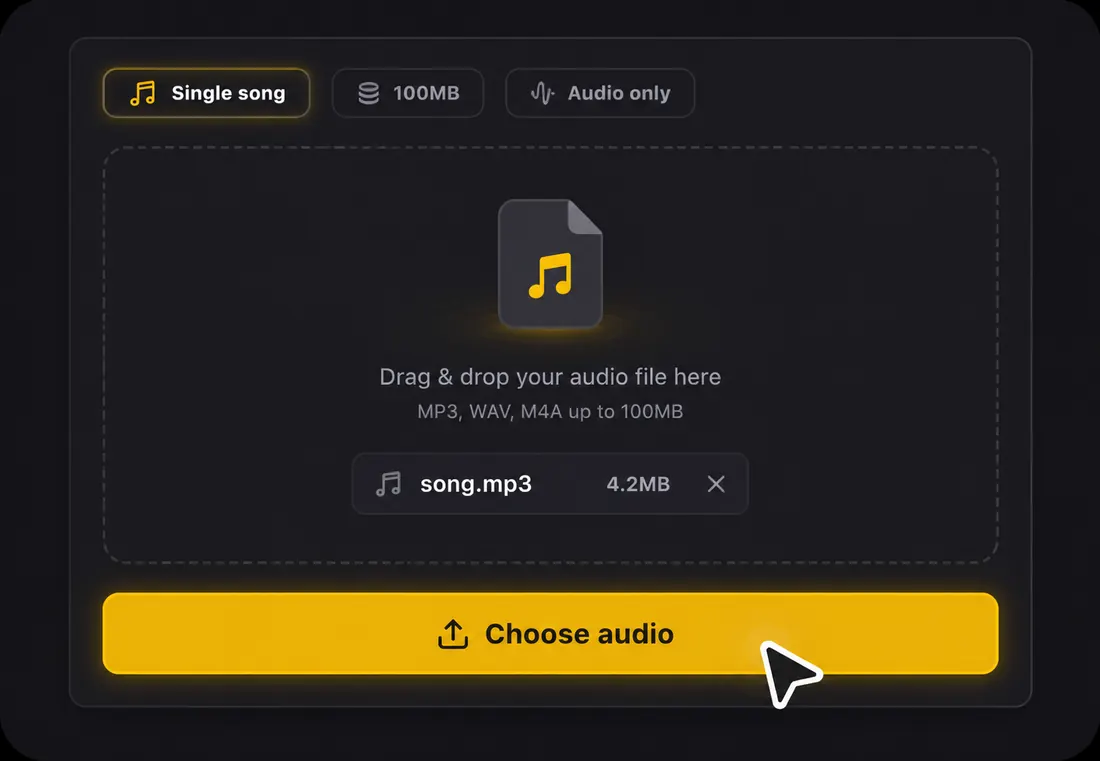
Choose one audio file to start your lyric video.

Single song100MBAudio only

Drag & drop your audio file here

or click the button below to browse

Supports MP3, WAV, FLAC, AAC, OGG, M4AMax 100MB

AI auto-transcribes lyrics
Beat-synced for sing-along
16:9, 9:16, and 1:1 export
Export a watermarked video free — no subscription or credit card

How the Karaoke Video Maker Works

Upload your song1

Step 1: Upload your song

Drop an MP3, WAV, FLAC, AAC, OGG, or M4A file (up to 100MB). A free account gives you starter credits, and no manual lyric typing is required. The AI works directly from your audio — you don't need to build a karaoke timing map from scratch.
AI transcribes and syncs2

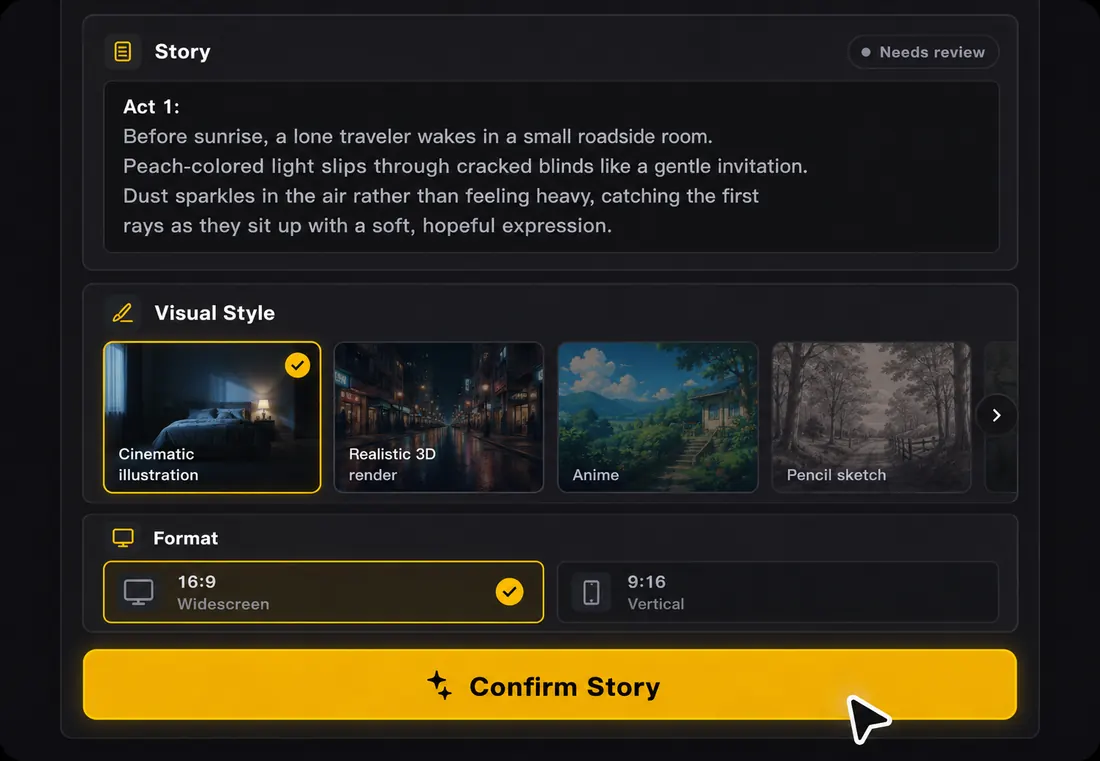
Step 2: AI transcribes and syncs

AI transcribes lyrics from the audio automatically and syncs every line to the beat — in 50+ languages. Click any line to edit the words before export. The cue timing is designed so the next lyric appears before the singer needs it.

Preview and export3

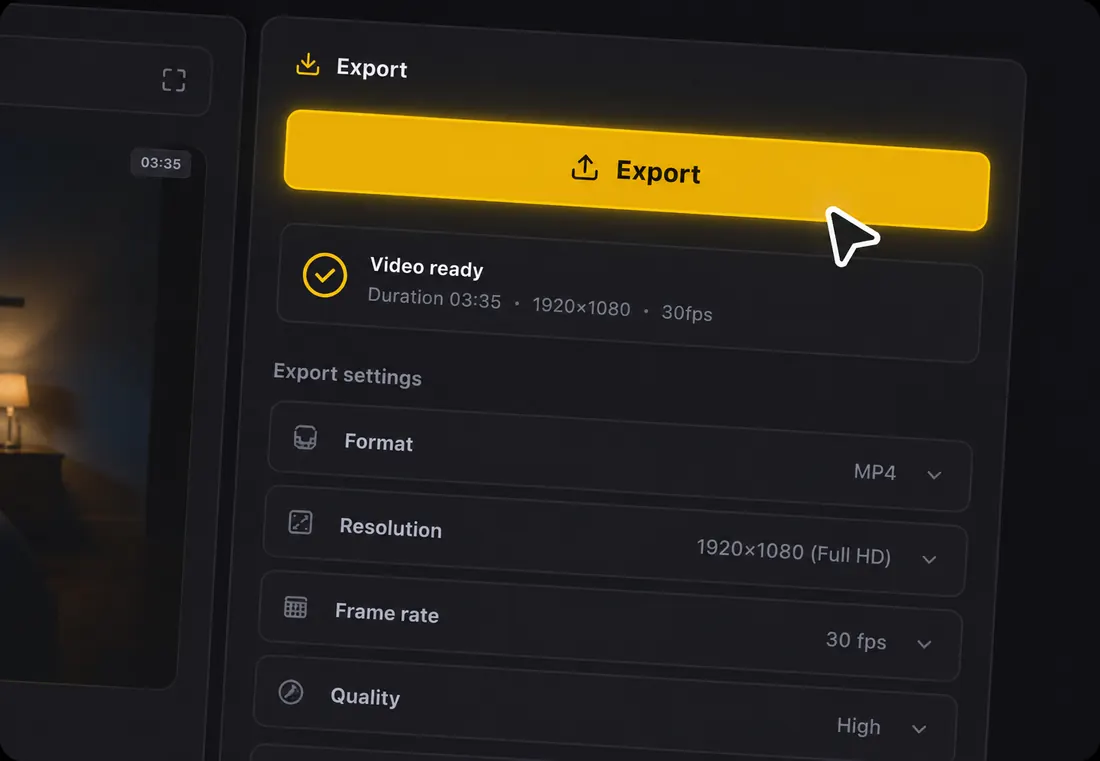
Step 3: Preview and export

Watch the karaoke video like a singer would — check that lyric cues arrive on time, text is readable on any screen, and choruses feel natural. Export in 16:9 for YouTube or TV screens, 9:16 for TikTok, or 1:1 for feed posts. Free to export (watermarked), no subscription required.

Why Make Karaoke Videos on LyricVideoMaker

Making a karaoke video manually means transcribing lyrics, timing each line to the music, and testing readability for sing-along. LyricVideoMaker does all of that automatically — upload the song and get a sing-along lyric video.

AI handles the hardest part: lyrics and timing

Karaoke timing has to be tighter than a regular lyric video — the next line must appear before the singer needs it. AI transcription and beat sync get this right automatically.

AI handles the hardest part: lyrics and timing

Cue timing for singers

Lines appear with enough lead time for someone to sing along, instead of popping up after the vocal has already started.

Sing-along readable

Lyrics are timed and displayed for people who are singing, not just reading. Line-by-line cues arrive early enough to follow and stay readable on phones, TVs, and projectors.

Consistent karaoke channel output

Use a repeatable look across songs so a YouTube karaoke channel or event playlist feels consistent from track to track.

What is a karaoke video maker?

A karaoke video maker turns a song audio file into a sing-along lyric video with clear timing and highlighted phrasing. The current stable path keeps the original audio and focuses on readable, beat-synced lyrics; true vocal removal is a separate planned or optional direction that should be judged by preview quality.

  • Input is an uploaded audio file in MP3, WAV, FLAC, AAC, OGG, or M4A, up to 100MB.
  • It creates sing-along lyric videos with editable lyrics and musical timing.
  • Output is an MP4 in 16:9, 9:16, or 1:1 for parties, practice, channels, and social clips.
  • It differs from true karaoke backing-track creation because lead-vocal removal is not the stable core feature today.

karaoke video maker specs at a glance

Accepted input

Audio upload only: MP3, WAV, FLAC, AAC, OGG, or M4A, up to 100MB per file.

Lyrics

AI transcribes vocals automatically in 50+ languages, then lets you edit every line before export.

Sync

Beat-aware line timing keeps lyrics readable and musical instead of simply dropping captions on a fixed grid.

Visuals

Storyboard planning and AI scene-image generation create backgrounds around the mood of the song.

Exports

MP4 with original audio in 16:9, 9:16, or 1:1 for YouTube, Shorts, TikTok, Reels, and feeds.

Start

Free credits are available at the start, so you can preview the workflow before spending more time on a release.

Sing-along mode vs true karaoke mode

Karaoke requests mix two different needs. One wants highlighted lyrics over the original song; the other wants the lead vocal removed. Separating them keeps the result honest.

Decision pointPractical guidance
Sing-along lyric videoStable today: keep the original track and highlight lyrics for viewers to follow.
True karaoke backing trackPlanned or optional: reduce or remove lead vocals, with quality depending on the recording.
Best for partiesSing-along mode is enough when everyone wants the original artist as a guide.
Best for performersTrue karaoke matters when the singer needs space to replace the lead vocal.
Review riskLead-vocal removal can leave traces on layered, live, or heavily processed songs.
Visual priorityIn both modes, lyric readability and timing matter more than busy backgrounds.

Best practices for karaoke-style lyric videos

Use these checks before you render, especially when the same project needs more than one platform format.

Keep the original vocal for practice versions; it helps singers learn phrasing.
Use larger type than a normal lyric video because groups often watch from farther away.
Add visual breathing room before the first lyric so singers know when to enter.
Review fast passages for timing drift; karaoke feels wrong when words arrive late.
Use high-contrast highlighting rather than subtle color changes.
Export widescreen for TV playback and vertical only when the clip is meant for social.
Treat lead-vocal removal as preview-dependent rather than assuming every song will separate cleanly.

The difference between sing-along and true karaoke

A karaoke video maker builds sing-along lyric videos with a highlighted timeline instead of starting from a blank timeline. The choices that matter happen before you render — here are the principles worth keeping.

1

Lyrics are structure, not decoration

The words are the structure the viewer follows, not a caption added last. Always transcribe first, align to the beat second, and design the scene third.

2

AI does the heavy lifting, you keep the taste

AI handles transcription, timing, and scene generation. Whether the style fits, a line break should change, or you need a vertical, square, or widescreen export stays your call.

3

Tell sing-along and true karaoke apart

Sing-along keeps the original vocal for practice and parties; true karaoke removes the lead, and results vary by recording — so treat vocal removal as optional and always check the preview first.

4

The scene serves the lyric

Viewers should never choose between reading the line and watching the scene. Keep contrast strong, lines short, and motion restrained so the visuals support the words.

5

Review in three passes

Watch once for words to catch transcription errors, once for rhythm to catch lines that arrive early or late, and once for platform fit so it still reads in a phone feed.

6

Build it while the song is fresh

Make the lyric video while the song is still in your ear: you will hear awkward line breaks faster, catch misheard words sooner, and judge where the energy should rise or stay quiet.

7

One source, every format

A single project becomes a 16:9 full version, a 9:16 vertical, and a 1:1 square without retyping lyrics or rebuilding timing — which is what makes a release feel planned.

karaoke video maker checklist before export

A quick pre-export review catches most quality problems while they are still cheap to fix.

CheckWhat to verify
Audio readinessAccepted formats are MP3, WAV, FLAC, AAC, OGG, and M4A; keep the file under 100MB.
Language reviewThe system auto-detects 50+ languages, but bilingual hooks and names deserve a manual pass.
Timing reviewBeat sync gives a strong baseline; nudge any line that lands early or late against the vocal.
Scene reviewGenerated images should match the mood without making text hard to read.
Export reviewCheck 16:9, 9:16, and 1:1 separately because readable text size changes by format.

Karaoke Video Maker FAQ

Yes. Sign up, get free credits, and export your karaoke video (watermarked, free) — no subscription required, no credit card needed.

Where Sing-Along Lyric Videos Work Best

Build karaoke-style lyric videos when the words need to be easy to follow on a phone, TV, projector, or YouTube screen.

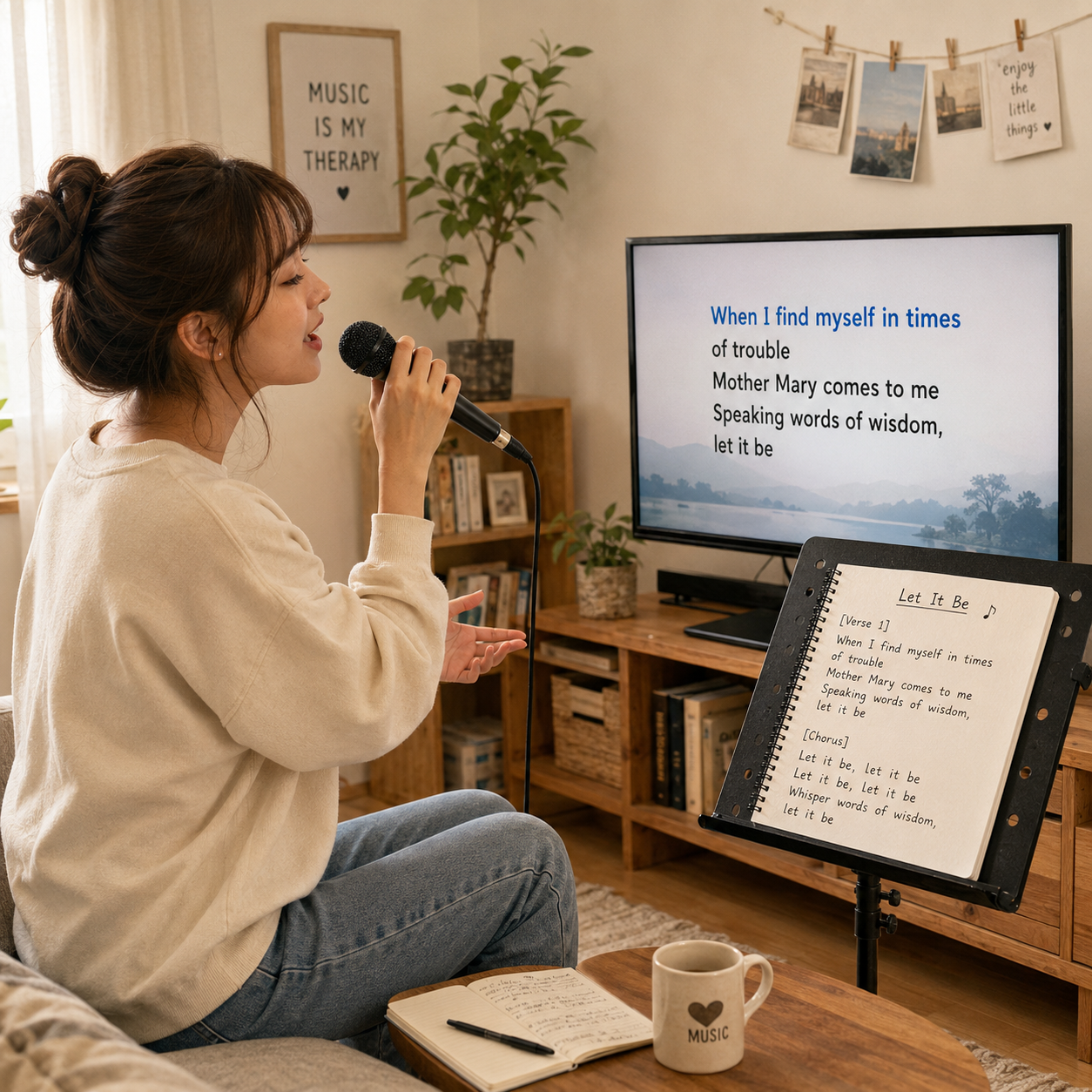
Vocal practice and rehearsal

Vocal practice and rehearsal

Practice timing, phrasing, and lyrics with line-by-line cues built from your song.

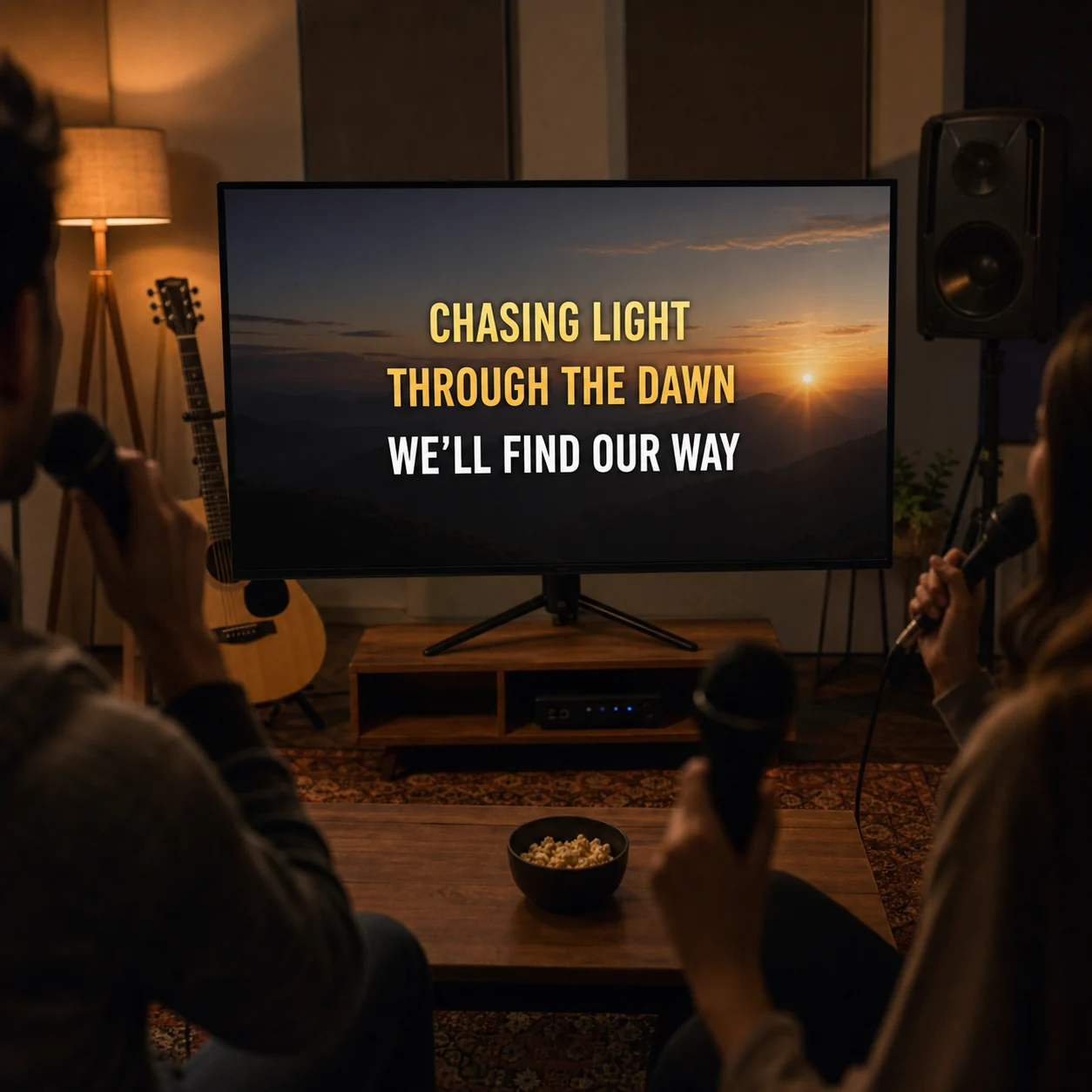
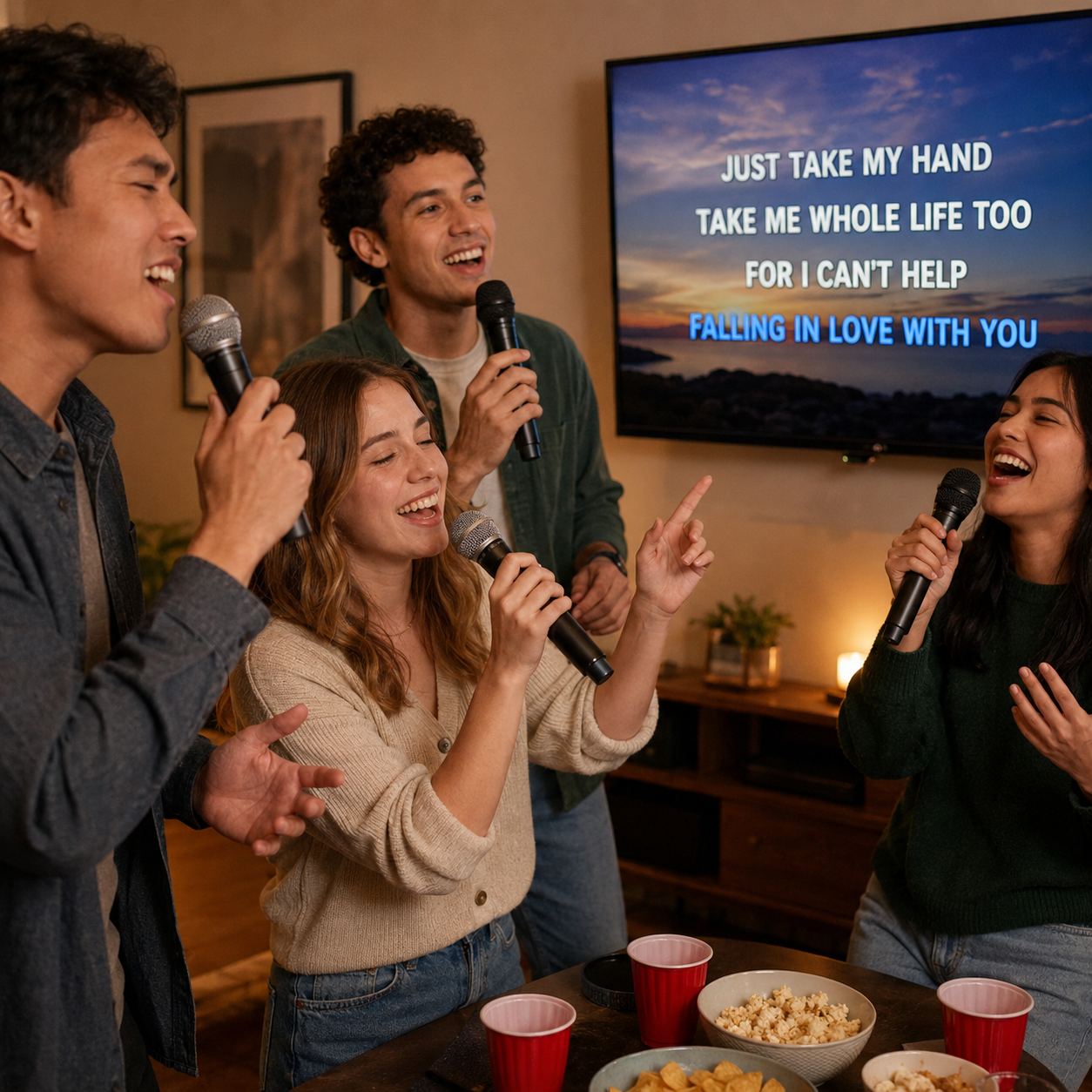
Karaoke nights and events

Karaoke nights and events

Create readable sing-along videos for parties, events, or casual karaoke nights.

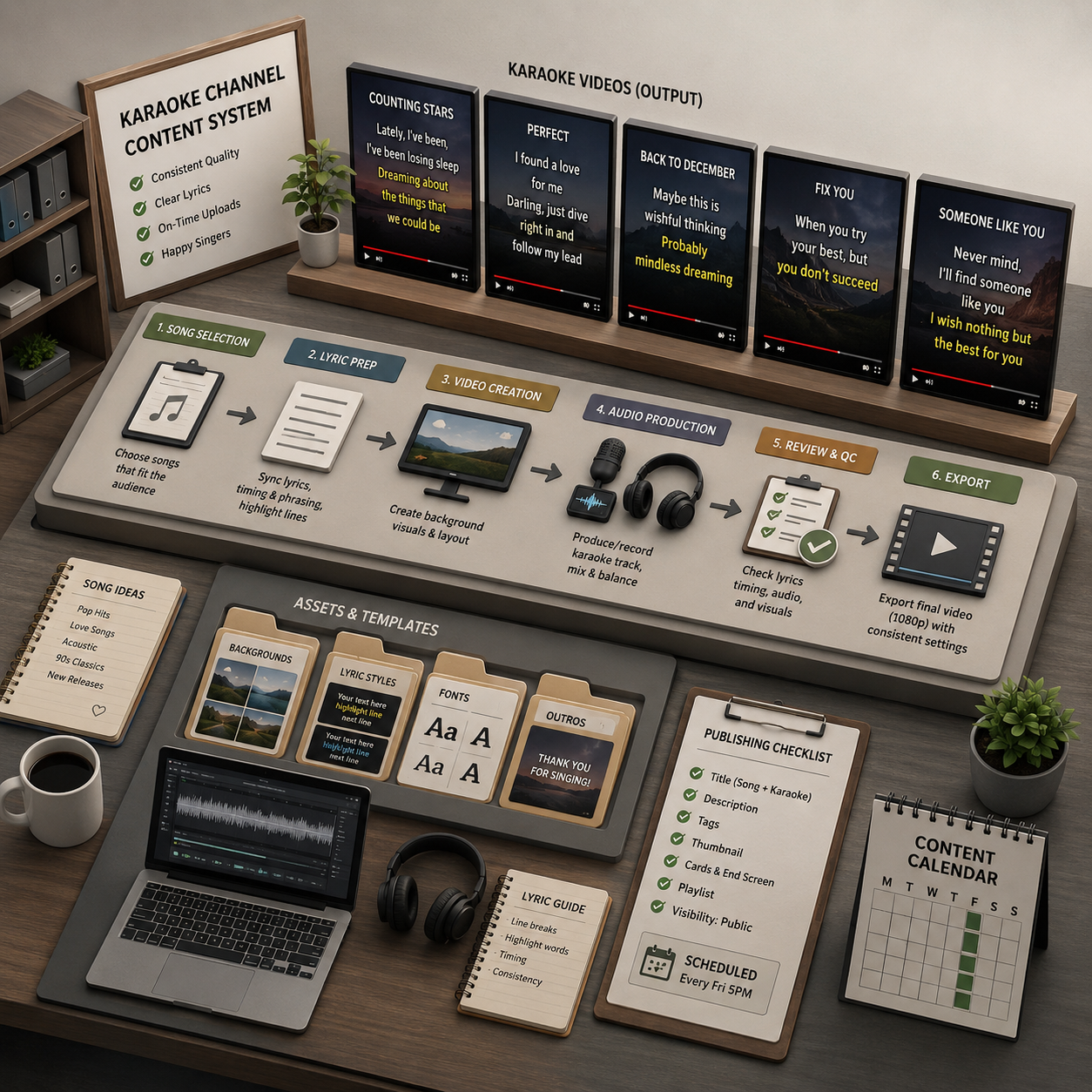
YouTube karaoke channels

YouTube karaoke channels

Produce consistent karaoke-style lyric videos with a repeatable upload-to-export flow.

Cover performances

Cover performances

Help listeners follow along with covers, acoustic sessions, or live performances.

Every song deserves a sing-along.

Upload your track, let AI handle the lyrics and timing, and export a karaoke-style lyric video — free (watermarked), no subscription needed.

Make My Karaoke Video

Free credits · No subscription · No credit card