TikTok lyric video generator — vertical, AI-powered, free to export (watermarked)

TikTok Lyric Video Generator — Vertical Lyrics That Stay Readable

Upload your song audio. AI transcribes the lyrics and syncs every line to the beat. Preview in a vertical 9:16 frame with TikTok safe zones, then export — free (watermarked), no subscription needed. One render works for TikTok, Reels, and Shorts.

Step 1

Upload your song

Choose one audio file to start your lyric video.

Single song100MBAudio only

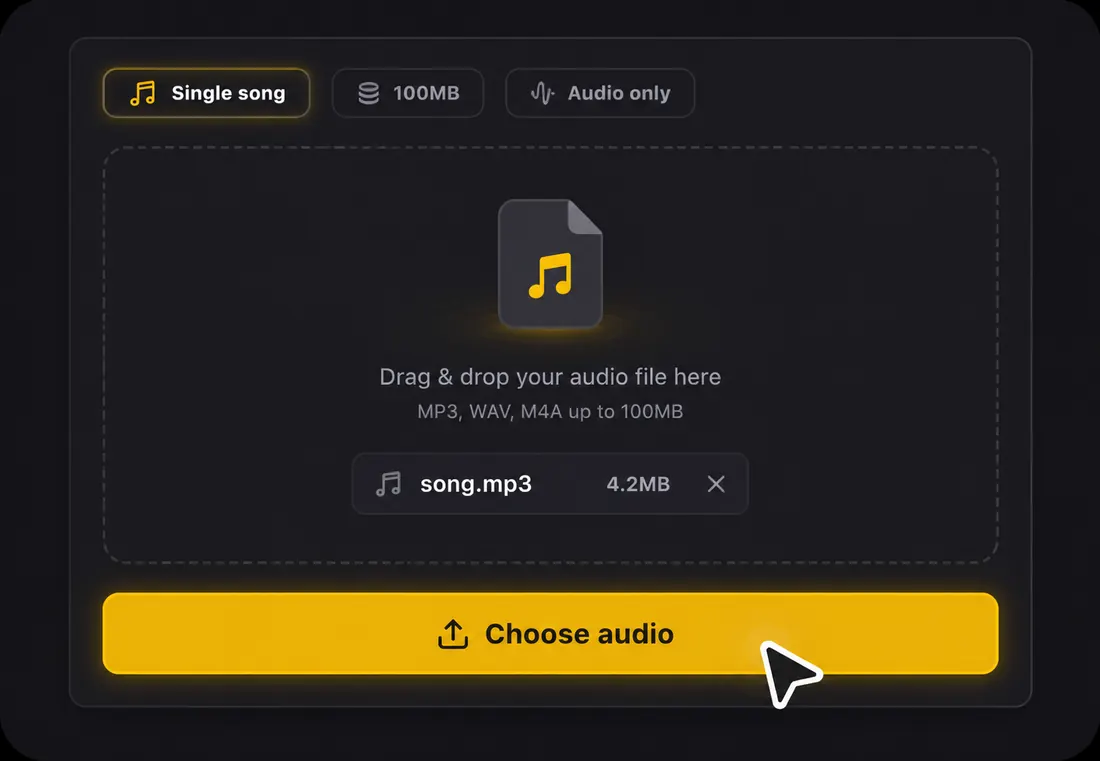
Drag & drop your audio file here

or click the button below to browse

Supports MP3, WAV, FLAC, AAC, OGG, M4AMax 100MB

AI auto-transcribes lyrics
9:16 vertical export
Safe zones avoid TikTok buttons
Export a watermarked video free — no subscription

How the TikTok Lyric Video Generator Works

Upload your song1

Step 1: Upload your song

Drop an MP3, WAV, FLAC, AAC, OGG, or M4A file (up to 100MB). A free account gives you starter credits. The TikTok lyric video generator works from audio, so you do not need to type a single lyric line. Pick the 15-to-30-second section that will stop the scroll, or use the full track.
AI transcribes and syncs every line2

Step 2: AI transcribes and syncs every line

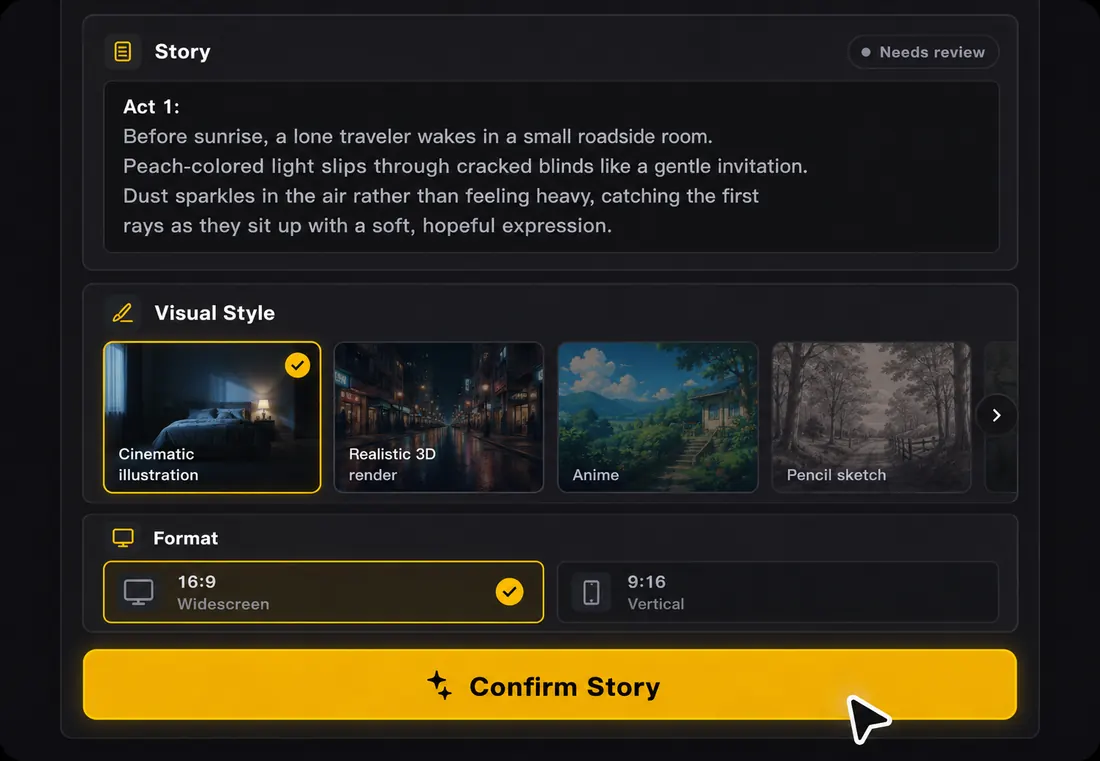
Lyrics are transcribed automatically from the audio and synced to the beat — in 50+ languages. Click any line to edit. The TikTok lyric video maker positions text inside the vertical safe zone so your words are never buried under TikTok's like, comment, and share buttons.

Preview vertically and export in 9:163

Step 3: Preview vertically and export in 9:16

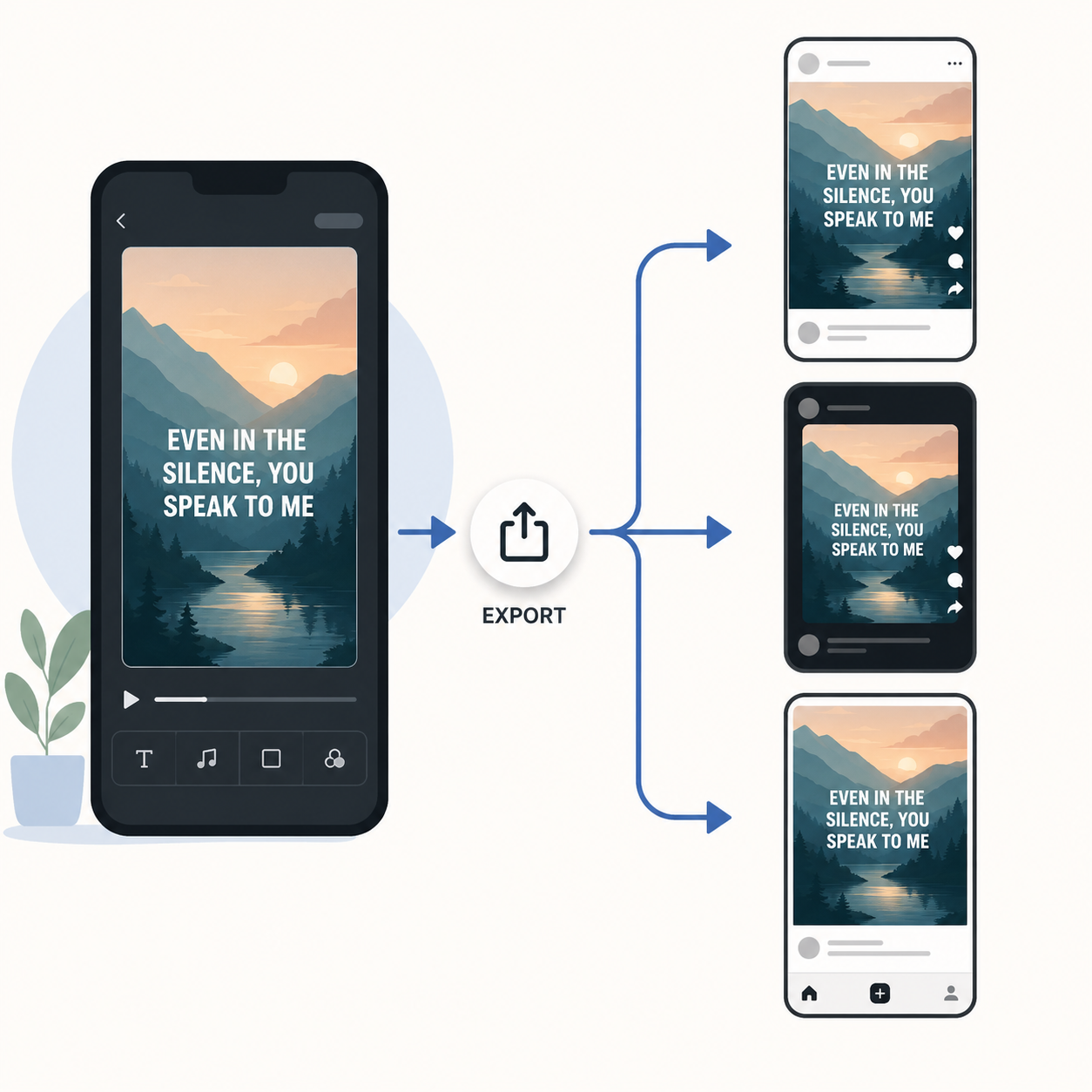
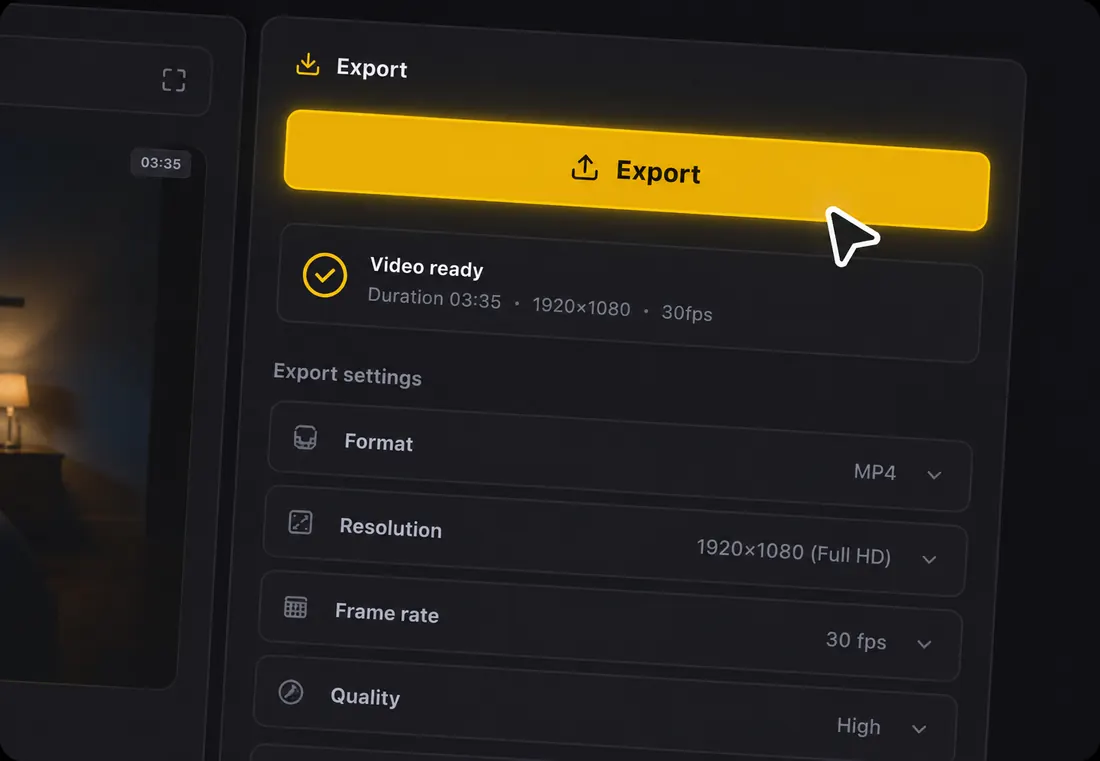
Watch the draft on a phone-sized canvas before you post. Confirm the first lyric lands within 2 seconds, text is large enough for a 6-inch screen, and nothing is hidden by TikTok UI. Export in 9:16 HD — the same file works on TikTok, Instagram Reels, and YouTube Shorts.

Why Make TikTok Lyric Videos on LyricVideoMaker

Most lyric video tools are built for YouTube — horizontal, full-length, desktop-first. LyricVideoMaker is the TikTok lyric video generator built for vertical, short-form, phone-first content from the start.

Vertical-first, not vertical-as-an-afterthought

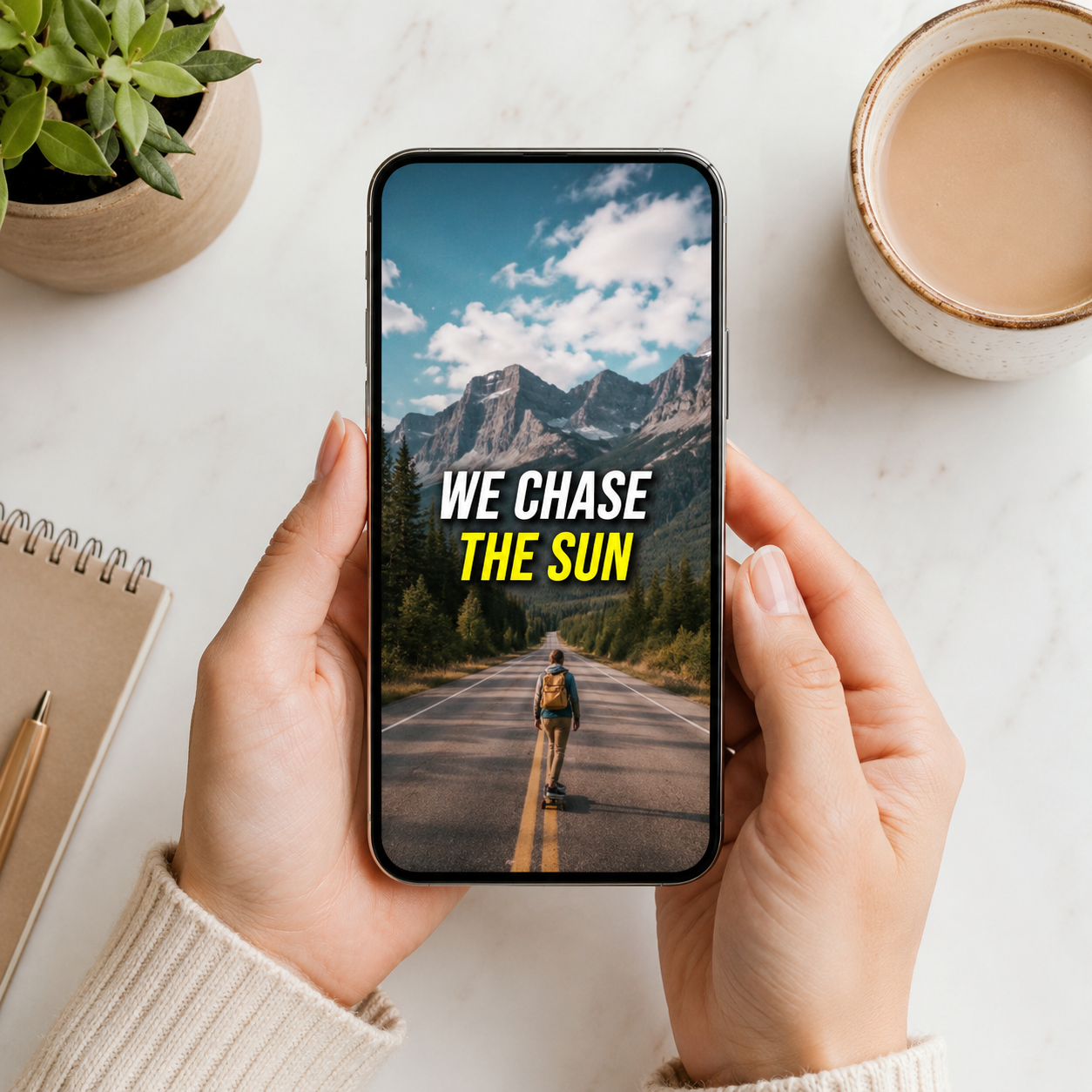
Every preview, every text layout, and every export is designed around a 9:16 phone screen with TikTok safe zones. You are not cropping a horizontal video — you are building a vertical one from scratch.

Vertical-first, not vertical-as-an-afterthought

Phone-screen lyric sizing

Lyrics are sized for a vertical phone feed, not squeezed down from a widescreen lyric video. The result stays readable when someone watches with one thumb on the screen.

TikTok safe zones built in

Lyrics are automatically positioned away from the like, comment, share buttons, and caption area. No more guessing whether your text will be readable after posting.

Short-form pacing by default

The first lyric appears fast, hook clips stay tight, and endings feel loop-friendly. The page is built for TikTok behavior instead of full-song playback only.

What is a TikTok lyric video generator?

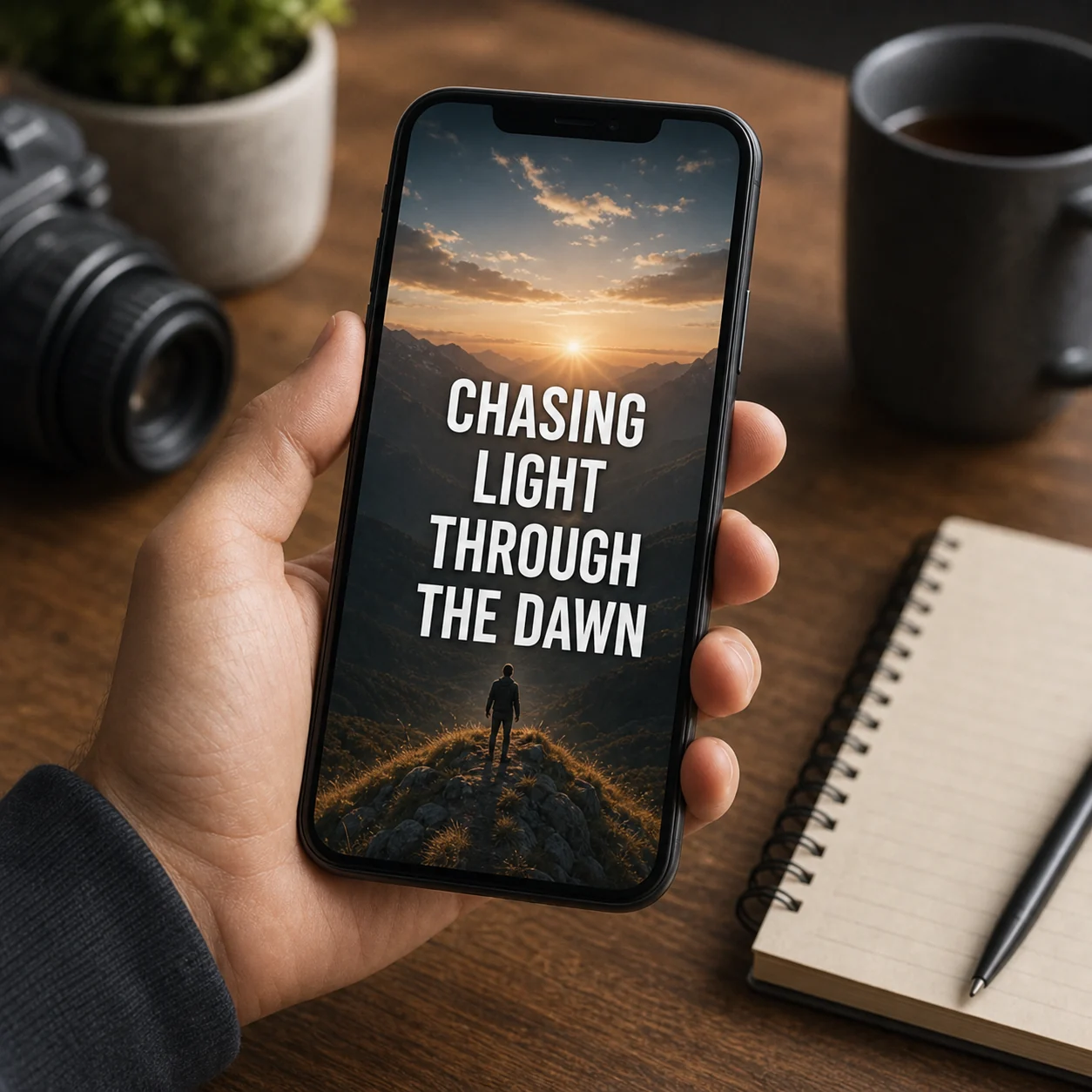
A TikTok lyric video generator creates a vertical, phone-readable lyric video from your song audio. It is built for 9:16 viewing, quick hooks, and safe lyric placement, so the words do not fight TikTok captions, buttons, or tiny cropped text.

  • Input is an audio file from your song; link importing is a future convenience, not the stable path.
  • It can transcribe vocals, sync lines to the beat, and build vertical AI scenes around the hook.
  • Output is a 9:16 MP4, with 16:9 and 1:1 versions available when you need them.
  • It differs from cropping a YouTube lyric video because layout, pacing, and safe zones are vertical-first.

TikTok lyric video generator specs at a glance

Accepted input

Audio upload only: MP3, WAV, FLAC, AAC, OGG, or M4A, up to 100MB per file.

Lyrics

AI transcribes vocals automatically in 50+ languages, then lets you edit every line before export.

Sync

Beat-aware line timing keeps lyrics readable and musical instead of simply dropping captions on a fixed grid.

Visuals

Storyboard planning and AI scene-image generation create backgrounds around the mood of the song.

Exports

MP4 with original audio in 16:9, 9:16, or 1:1 for YouTube, Shorts, TikTok, Reels, and feeds.

Start

Free credits are available at the start, so you can preview the workflow before spending more time on a release.

TikTok lyric video safe-zone planning

A TikTok lyric video lives under interface elements: captions at the bottom, action buttons on the right, profile and audio metadata near the lower edge. The design should treat those areas as occupied before the video is rendered.

Decision pointPractical guidance
Right-side buttonsKeep key words away from the right edge so likes, comments, and shares do not cover the hook.
Bottom caption areaPlace main lyric lines above the caption zone, especially when you plan a long post description.
First two secondsBring in either the title or the first memorable lyric immediately; silent visual intros are risky.
Loop behaviorAvoid a hard visual stop at the end of a short clip; a soft return encourages replay.
Text sizeUse fewer words per line and larger type than a YouTube version would need.
Cross-postingA 9:16 render can usually serve TikTok, Reels, and Shorts if the safe zone is conservative.

Tips for TikTok lyric videos that survive the scroll

Use these checks before you render, especially when the same project needs more than one platform format.

Choose the most quotable 15 to 30 seconds instead of uploading the full song by default.
Keep one lyric idea per screen; fast stacked lines turn into wallpaper on a phone.
Let the chorus or hook have a stronger visual treatment than the verse so the clip feels shareable.
Use high contrast between text and generated scene art; TikTok compression punishes subtle color differences.
Preview with interface overlays in mind, not in a clean desktop player.
Export a square or widescreen companion only after the vertical version reads well.
Write the caption after seeing the generated mood, because the visuals may reveal a better angle for the post.

Why TikTok lyric videos need their own layout logic

A TikTok lyric video generator builds a vertical, phone-readable video sized for 9:16. The choices that matter happen before you render — here are the principles worth keeping.

1

Design around TikTok's interface

Captions, action buttons, and audio metadata occupy the edges of every TikTok video. Treat those zones as taken before rendering, and keep words at eye level in a full 9:16 frame.

2

Lyrics are structure, not decoration

The words are the structure the viewer follows, not a caption added last. Always transcribe first, align to the beat second, and design the scene third.

3

AI does the heavy lifting, you keep the taste

AI handles transcription, timing, and scene generation. Whether the style fits, a line break should change, or you need a vertical, square, or widescreen export stays your call.

4

The scene serves the lyric

Viewers should never choose between reading the line and watching the scene. Keep contrast strong, lines short, and motion restrained so the visuals support the words.

5

Review in three passes

Watch once for words to catch transcription errors, once for rhythm to catch lines that arrive early or late, and once for platform fit so it still reads in a phone feed.

6

One source, every format

A single project becomes a 16:9 full version, a 9:16 vertical, and a 1:1 square without retyping lyrics or rebuilding timing — which is what makes a release feel planned.

7

Build it while the song is fresh

Make the lyric video while the song is still in your ear: you will hear awkward line breaks faster, catch misheard words sooner, and judge where the energy should rise or stay quiet.

TikTok lyric video generator checklist before export

A quick pre-export review catches most quality problems while they are still cheap to fix.

CheckWhat to verify
Audio readinessAccepted formats are MP3, WAV, FLAC, AAC, OGG, and M4A; keep the file under 100MB.
Language reviewThe system auto-detects 50+ languages, but bilingual hooks and names deserve a manual pass.
Timing reviewBeat sync gives a strong baseline; nudge any line that lands early or late against the vocal.
Scene reviewGenerated images should match the mood without making text hard to read.
Export reviewCheck 16:9, 9:16, and 1:1 separately because readable text size changes by format.

TikTok Lyric Video Generator FAQ

15 to 30 seconds performs best. Pick the hook, chorus, or the lyric people would repeat after hearing it once, and set start and end points before exporting.

TikTok Lyric Video Generator Use Cases

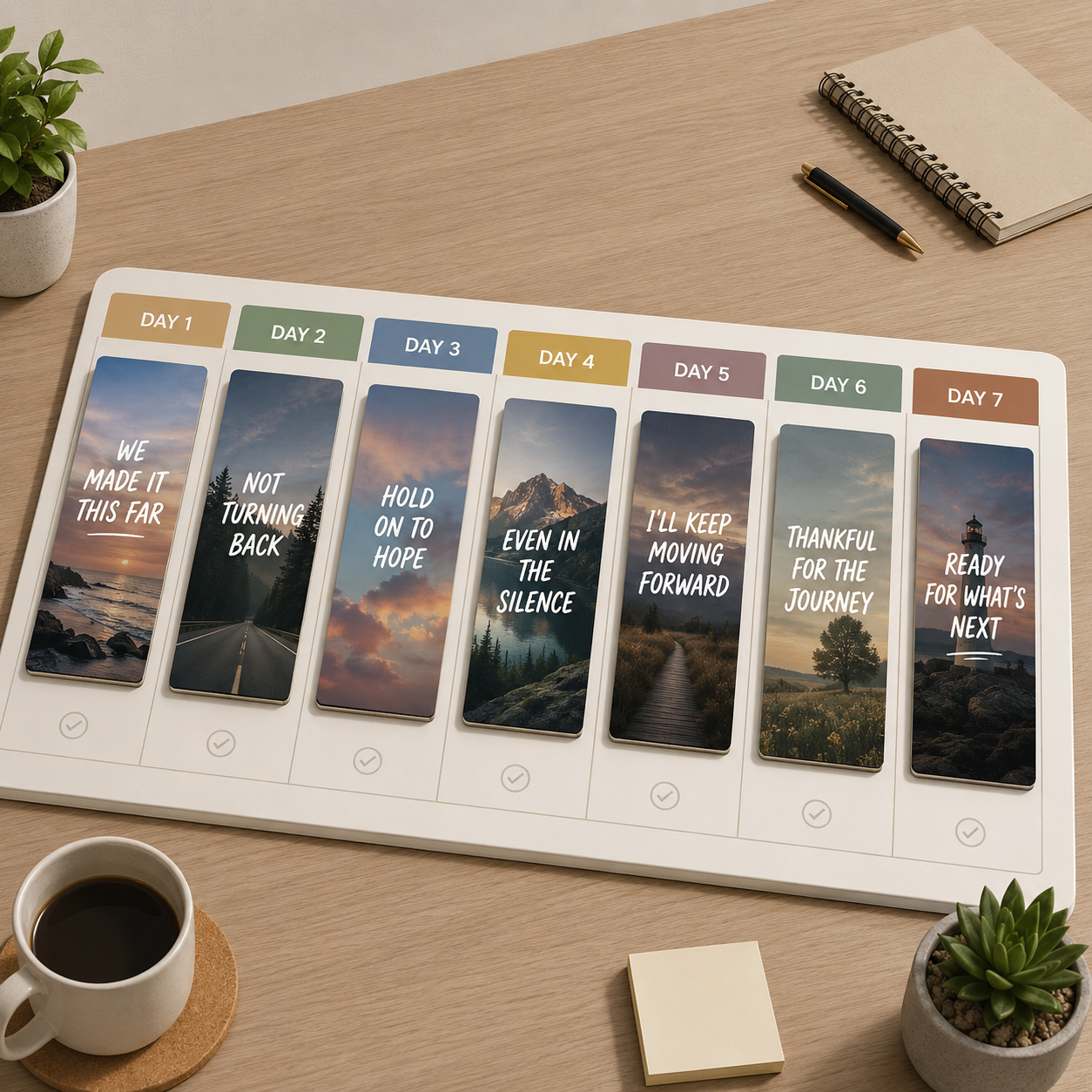
One song, multiple TikTok moments — turn hooks, verses, and choruses into vertical lyric clips that stop the scroll.

Hook clips for TikTok

Hook clips for TikTok

Turn the catchiest 15 seconds into a vertical lyric video that gets to the words fast.

Release week content

Release week content

Cut multiple lyric clips from one single so you post fresh content every day instead of the same asset.

Reels and Shorts reposts

Reels and Shorts reposts

Export once in 9:16 and post the same lyric video to TikTok, Instagram Reels, and YouTube Shorts.

Fan-friendly lyric clips

Fan-friendly lyric clips

Give fans a readable lyric version of the best line so they can share it before they even know the full song.

Your next viral sound deserves visuals to match.

Upload your song, let AI handle the lyrics, and export a vertical lyric video ready for TikTok — free (watermarked), no subscription needed.

Make My TikTok Lyric Video

Free credits · No subscription · One render for TikTok, Reels & Shorts