
 1
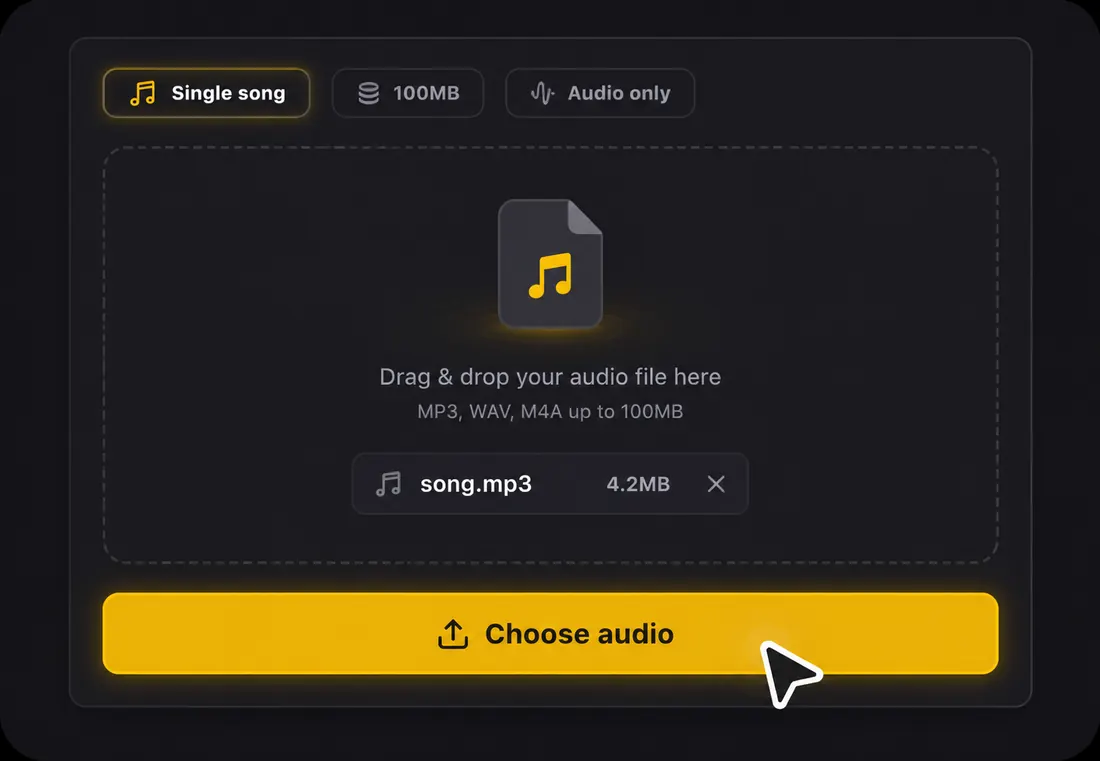
1Step 1: Import your Suno song
Open Suno Link in the tool above and paste a public song link, or upload your downloaded audio. Sign in when prompted to continue the import.
From Suno song to lyric video
Turn your Suno song into a lyric video with LyricVideoMaker. Paste a public Suno song link or upload the audio, review AI-synced lyrics, and export in 16:9 or 9:16. Sign in to import your song.
1Open Suno Link in the tool above and paste a public song link, or upload your downloaded audio. Sign in when prompted to continue the import.
 2
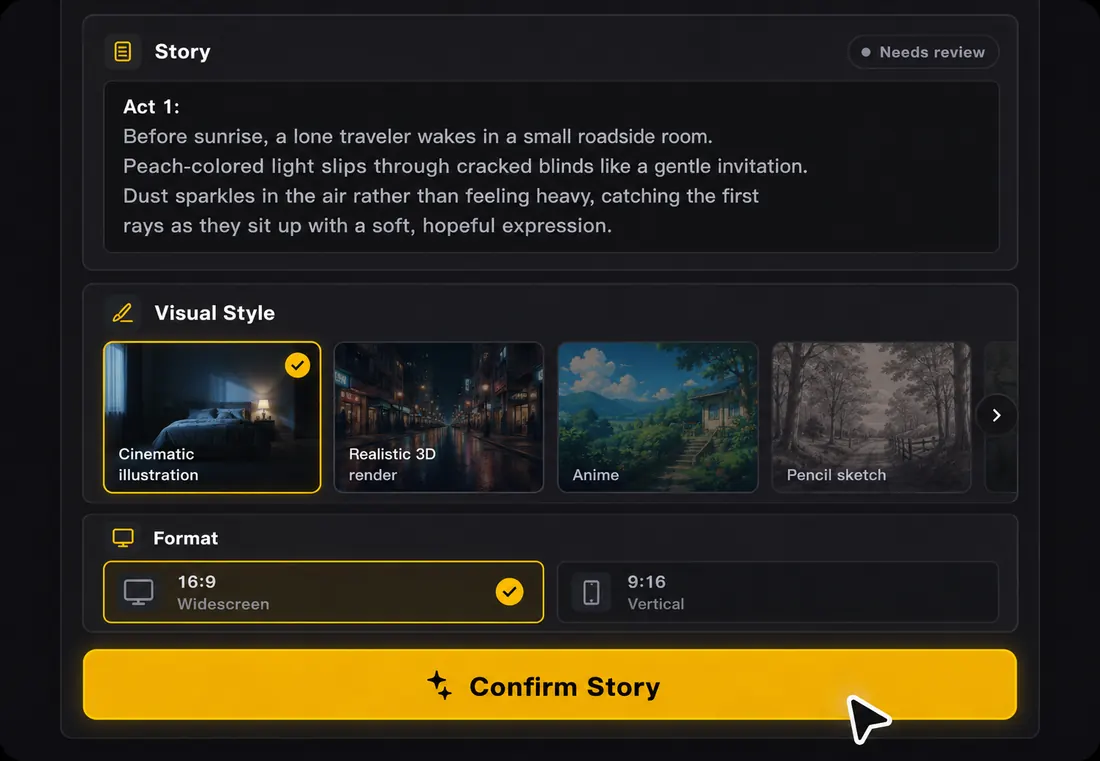
2AI transcribes the vocals and places the lyrics on the timeline. Listen to the song, correct words, and adjust timing where needed.
 3
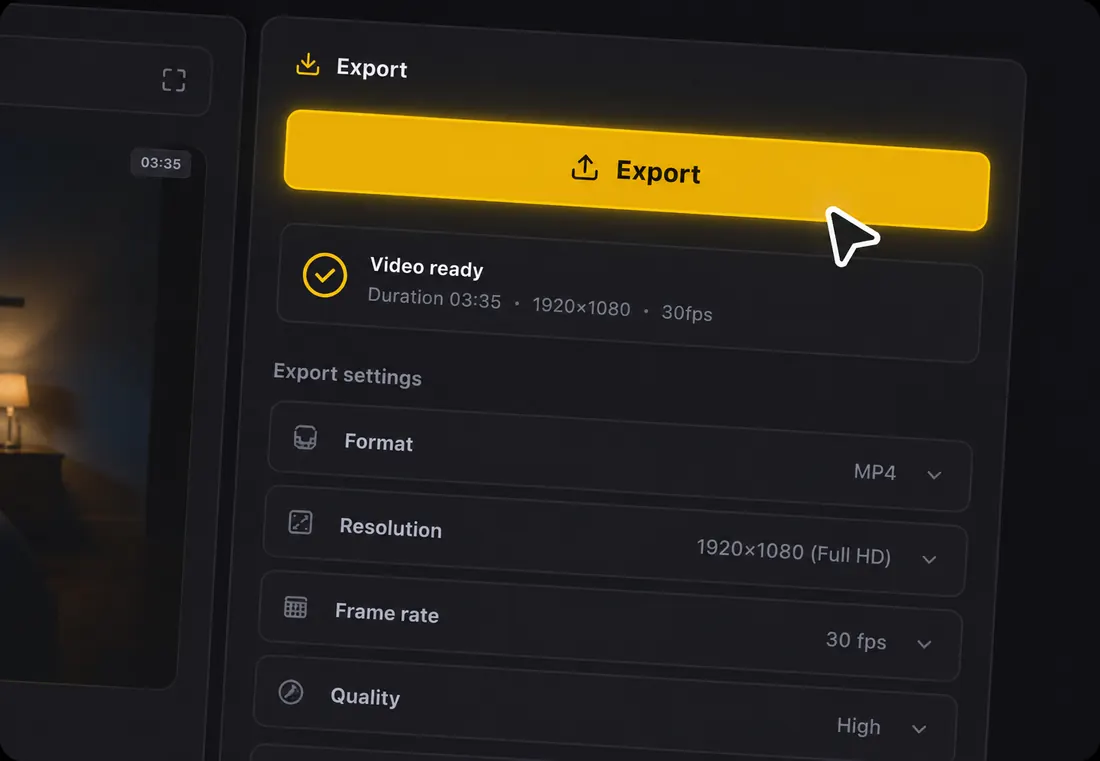
3Review your lyrics and visuals before exporting an MP4. Choose 16:9 for a widescreen video or 9:16 for a vertical clip. Free exports include a watermark.
Use a public Suno song link in the form https://suno.com/song/... or a share link in the form https://suno.com/s/.... The import brings in the audio for your lyric video; it does not import a Suno editing project.
Sign in to import the link. If the song cannot be imported, download an audio file from Suno using the options available to your account, then upload that file here.
See current pricing for available plans and watermark-removal options. Free starter credits are not a promise of unlimited generation.
| Option | What to expect |
|---|---|
| Start free | Create a free account to receive starter credits and try the lyric video workflow. Free exports include a watermark. |
| Paid options | Paid plans and watermark-removal options are described on the current pricing page. Choose according to your generation needs and export access. |
Choose the recording you want viewers to hear before adjusting lyrics. A different take can change vocal entrances, pauses, and the ending. For file preparation, see the Suno audio download guide.
Check the first sung line, the chorus, and the ending in the exported file. For a longer planning walkthrough, read how to turn a Suno song into a music video.
Import your song, review the words, and preview the result before exporting. Start with free credits; free exports include a watermark.
Start My Suno VideoPublic Suno link or audio upload · Sign-in required for import