
 1
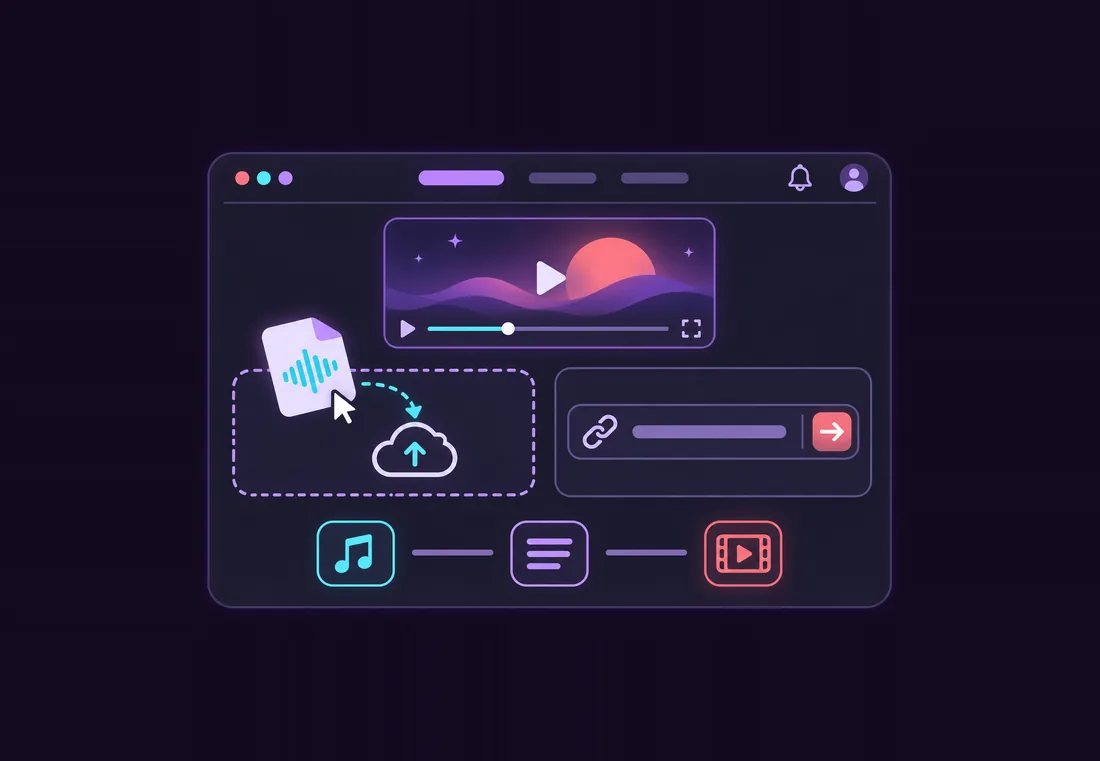
Step 1: Upload your song
Sign in with a free account, then upload an MP3, WAV, FLAC, AAC, OGG, or M4A (up to 100MB), or paste a Suno link.
AI music visualizer — upload a song, get a lyric video or AI music video
Upload your track and AI transcribes the lyrics, times them, and generates a first set of scenes. Edit, preview, and export an MP4 — no software to install.
1Sign in with a free account, then upload an MP3, WAV, FLAC, AAC, OGG, or M4A (up to 100MB), or paste a Suno link.
 2
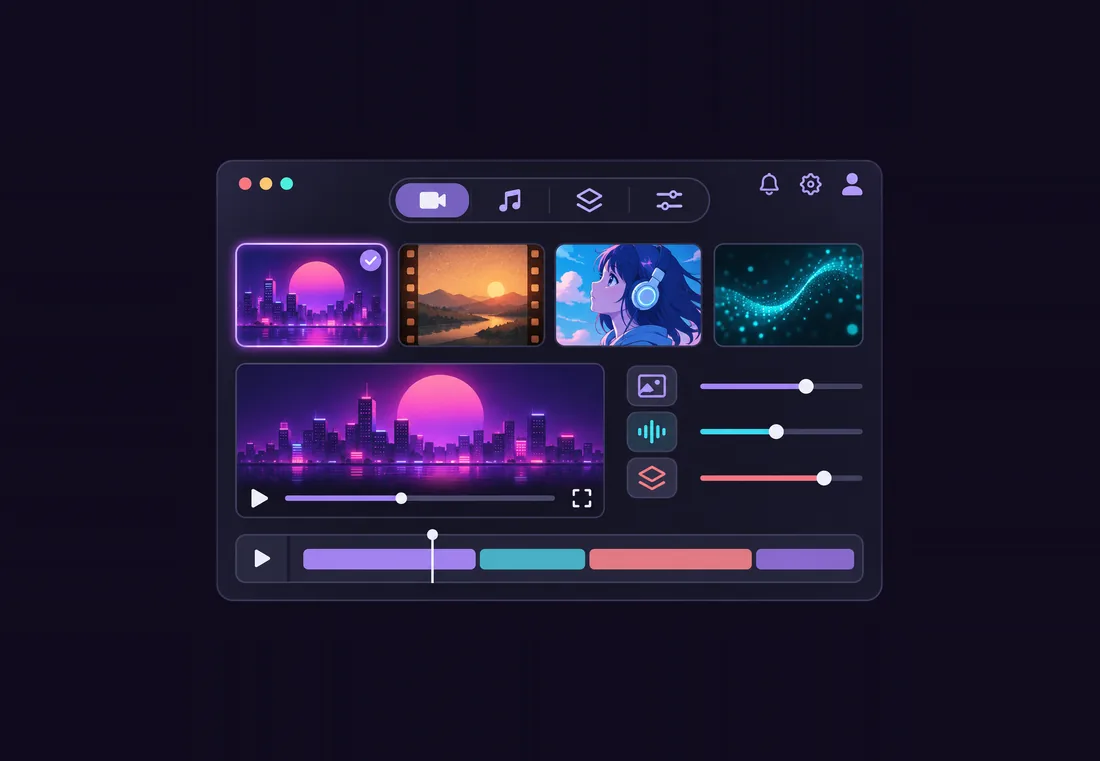
Choose Lyric video or MV, pick a visual style or describe your own, and AI transcribes, times the lyrics, and generates the first version of your scenes.
 3
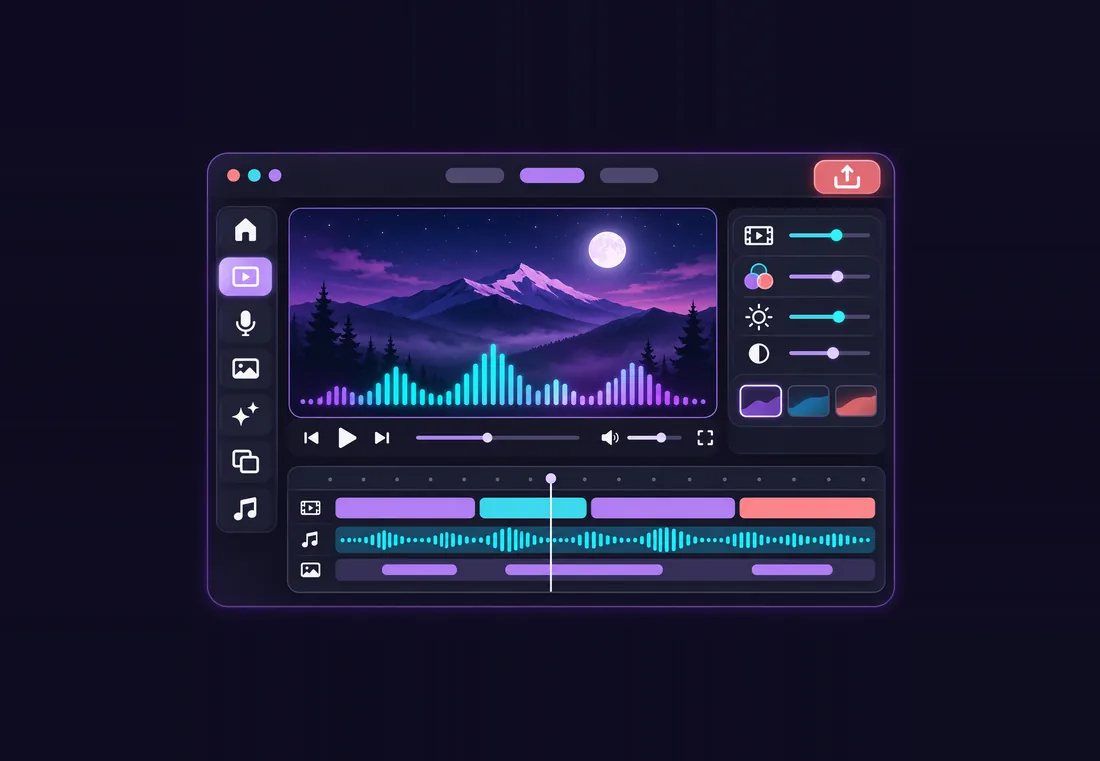
Adjust lyrics, timing, and style, preview the result, and export an MP4. Free exports include a watermark; watermark-free export is a paid option.
Export your song video in widescreen 16:9 or vertical 9:16, depending on where you plan to post it.
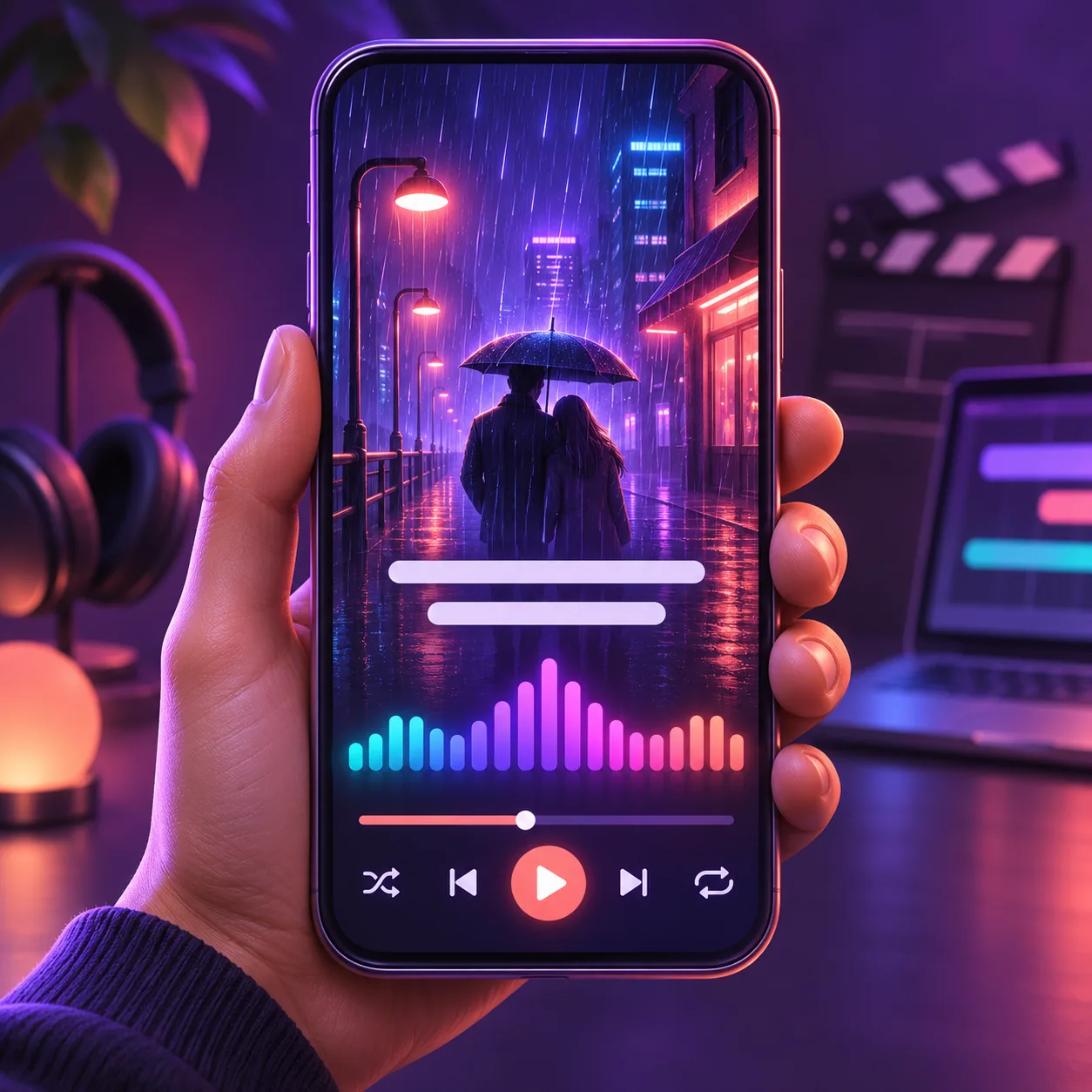
A 16:9 video with your lyrics timed on screen over AI-generated scenes.
A 9:16 version of your video for vertical, short-form posts.
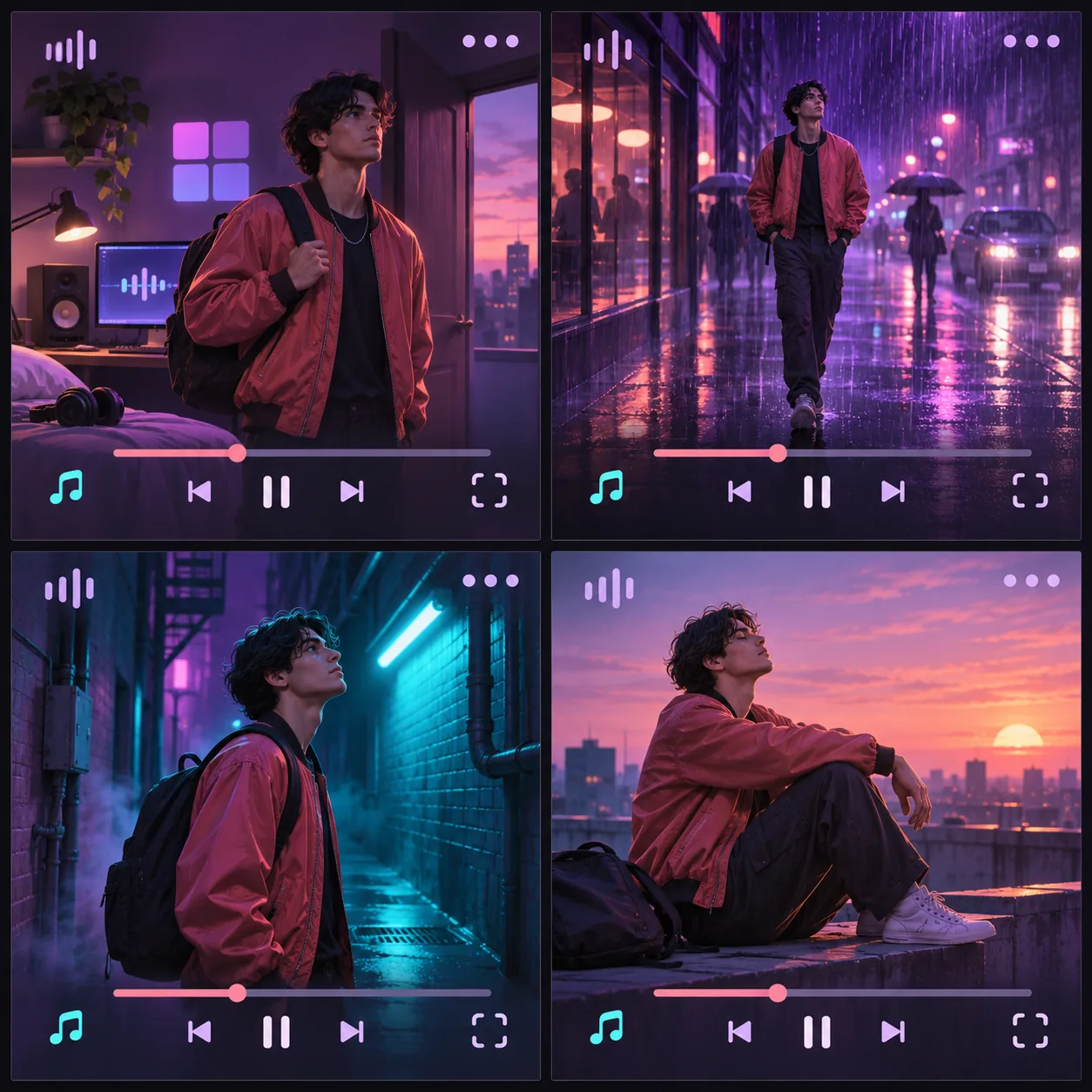
MV mode builds a sequence of AI-generated scenes around your song.

Paste a Suno link instead of uploading a file to start a video from your AI song.
If you want a song video with AI scenes and timed lyrics, you don't need desktop software.
| Detail | This tool | Desktop software | Other online tools |
|---|---|---|---|
| Nothing to install | Yes — web app, rendered on our servers | No — download and set up | Usually |
| Free to try | 20 free credits (one lyric video); free exports are watermarked | Depends on the app | Varies |
| AI transcribes and times lyrics | Yes | Manual timing | Varies |
| AI-generated scenes | Yes — pick a style or describe your own | Manual editing | Varies |
| Aspect ratios | 16:9 and 9:16 | Set manually | Varies |
This tool makes lyric videos and AI music videos with generated scenes. It does not make real-time spectrum or waveform animations.
Classic music visualizers draw bars or waveforms that react to sound. This tool works differently: it turns your song into a lyric video or an AI music video, with AI-generated scenes and lyrics timed to the track. Upload a song, choose a mode and style, edit, and export an MP4.
Both modes turn a song into a video, but they serve different purposes. Choose based on what your release needs.
| If you want… | Use |
|---|---|
| Your lyrics on screen, timed to the song | Lyric video mode |
| AI scenes that tell a visual story | MV mode |
| Real-time spectrum bars or waveform animation | A different tool — this one doesn't make those |
| A widescreen video for YouTube | Either mode, exported in 16:9 |
| A vertical clip for short-form posts | Either mode, exported in 9:16 |
The style you choose sets the look of the AI-generated scenes in your video.
A few checks before you export.
Upload your track and turn it into a lyric video or AI music video, starting with a free 90-second preview. Want lyrics front and center? Try our lyric video maker.
Start a Free PreviewWant the lyrics on screen too? → Make a Lyric Video